
Apps
Media & Video
Logitech Mevo
Logitech Mevo

| Package ID: | |
|---|---|
| Latest Version: | v5.1.4 |
| Latest update: | Feb 09, 2026 14:14:05 |
| Developer: | Logitech Europe S.A. |
| Requirements: | Android |
| Category: | Media & Video |
| Size: | 138.20 MB |
| Tags: | System Social Camera |
Rating :4.0
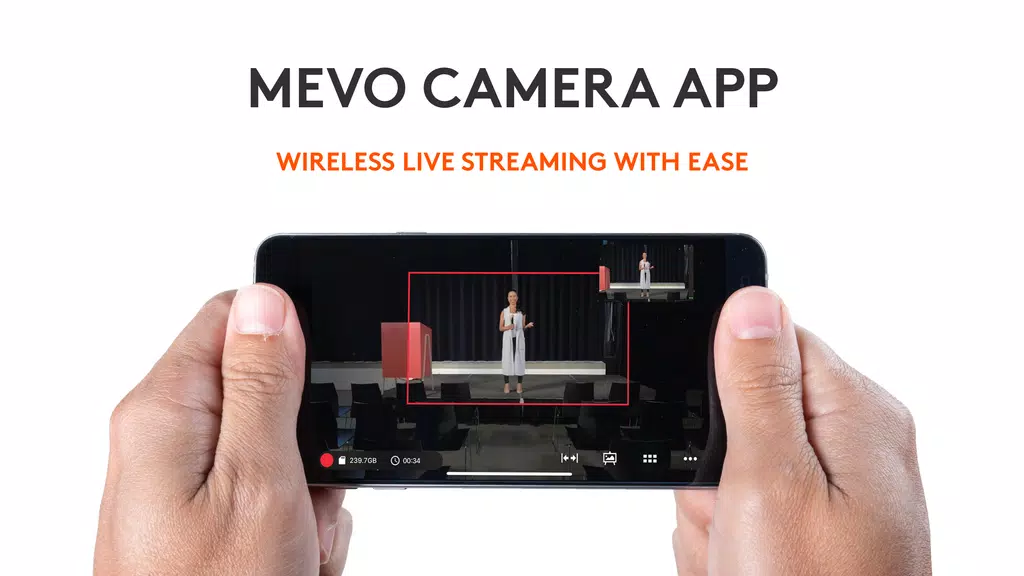
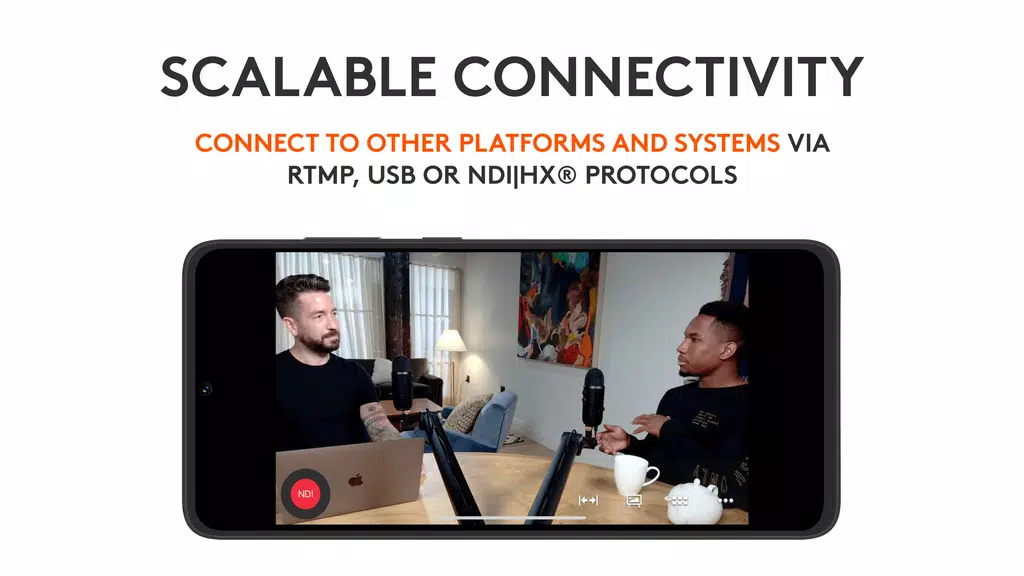
Logitech Mevo is a portable live streaming camera designed for content creators, vloggers, event hosts, and businesses looking to broadcast high-quality video on the go. With its compact size and powerful features, the Mevo enables users to stream live video seamlessly in HD resolution, making it an ideal solution for both casual and professional live streamers. Whether you’re broadcasting a concert, conference, or personal event, Logitech Mevo provides the tools needed for smooth and engaging live video production. The camera is designed to make live streaming accessible, with easy setup, mobile app integration, and real-time streaming to popular platforms like YouTube, Facebook, and Instagram.
Features of Logitech Mevo:
1. HD Live Streaming: Logitech Mevo delivers 1080p HD video streaming, ensuring your broadcasts look professional and sharp. Whether you're streaming a live performance or a webinar, the high-definition quality makes your content more engaging for viewers.
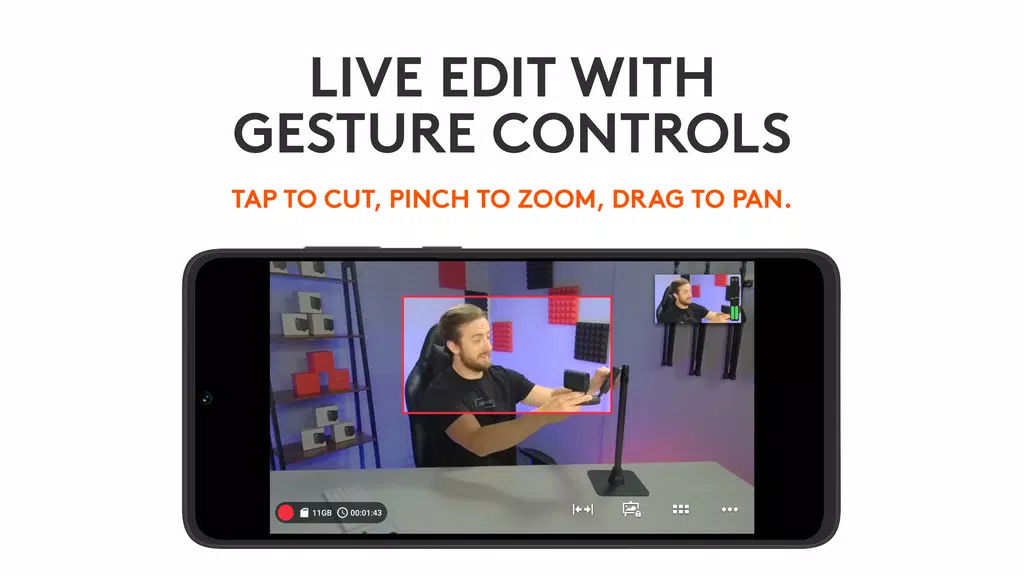
2. Built-in Editing and Switching: The Mevo comes with integrated editing features that allow users to switch between multiple video angles and shots in real-time. This is particularly useful for creators who need to adjust the shot while streaming without needing a separate video switcher or editor.
3. Mobile App Control: The Mevo app gives users full control over their live stream, from video adjustments to managing streaming settings. You can connect your camera to your mobile device and easily manage everything from framing to streaming platform selection, all through the app.
4. Wide-Angle Lens: The camera features a wide-angle lens, providing a broader field of view. This is great for capturing large crowds or entire scenes, reducing the need for multiple cameras or repositioning during live streams.
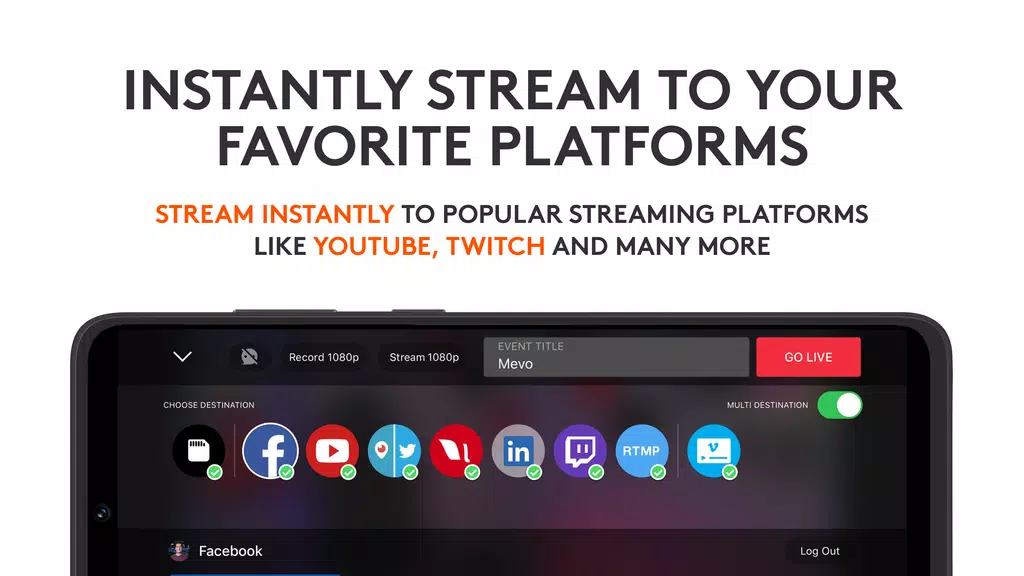
5. Streaming to Multiple Platforms: Logitech Mevo supports streaming to various platforms, including Facebook, YouTube, Instagram, and more, giving users the flexibility to broadcast to their desired audience. The camera also supports multi-platform streaming, allowing you to broadcast to multiple social media platforms simultaneously.
FAQs of Logitech Mevo:
1. Is Logitech Mevo compatible with all mobile devices?
- Logitech Mevo is compatible with both iOS and Android devices, but it requires the Mevo app for full functionality. Ensure that your mobile device meets the minimum system requirements to avoid performance issues during streaming.
2. Can I stream without an internet connection?
- No, you need an internet connection to stream live with Logitech Mevo. The camera connects to your mobile device, and your device must have access to the internet to broadcast to platforms like Facebook or YouTube.
3. How long can I stream with the Logitech Mevo?
- The battery life of the Mevo depends on usage, but typically it can stream for up to 6 hours on a full charge. For longer streams, you can connect the camera to a power source to extend the streaming duration.
4. Do I need additional equipment to use Logitech Mevo?
- While the Mevo is a stand-alone device that provides everything you need to start streaming, you may want additional equipment like external microphones or lighting to enhance audio and visual quality, depending on the type of stream you’re producing.
5. Can I live stream in 4K with the Mevo?
- Logitech Mevo supports HD streaming up to 1080p, not 4K. While this provides high-quality video for most streaming purposes, those specifically looking for 4K video might need to consider a different camera option.
Conclusion:
Logitech Mevo is an excellent tool for those who want to create high-quality live streams with ease. It is especially ideal for solo creators, event hosts, and businesses looking to stream to social media platforms with minimal hassle. The mobile app, wide-angle lens, and built-in editing features make it user-friendly, even for beginners. However, it’s not ideal for those requiring 4K streaming or advanced broadcast setups. If you're looking for a compact and portable solution to produce professional live streams with ease, Logitech Mevo is a great choice.