
Apps
Productivity
Document Reader
Document Reader
| Package ID: | |
|---|---|
| Latest Version: | v47.0 |
| Latest update: | Jan 28, 2026 15:05:04 |
| Developer: | United Developers Infotech |
| Requirements: | Android |
| Category: | Productivity |
| Size: | 18.00 MB |
| Tags: | System Navigation Read |
Rating :4.1
Looking for a mobile Document Reader app that revolutionizes the way you manage and access files? Look no further than FileMaster! This all-in-one document management tool supports ALL file types, eliminating the need for multiple apps. With auto file organizer, convenient mobile use, smooth navigation, advanced annotation features, and built-in scanner and QR functionalities, FileMaster streamlines your document handling, boosts productivity, and creates a tidy storage system on your device. Say goodbye to cluttered folders and multiple apps – FileMaster is your go-to solution for effortless document management on the go.
Features of Document Reader:
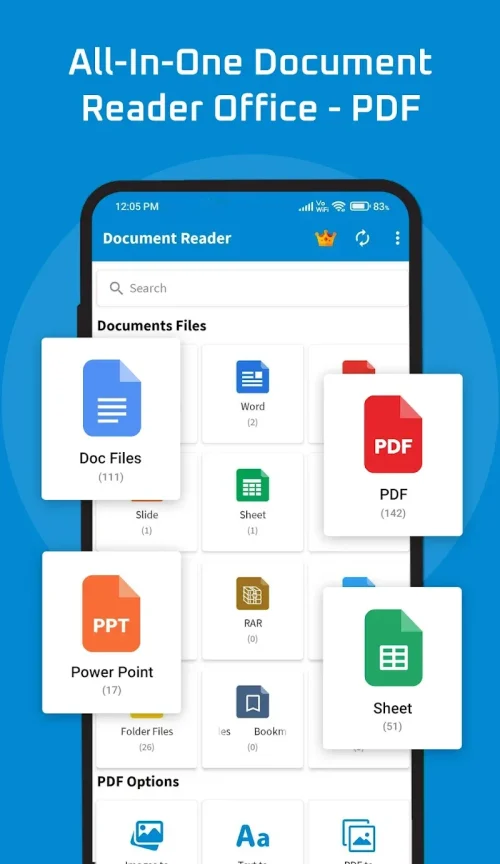
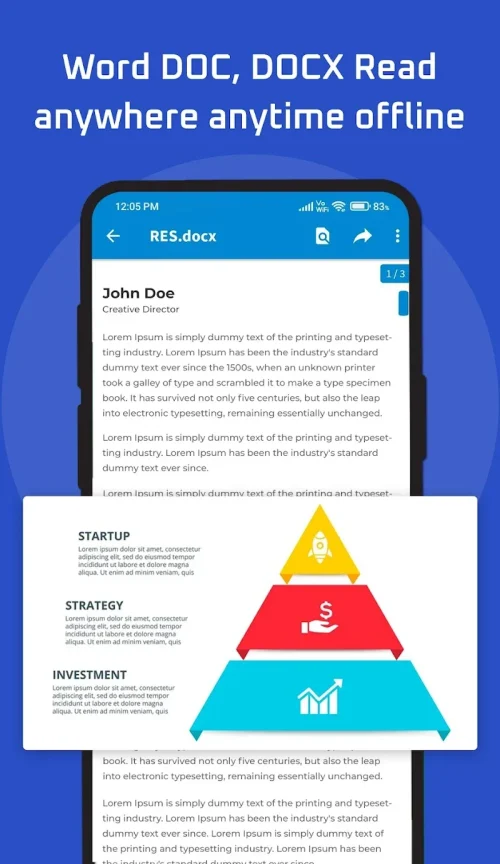
- All document formats: Document Reader supports all file types, including PDFs, Word docs, Excel sheets, PowerPoints, TXTs, ZIPs, RARs, and HTML. This versatile app eliminates the need for multiple document viewers.
- Auto file organizer: Say goodbye to clutter on your phone! Document Reader automatically scans and organizes files into relevant folders, making it easy to locate and access documents quickly.
- Convenient mobile use: With Document Reader, you can view and edit documents on the go directly from your mobile device. This app is optimized for mobile use, allowing for easy access to files anytime, anywhere.
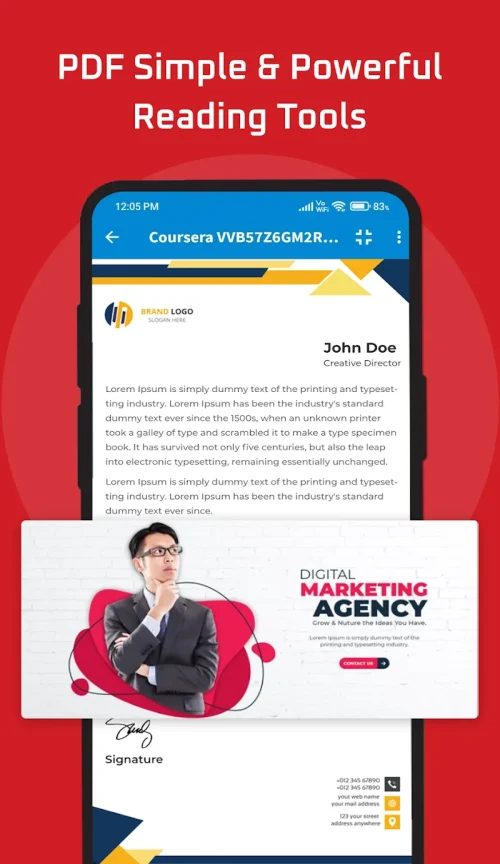
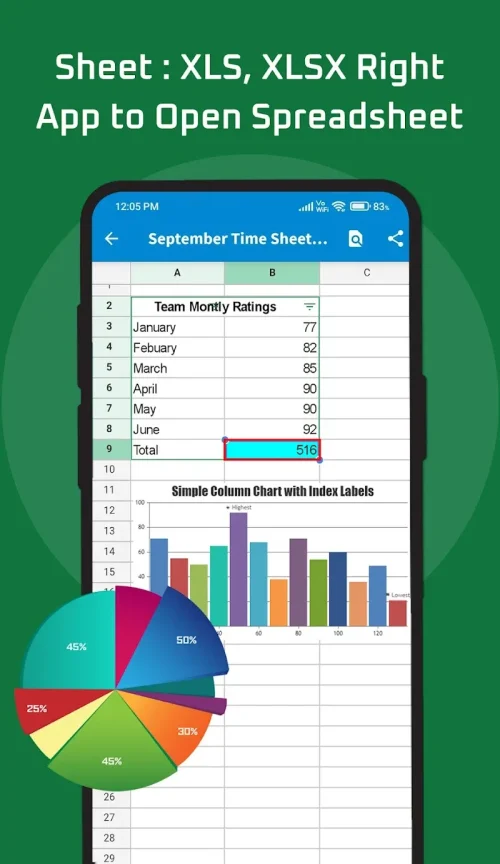
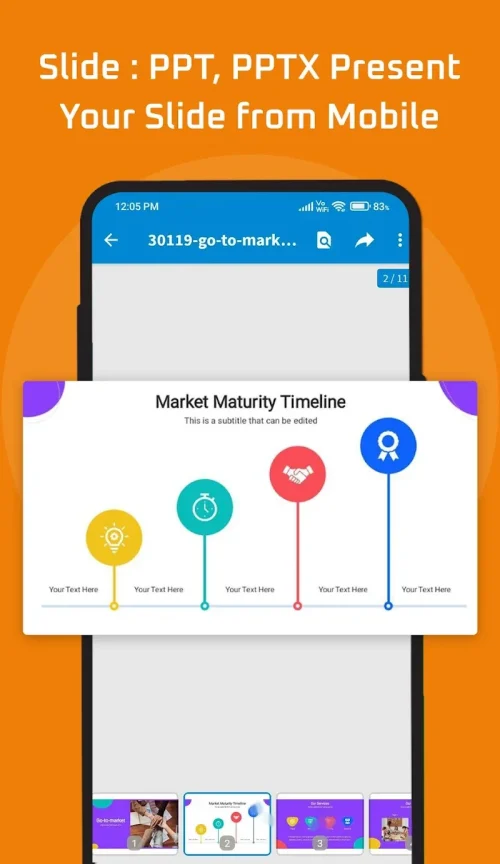
- Smooth navigation: Doc Reader's intuitive interface allows for seamless navigation through all document formats. Easily scroll through PDFs, flip between slides in presentations, and scan through Excel sheets with ease.
- Advanced annotation: Enhance your document analysis and productivity with Document Reader's advanced annotation features. Highlight important text, add comments, redact sensitive information, and even sign PDFs directly from your device.
Playing Tips
- Stay organized: Let Document Reader automatically organize your files into folders to streamline your document management process.
- Utilize search functions: Take advantage of the search functions in Document Reader to quickly locate specific files without wasting time searching through your device.
- Enhance productivity: Access and edit documents on the go with Document Reader, allowing you to work efficiently no matter where you are.
- Maximize analysis: Use the advanced annotation tools in Document Reader to optimize your document examination and make notes for future reference.
Conclusion
Document Reader is the ultimate all-in-one document management tool for users looking to seamlessly access and manage files on the go. With support for all document formats, automatic file organization, convenient mobile use, smooth navigation, and advanced annotation features, this app offers unparalleled versatility and efficiency. Download Document Reader today to simplify your document handling and boost productivity on your mobile device.






