
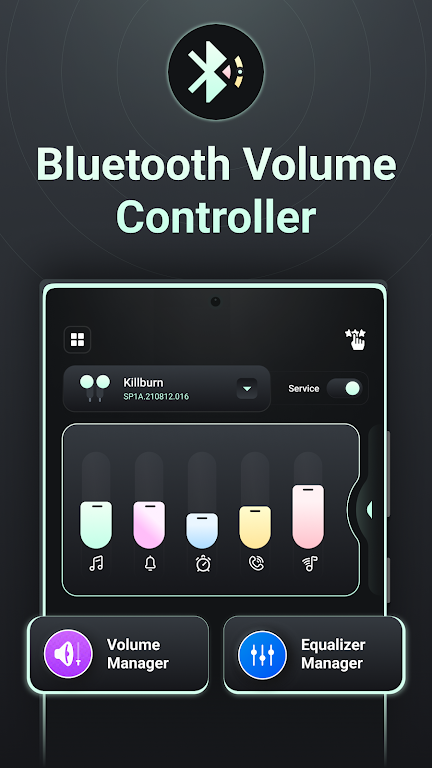
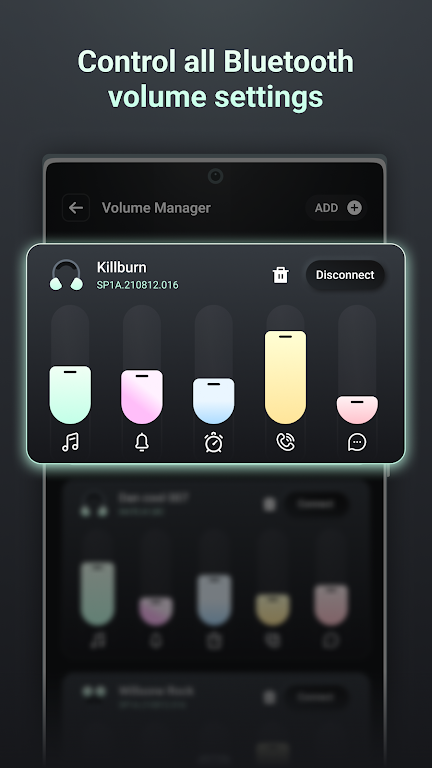
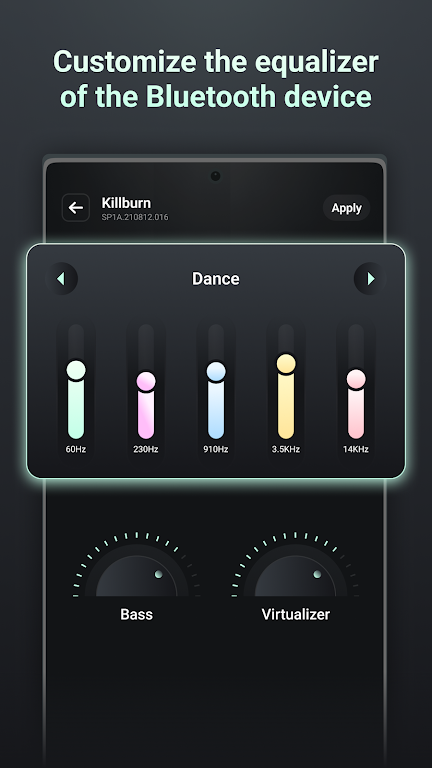
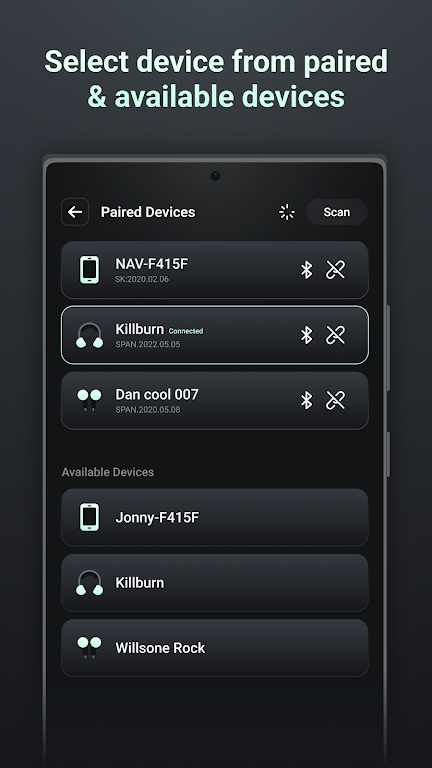

Bluetooth volume controller is a handy and efficient app designed to manage the audio levels of your Bluetooth devices directly from your phone. Whether you’re using wireless headphones, speakers, or other Bluetooth-enabled devices, this app makes it easier to control the volume without having to manually adjust each device. With its intuitive interface, users can easily set volume levels, customize settings, and seamlessly control multiple Bluetooth devices at once. This app enhances your overall audio experience, giving you the flexibility to manage your devices quickly and conveniently.
Features of Bluetooth volume controller:
1. Multiple Device Control: Bluetooth volume controller allows users to control the volume of multiple Bluetooth devices simultaneously, making it easy to manage several connections at once.
2. Intuitive Interface: The app features a simple and user-friendly interface, ensuring that you can adjust volume levels quickly without any hassle.
3. Custom Volume Settings: Users can set custom volume preferences for each Bluetooth device, allowing for personalized audio control.
4. Automatic Device Detection: The app automatically detects any Bluetooth device that is connected to your phone, enabling instant volume control without the need for manual setup.
5. Volume Presets: Bluetooth volume controller includes preset volume options for different scenarios, such as listening to music, making calls, or watching videos, making it easy to switch between them based on your needs.
Playing Tips of Bluetooth volume controller:
1. Set Custom Volume Levels: Take advantage of the custom volume settings to set different levels for your Bluetooth headphones, speakers, or car audio system for a more personalized experience.
2. Use Volume Presets: Use the preset volume settings to quickly adjust the audio levels for different activities like listening to music, watching movies, or talking on the phone.
3. Switch Between Devices: Easily switch volume control between different Bluetooth devices connected to your phone, especially when using multiple devices at once.
4. Use the Notification Widget: Add the Bluetooth volume controller widget to your notification panel for quick and easy access to volume controls without opening the app.
5. Check Device Compatibility: Make sure your Bluetooth devices are compatible with the app for the best experience, especially when using advanced features like automatic device detection.
Conclusion:
Bluetooth volume controller is a simple yet powerful app that streamlines the process of managing audio levels for your Bluetooth devices. With its ability to control multiple devices simultaneously, set custom preferences, and use handy presets, it offers a seamless audio experience for everyday use. Whether you're switching between devices or adjusting volume for different activities, the app makes controlling your Bluetooth devices easier and more convenient. If you’re someone who frequently uses Bluetooth audio devices, this app will surely improve your overall listening experience.






