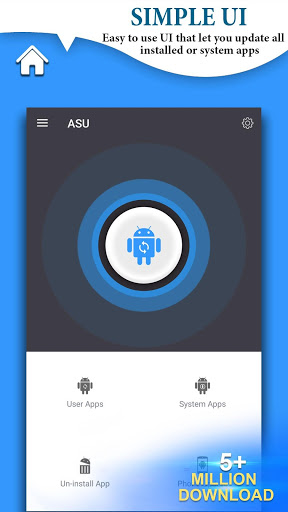

Update Software is a utility app designed to help users keep applications and system components on their Android devices up to date. With many apps installed on modern smartphones, managing updates manually can be time-consuming, and this app aims to simplify that process.
By automatically detecting available updates and presenting them in a clear list, Update Software allows users to stay informed about new versions and decide when and how to update their apps.
App and System Update Management
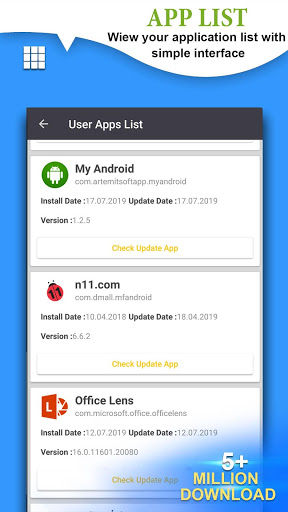
Update Software scans installed applications and checks for newer versions that are available. Pending updates are displayed in one place, making it easier to track which apps need attention.
The app supports both automatic and manual update options, giving users flexibility based on their preferences and device usage.
Android Version Support
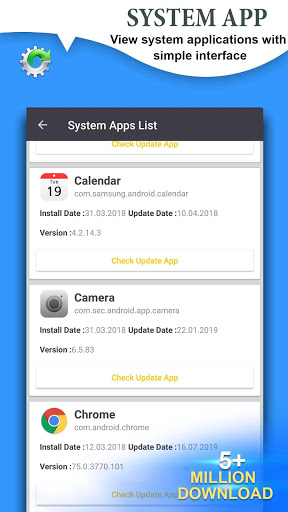
In addition to application updates, Update Software helps users stay aware of available Android system updates released by device manufacturers.
Keeping the operating system updated can improve performance, stability, and overall functionality.
Main Features
Manage and update a large number of installed apps from a single interface.
View pending updates automatically through update detection.
Support for both automatic and manual update control.
Helpful notifications about available app and system updates.
Simple and lightweight design suitable for everyday use.
Usage Tips
Check pending updates regularly to keep apps running smoothly.
Use manual updates if you prefer to control data usage.
Update your Android system when new versions are available to benefit from improvements.
Final Thoughts
Update Software offers a convenient way to manage application and system updates on Android devices. By organizing update information in one place, it helps users save time and maintain optimal device performance.
If you want a straightforward tool to stay on top of app and system updates, Update Software provides a practical solution.






