



Apps
Travel & Local
Spoke (Circuit) Route Planner
Spoke (Circuit) Route Planner

| Package ID: | |
|---|---|
| Latest Version: | v3.22.3 |
| Latest update: | Jan 21, 2026 14:44:03 |
| Developer: | Circuit Routing Limited |
| Requirements: | Android |
| Category: | Travel & Local |
| Size: | 37.44 MB |
| Tags: | Travel Date |
Rating :4.3
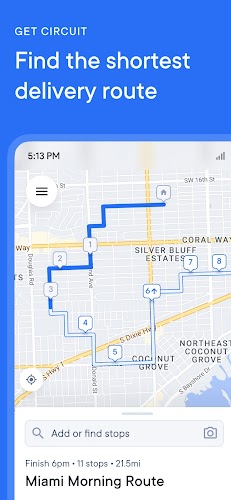
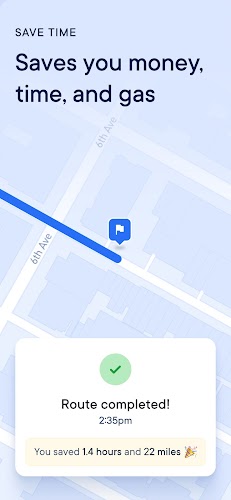
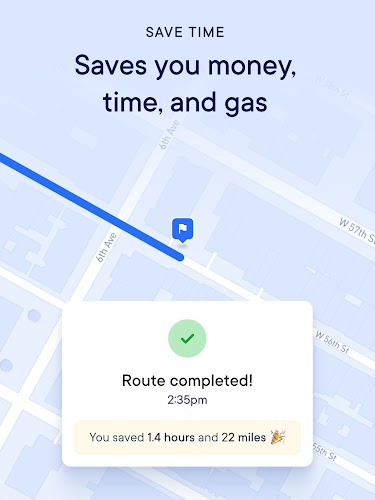
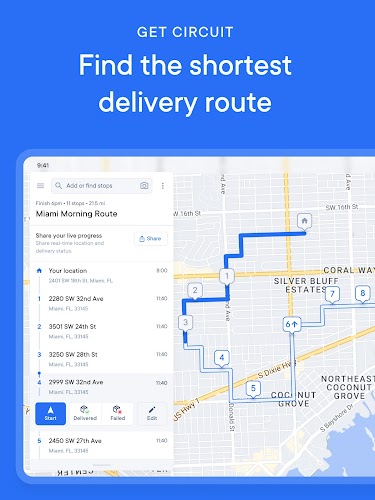
Spoke (Circuit) Route Planner is a smart and efficient app designed to help drivers optimize their routes for maximum efficiency. Whether you're delivering packages, commuting, or running errands, Spoke provides a seamless way to plan the most efficient routes, saving you time and fuel. The app uses advanced algorithms to calculate the quickest or most cost-effective paths, factoring in real-time traffic updates, road conditions, and other variables. With its user-friendly interface, Spoke is perfect for anyone who needs to streamline their travel, whether for business or personal use.
Features of Spoke (Circuit) Route Planner:
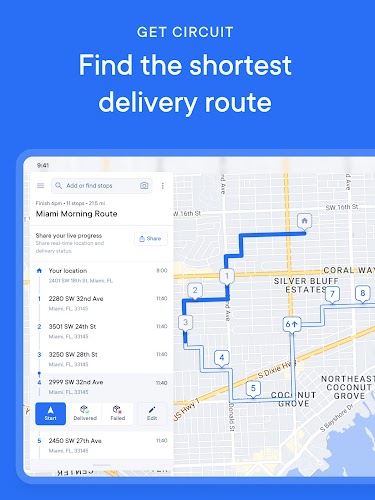
1. Route Optimization: Spoke helps you plan the best route by calculating the most efficient way to visit multiple locations, saving time, fuel, and effort.
2. Real-Time Traffic Updates: The app provides real-time traffic information, so you can avoid congested areas and find alternative routes if necessary, ensuring a smooth journey.
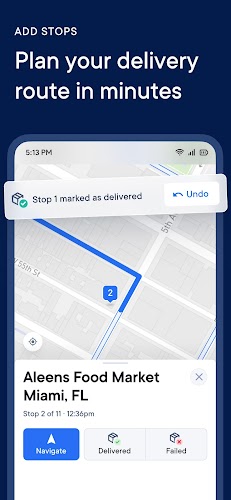
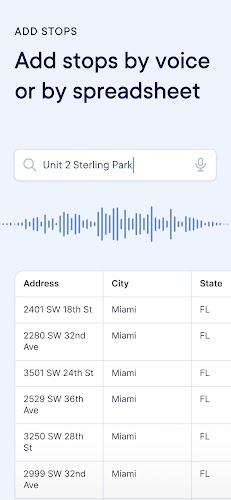
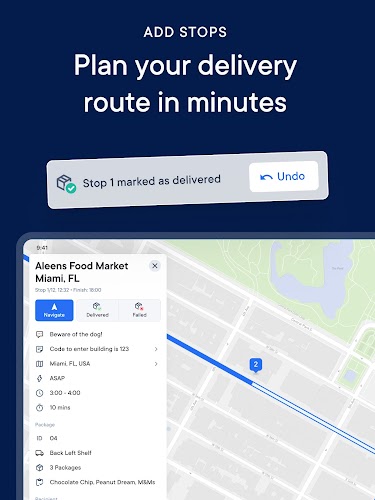
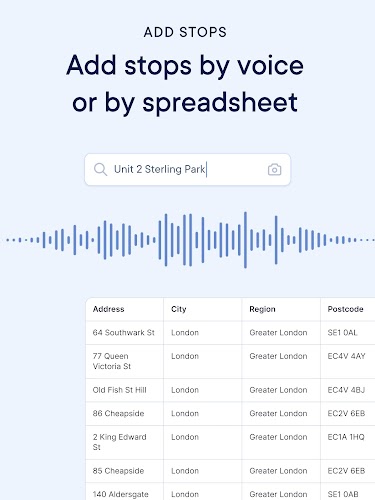
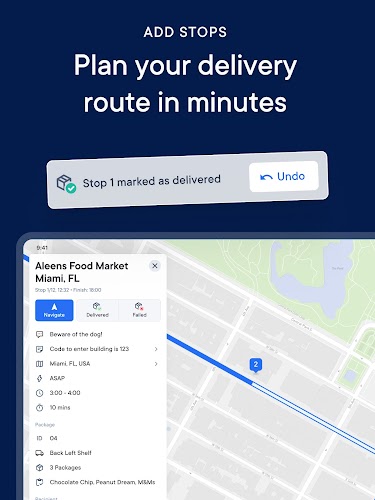
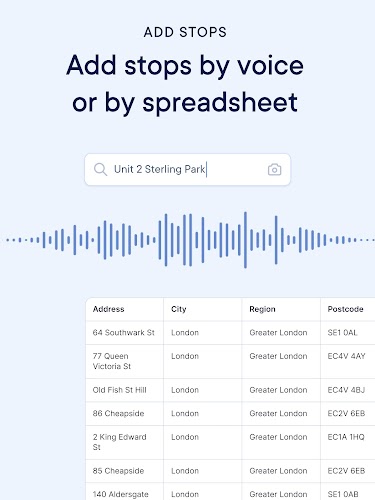
3. Multiple Stop Support: Spoke allows you to add multiple destinations to a single route, making it ideal for delivery drivers, road trips, or anyone needing to visit several locations in one trip.
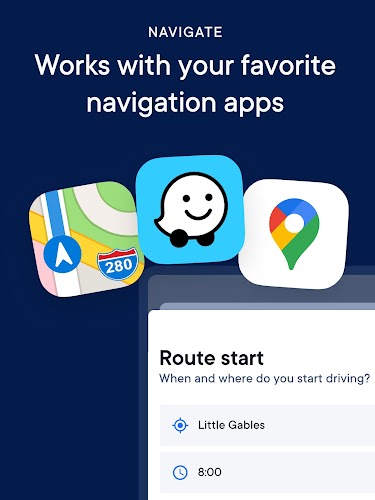
4. Intuitive Interface: The app’s clean, easy-to-use interface makes it simple to enter addresses, view suggested routes, and navigate without any hassle.
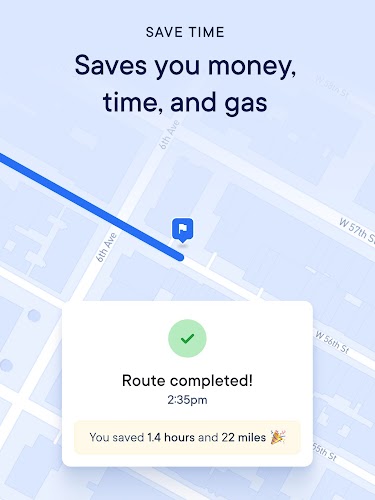
5. Time and Cost Estimates: Spoke provides accurate time and cost estimates for each route, helping you plan your day efficiently and stay within budget.
Playing Tips for Spoke (Circuit) Route Planner:
1. Plan Ahead: Before starting your journey, input all your destinations into the app so that it can optimize your route for the best efficiency and save you time on the road.
2. Check Traffic Updates Regularly: Traffic conditions can change quickly. Always check for real-time traffic updates within the app before you start your journey or when you're halfway through your route.
3. Use the Multiple Stops Feature: If you have several places to visit, be sure to utilize the multiple stops feature, which allows you to create a custom route with up to hundreds of destinations.
4. Avoid Rush Hours: If possible, try to plan your routes around peak traffic times. Spoke provides real-time traffic alerts, but it’s still helpful to avoid rush hour if you're in a hurry.
5. Review Estimated Times and Costs: Always review the estimated travel time and fuel cost before you start. This helps ensure you're on the best route and prepared for any unexpected delays.
Conclusion:
Spoke (Circuit) Route Planner is an essential tool for anyone who needs to optimize their travel routes, whether you're a delivery driver, a business professional, or just someone running errands. With its real-time traffic updates, multiple stop support, and route optimization features, Spoke helps you save time and resources while ensuring a smoother travel experience. The app’s intuitive design makes it easy to plan, navigate, and adjust your routes, so you can get to your destinations with less hassle and more efficiency. If you’re looking for a reliable route planning app, Spoke is a must-have for any traveler or driver.






