
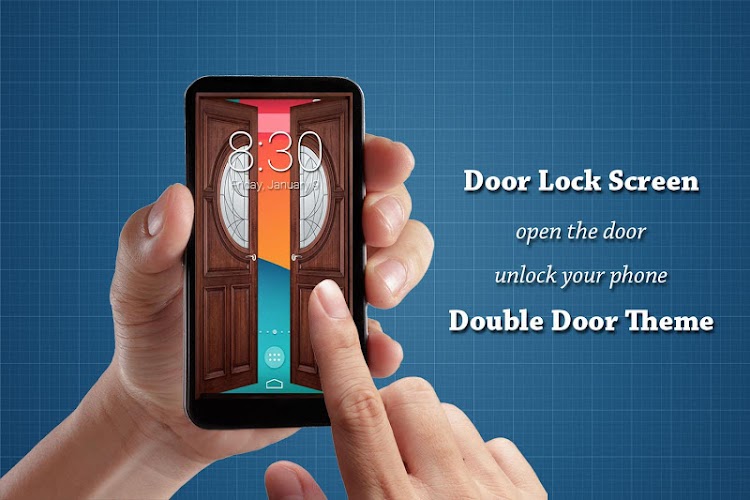
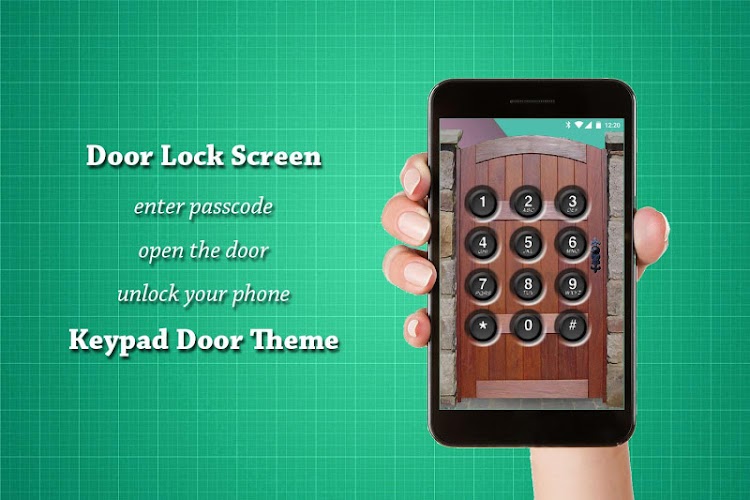
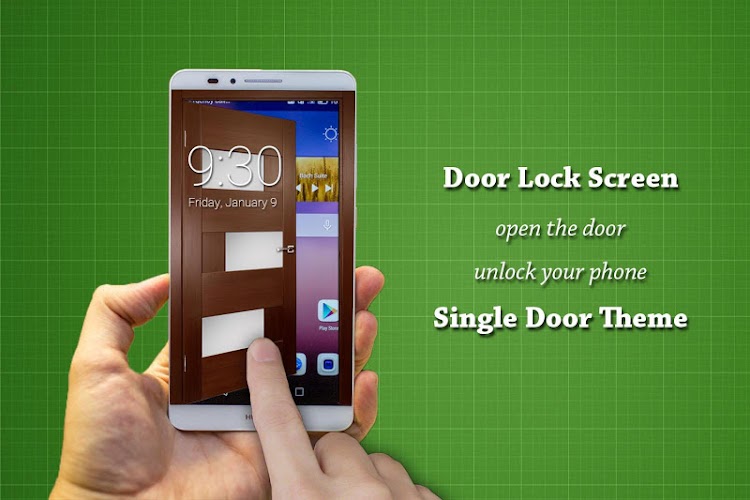
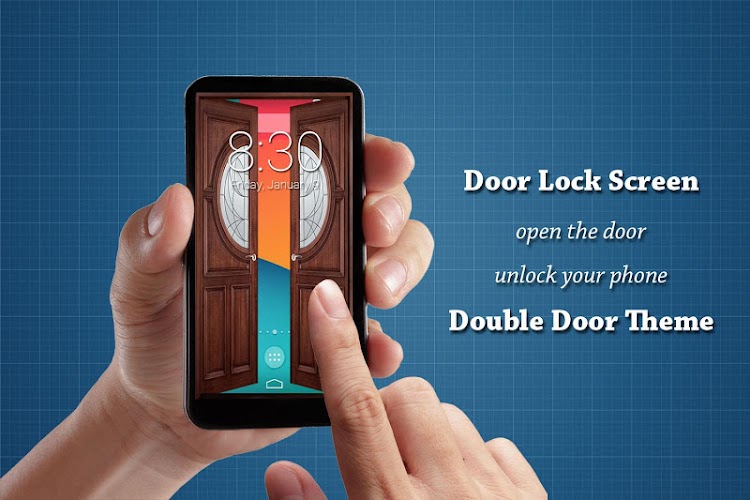
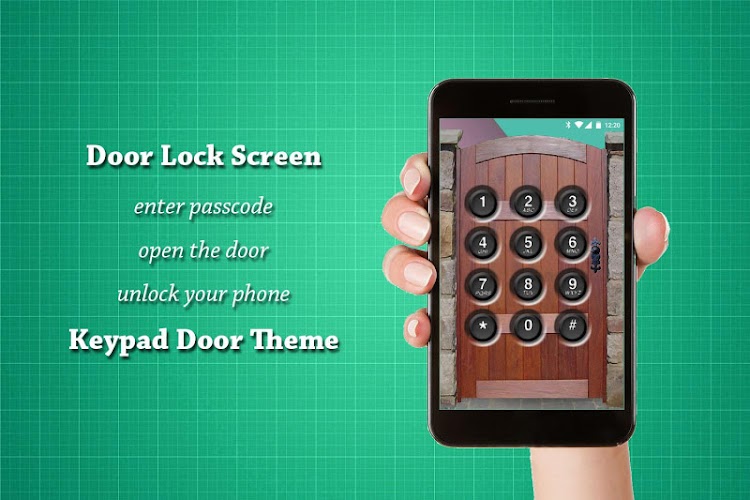
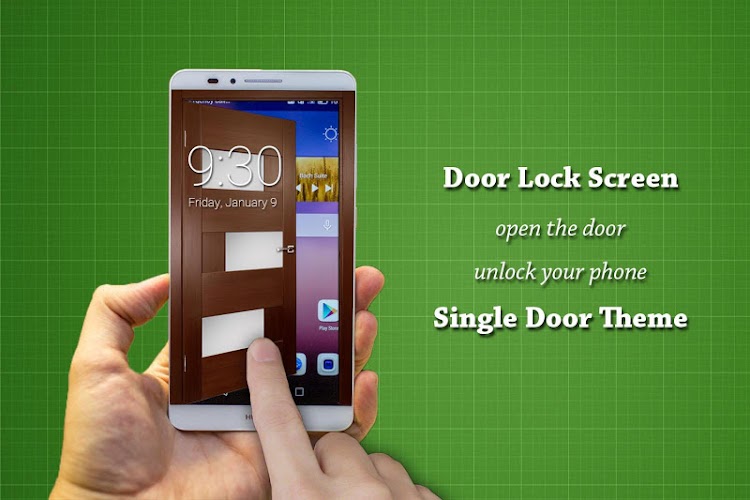
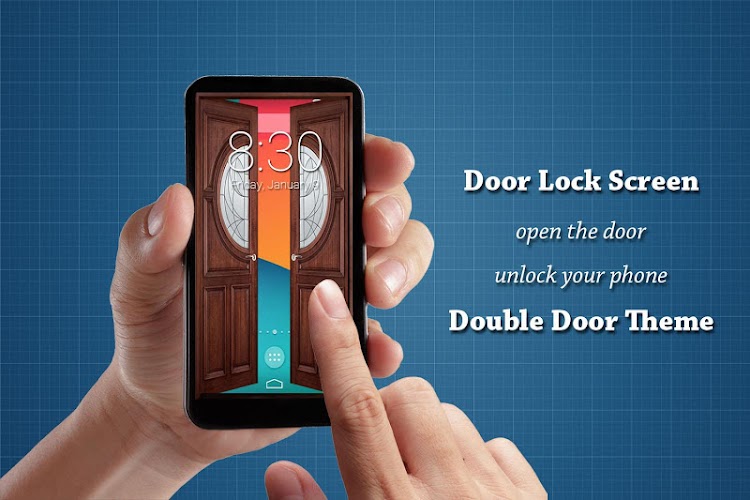
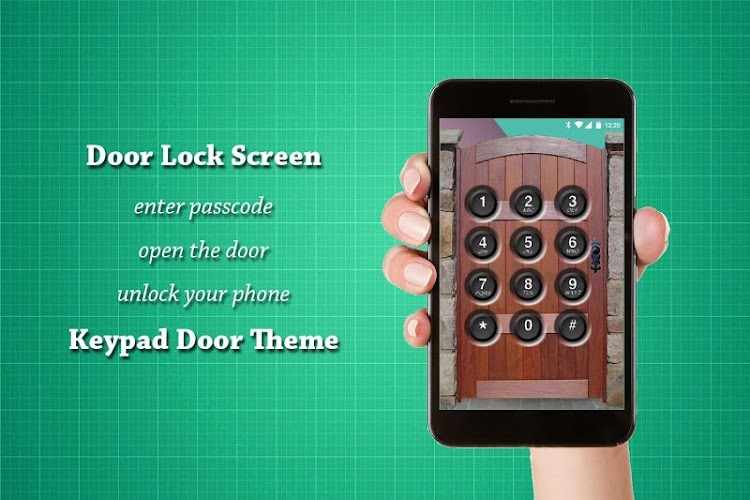
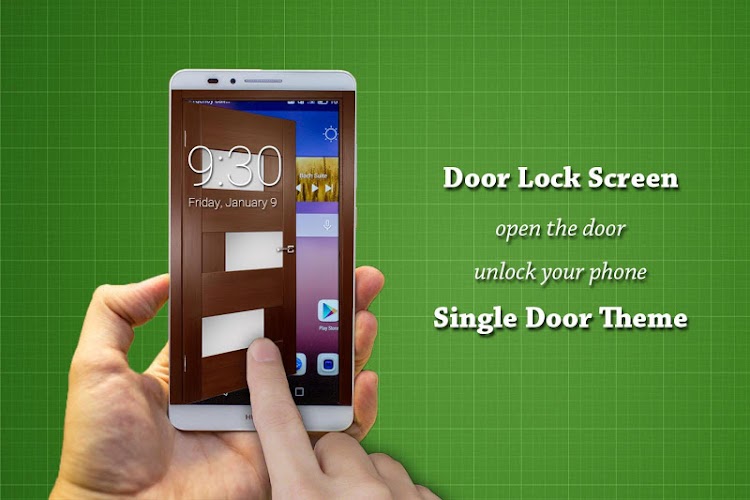

Door Lock Screen is a unique and secure app designed to bring an added layer of protection to your smartphone. Mimicking the appearance of a door lock, this app allows you to lock and unlock your device with a realistic simulation of turning a key or twisting a knob. Whether you’re looking to keep your phone safe from prying eyes or simply enjoy a new, fun way to interact with your device, Door Lock Screen provides an engaging and customizable lock screen experience. With various themes and unlock styles, this app ensures your phone’s security while adding a touch of creativity to your device’s interface.
Features of Door Lock Screen:
1. Realistic Lock Simulation: The app offers a lifelike lock screen experience where you can unlock your phone by turning a virtual key or twisting a lock, mimicking the action of a real door lock.
2. Customizable Themes: Choose from a range of lock screen themes, from classic door locks to modern variations, allowing you to personalize the look of your phone and make it stand out.
3. Secure Access: Door Lock Screen adds an extra layer of security by requiring you to perform a lock-unlock gesture before you can access your home screen, providing protection from unauthorized users.
4. Simple Setup: The app is easy to install and set up, offering step-by-step instructions to help you apply your preferred lock screen style with minimal effort.
5. Energy Efficient: Despite its engaging visuals, the app is optimized for low battery usage, ensuring that it doesn’t drain your phone’s power unnecessarily while providing extra security.
Playing Tips of Door Lock Screen:
1. Choose a Theme You Like: Explore the various lock screen themes to find the one that suits your style. Whether you prefer a classic, modern, or even futuristic door lock, there’s something for everyone.
2. Set a Backup PIN: In addition to the door lock feature, consider setting up a backup PIN or pattern lock for added security in case you forget how to unlock the screen.
3. Test Different Unlock Methods: Try different unlocking gestures (e.g., turning a key vs. twisting a knob) to find the one that feels most intuitive and fun to use.
4. Position Your Phone Carefully: Make sure your phone is positioned properly when unlocking it, as certain gestures may require precise movement or a steady hand to simulate unlocking correctly.
5. Personalize with Wallpapers: Complement the lock screen's door theme with custom wallpapers that match your personal taste, creating a cohesive and enjoyable user experience every time you unlock your phone.
Conclusion:
Door Lock Screen is a fun and practical app that adds a creative, security-focused twist to your phone's lock screen. With its realistic door lock simulation, customizable themes, and extra security features, it provides both an entertaining and functional way to protect your device. Whether you want to impress your friends with a unique unlock gesture or simply ensure your phone is securely locked, this app has you covered. Easy to use and energy-efficient, Door Lock Screen offers a refreshing alternative to traditional lock screens while keeping your phone safe and secure.






