
Apps
Productivity
Synology Drive
Synology Drive

| Package ID: | |
|---|---|
| Latest Version: | v3.5.1 |
| Latest update: | Dec 08, 2025 09:21:04 |
| Developer: | |
| Requirements: | Android |
| Category: | Productivity |
| Size: | 34.11 MB |
| Tags: | Office Video Music |
Rating :4.4
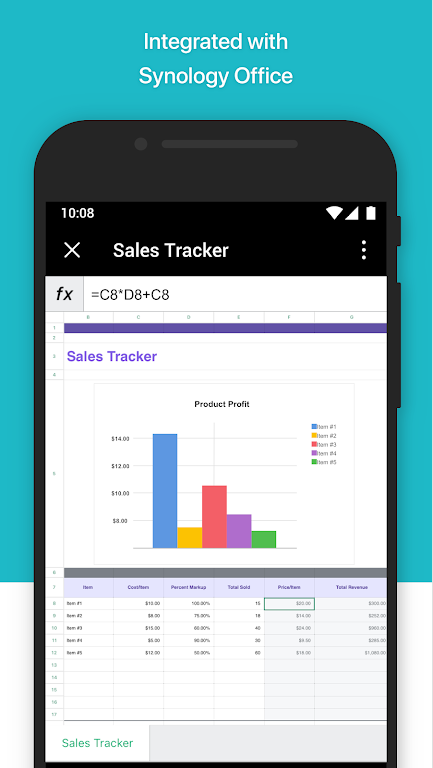
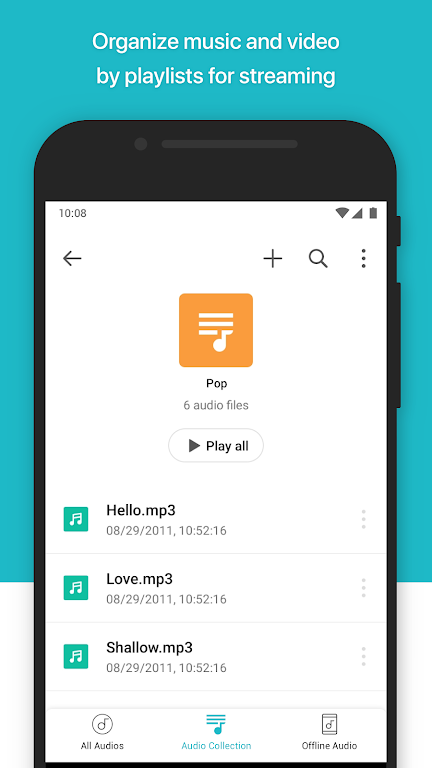
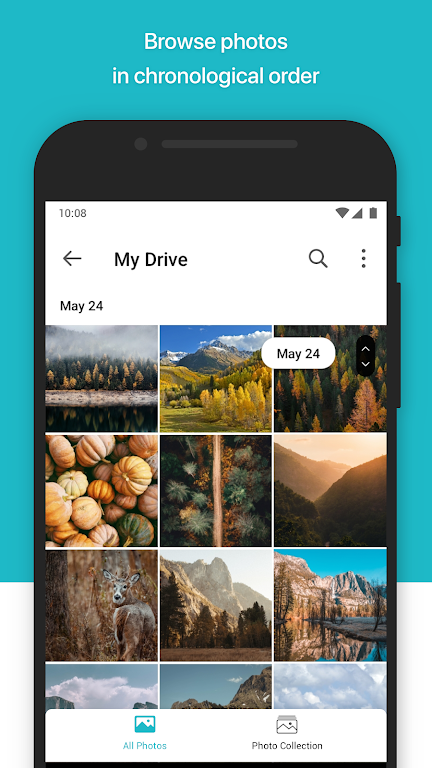
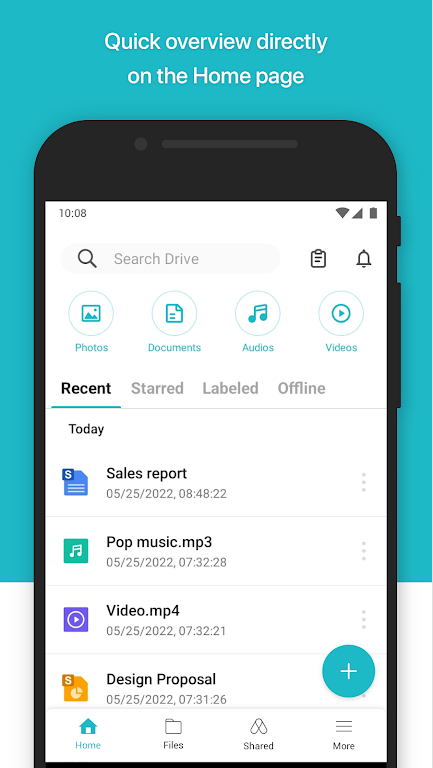
Stay connected and organized with Synology Drive on your Android device. This essential app lets you access and manage all your files stored on your Synology NAS seamlessly. From documents and images to videos and music, you can easily view and organize them on the go. With a user-friendly viewer, you can even open Synology Office documents, spreadsheets and slides effortlessly. The convenient search, share, move, and label features make it easy to stay productive and efficient no matter where you are. Say goodbye to juggling multiple devices and stay on top of everything with Synology Drive on Android.
Features of Synology Drive:
Easy Access and Management: With Synology Drive on your Android device, you can conveniently access and manage files stored on your Synology NAS wherever you are.
File Compatibility: In addition to common file types like documents and images, you can also view Synology Office documents, spreadsheets, and slides directly on your device.
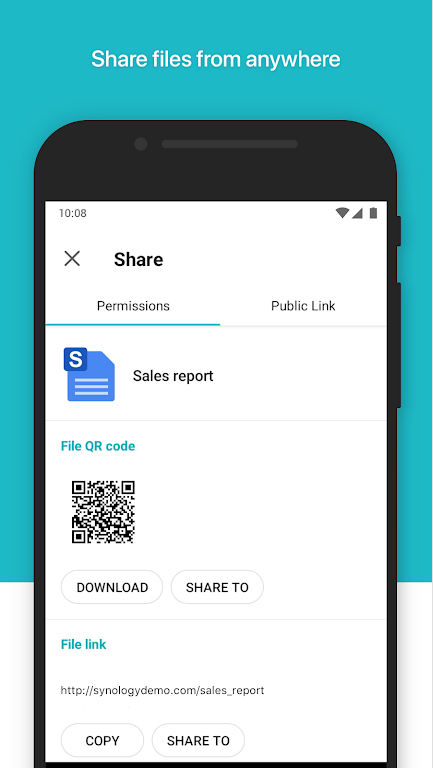
Efficient Task Completion: The app allows you to search, share, move, and label files, making it easy to complete tasks and stay organized while on the go.
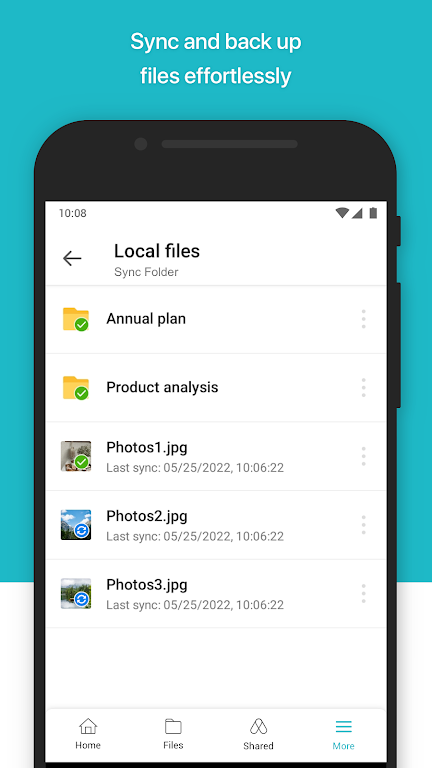
Seamless Integration: Synology Drive seamlessly integrates with your Synology NAS and Drive Server, ensuring a smooth user experience and easy synchronization of files.
FAQs of Synology Drive:
Do I need a Synology NAS to use Synology Drive on my Android device?
- Yes, you must own a Synology NAS and have the latest Synology Drive Server installed in order to use the app.
Can I view and edit Synology Office documents on my Android device?
- Yes, you can view Synology Office documents, spreadsheets, and slides in the viewer provided by Synology Drive on your Android device.
Is it possible to share files with others using Synology Drive on Android?
- Yes, you can easily share files with others using the sharing feature in Synology Drive on your Android device.
Conclusion:
Synology Drive for Android offers a convenient and efficient way to access and manage files on your Synology NAS while on the go. With its user-friendly interface, file compatibility, and essential features like searching and sharing, this app is a must-have for anyone looking to stay productive and organized outside of the office. Download Synology Drive now and experience seamless file management on your Android device.






