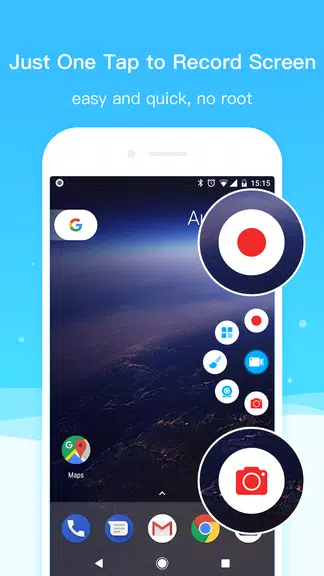

Screen Recorder+Video Recorder is a versatile screen recording app that allows you to capture high-definition videos without the need for rooting your device. With features such as RTMP live streaming, screenshots, and a built-in video editor, Record+ is your all-in-one recording solution. Whether you're recording gameplay, live broadcasts, online courses, or important meetings, this app can do it all with just a tap. Choose your resolution, frame rate, and bit rate, record with a floating circle, and even turn on the face camera while recording. Stop worrying about watermarks and unnecessary noise - Record+ lets you customize your recordings to suit your needs perfectly.
Features of Screen Recorder+Video Recorder:
❤ Easy to Use Interface
- The app offers a user-friendly interface that makes screen recording and video editing simple and straightforward. You don't need to be a tech genius to create professional-quality videos.
❤ Customizable Recording Options
- With this app, you can customize your recording settings, such as resolution, frame rate, and bit rate. This allows you to tailor your videos to meet specific quality requirements.
❤ Multi-functional Tools
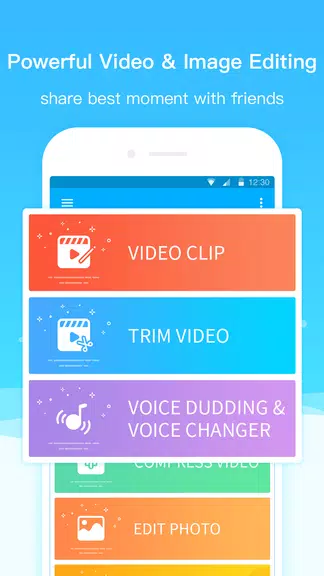
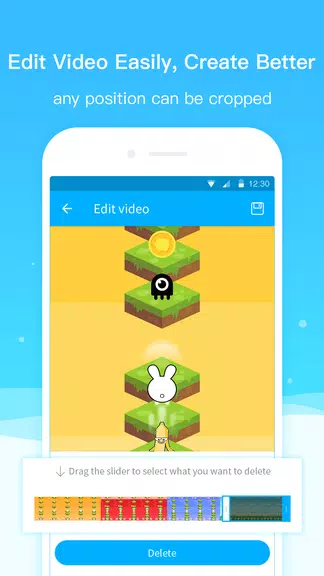
- In addition to screen recording, this app also offers RTMP live streaming, screenshots, and video editing tools. You can easily create and edit engaging content all in one place.
❤ Internal Sound Recording
- Unlike other screen recording apps, this one allows you to record internal sound without any additional equipment. This feature is perfect for capturing high-quality audio for your videos.
FAQs of Screen Recorder+Video Recorder:
❤ Is the app free to download?
- Yes, this app is free to download and use. You can access all of its features without any hidden fees or subscriptions.
❤ Can I schedule screen recordings?
- Yes, this app supports scheduled screen recordings. You can set a time for the app to start recording your screen automatically.
❤ Does the app support vertical and horizontal screen recording?
- Yes, you can choose to record your screen in either vertical or horizontal orientation. This flexibility allows you to capture content in the format that best suits your needs.
Conclusion:
With its intuitive interface, customizable recording options, and multi-functional tools, this screen recording app is a must-have for anyone looking to create high-quality videos. Whether you're recording gameplay, live streams, tutorials, or meetings, this app has everything you need to capture your screen in stunning detail. Download the app today and start creating engaging content effortlessly.






