
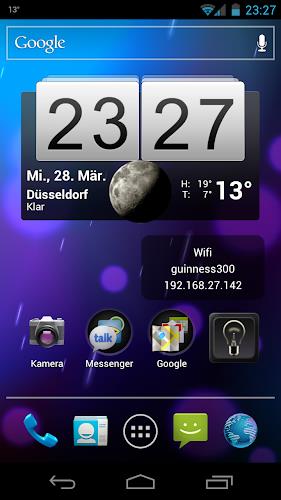
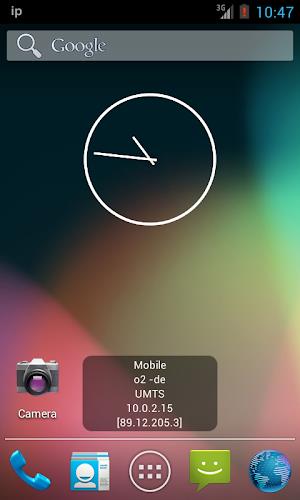
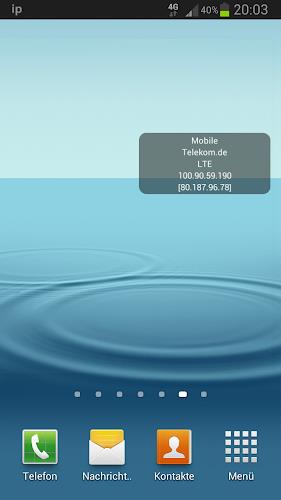
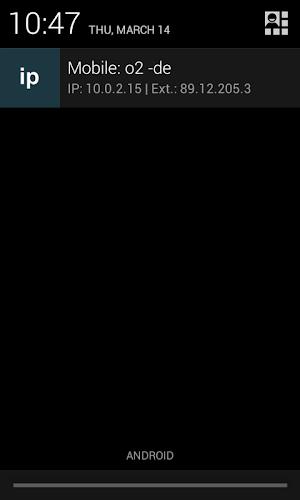
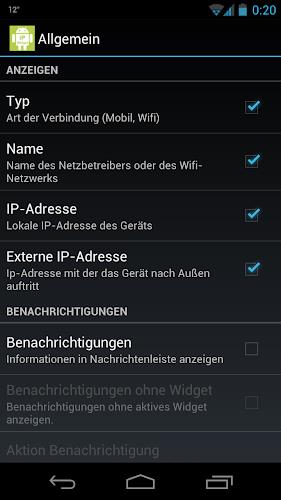
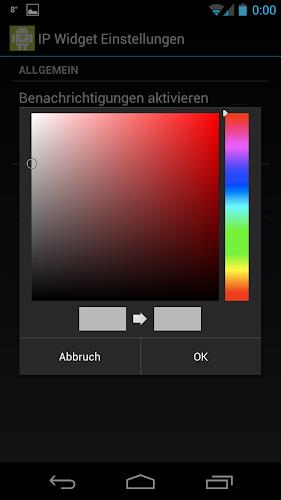
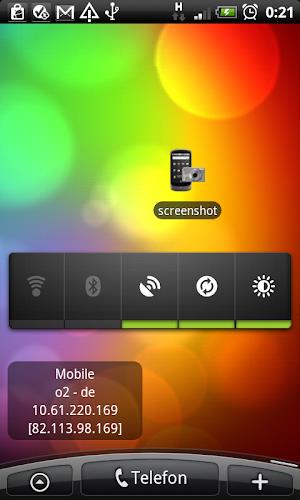
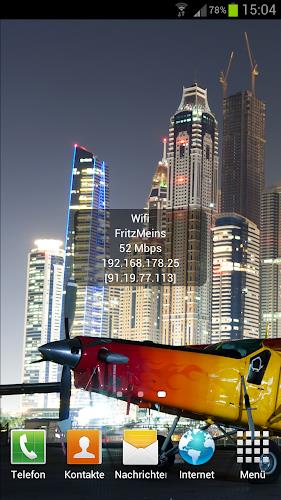

IP Widget is a handy tool that displays essential information about your mobile or wireless LAN connection with a simple widget. With no ads and the ability to customize the display, including background, text size, and text color, this widget offers convenience and personalization. Battery-saving features ensure that your device is not constantly polling for information, and options like showing local and external IP addresses, wifi speed, and even geo-IP location make it a comprehensive tool. Available in multiple languages and with the ability to log events, IP Widget is a must-have for those who want to easily monitor their network connection.
Features of IP Widget:
- Customization Options: Users can select which information they want to display on the widget, including background, text size, text color, and text opacity.
- Battery Saving Feature: The widget does not constantly poll for IP information, saving battery life by only updating when there is a change.
- Multiple Connection Support: The app supports various types of connections such as Bluetooth tethering, USB tethering, and different types of mobile connections.
- Multilingual Support: The app is available in multiple languages, making it accessible to a wider audience.
FAQs of IP Widget:
- Why are Channel & frequency not shown?
- Android 6 and above require location permission to scan for wifi networks, which is necessary to display channel and frequency information.
- What permissions does the app require?
- The app requires permissions for internet access, phone status and identity, WiFi status, network status, storage access, vibration control, and startup running.
Conclusion:
With customizable features, battery-saving technology, and support for various connections, IP Widget offers a user-friendly and versatile IP widget experience. The multilingual support and detailed permissions information make it a reliable and efficient tool for displaying IP information on your device. Download IP Widget now for a convenient and personalized IP widget on your phone.






