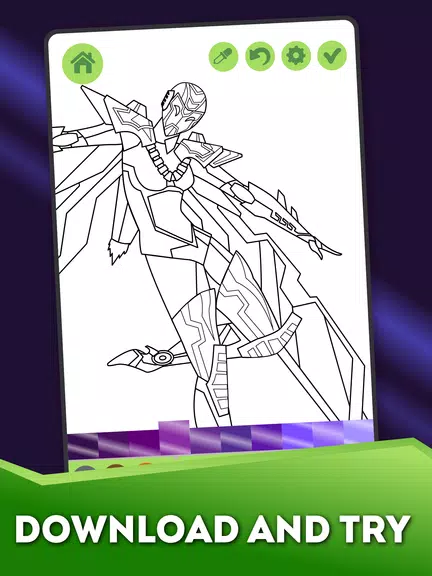

Robots City Coloring for Boys is a kid-friendly coloring app that places animated robot characters, space machines and heroic robo-figures into a simple, safe creative environment. In this title children can experiment with metallic palettes, zoom in for precise strokes and hear gentle sound effects while they paint; the app is designed for short, focused sessions that teach color recognition and fine motor control without complicated menus. Robots City Coloring for Boys opens directly to an easy canvas and familiar icons so kids can begin coloring right away, while parents will appreciate the straightforward controls and options for limiting purchases or ads.
Key features
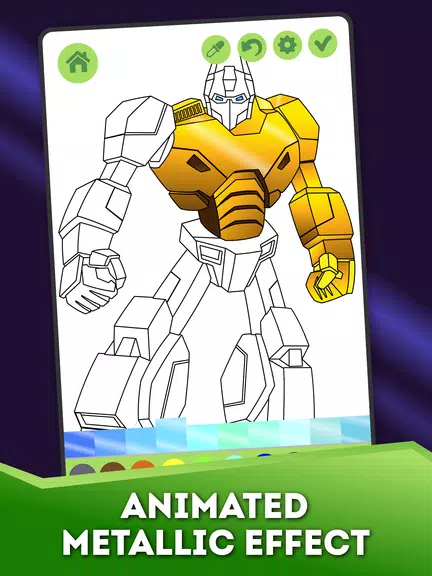
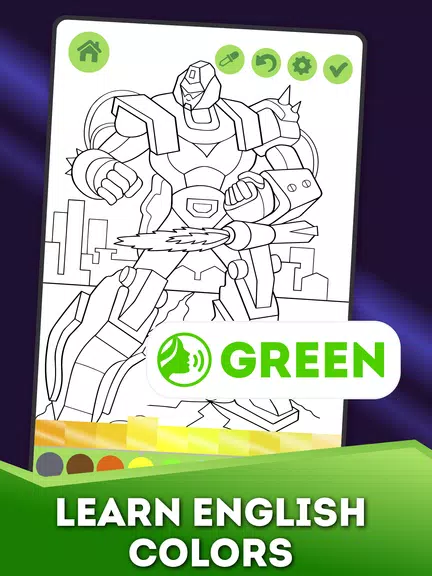
The application pairs hand-drawn line art with subtle animated metallic effects that make completed robot artworks feel lively; small animated highlights and light reflections bring attention to the models that children color. A flexible color picker and a persistent custom-palette area let players build and save combinations — metallic silvers, vivid primary colors and subtle shading choices can be stored so a child can return to a favorite look. Pinch-to-zoom and single-tap region fill are supported to accommodate both broad strokes and intricate details, and the touch response is tuned for phones and tablets.
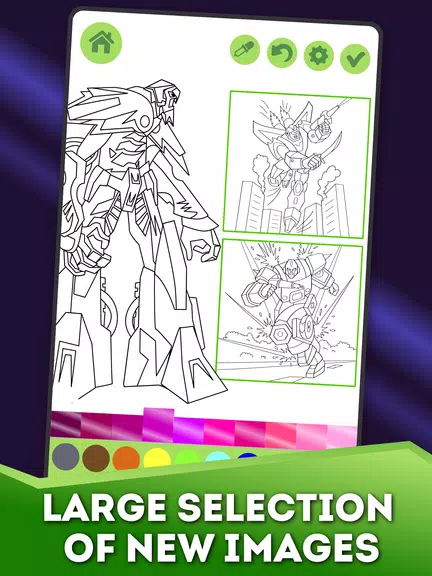
Robots City Coloring for Boys includes a broad gallery of images ranging from simple, bold shapes for beginners to more detailed mech scenes that reward careful coloring. Artwork types include friendly baby robots, heroic humanoid machines, space vehicles, UFOs and imaginative monsters, giving a wide variety of subjects so each session feels fresh. Completed pages can be recolored, saved to the device photo library and shared with family; saved projects retain palette metadata so a child can revisit or tweak a previous design.
Gameplay and controls
The gameplay centers on relaxed, exploratory coloring rather than scoring or competitive play. Controls are minimal: choose a brush or fill tool, select colors from the palette or create a custom swatch, zoom for detail work and tap to save. The interface avoids clutter so younger players do not need tutorials to get started, yet it still offers enough precision for careful strokes thanks to a responsive zoom and undo option. Calming background audio and simple sound cues can be muted at any time.
Progression and unlocks
Images are organized into themed packs and ordered by complexity so children and parents can select age-appropriate sheets and increase difficulty naturally as skills develop. Some content is available immediately while additional pictures and premium packs are locked until unlocked through an in-app purchase or by watching optional ads, providing a familiar and transparent progression model. This approach lets families try the basic experience for free and decide whether to unlock the full gallery for extended play.
Visual style and customization
The visual identity emphasizes clean outlines and playful robot design, with color areas sized for easy touchscreen use. Metallic and animated effects are rendered in a soft, non-intrusive way so they enhance rather than distract from the coloring process. Customization extends beyond palette creation: players can adjust stroke size and choose between flat fill and textured brushes, and saved artworks can be exported or recolored later to encourage experimentation with different finishes.
Replay value and user experience
Replay value comes from the combination of recoloring saved artworks, experimenting with saved palettes and tackling more detailed images as confidence grows. Short session length and quick-save behavior make it suitable for quiet moments or short breaks, while the consistent layout across phones and tablets means a similar experience on different screens. Parents often use the app as a calming, screen-based activity that doubles as a practice tool for focus and hand-eye coordination.
Accessibility and offline play
The app is optimized to work offline after installation so families can use it on trips or in low-connectivity situations; only unlocking or sharing features require a network connection. Large icons, simple flows and responsive touch areas improve accessibility for young children, and settings let caregivers control audio and purchase flows to keep play safe and predictable.
Limitations
Some images and additional content are locked and require watching ads or subscribing to unlock everything, and the game is intentionally geared toward younger players who enjoy robots; users seeking advanced digital painting tools or adult-level drawing features may find the toolset limited. That said, Robots City Coloring for Boys remains a straightforward, child-oriented creative app that emphasizes ease of use, safe offline play and gentle progression for developing color sense and fine motor skills.