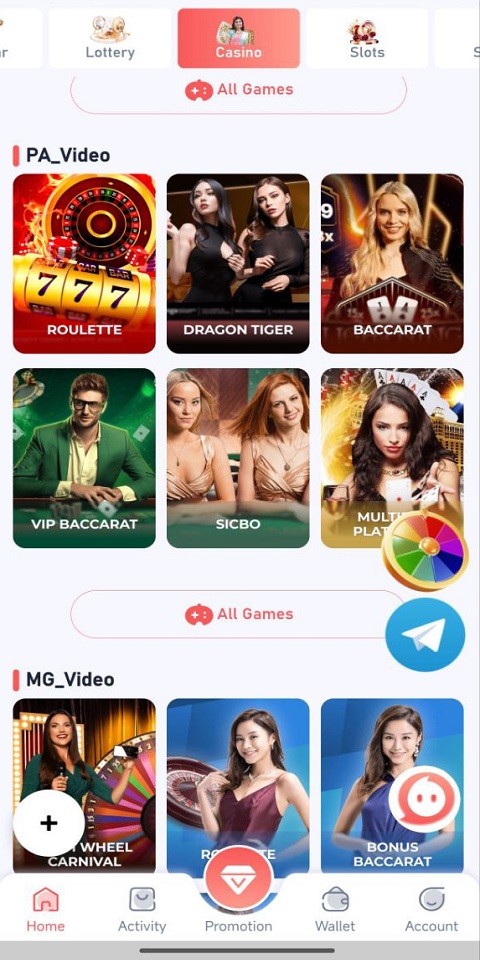
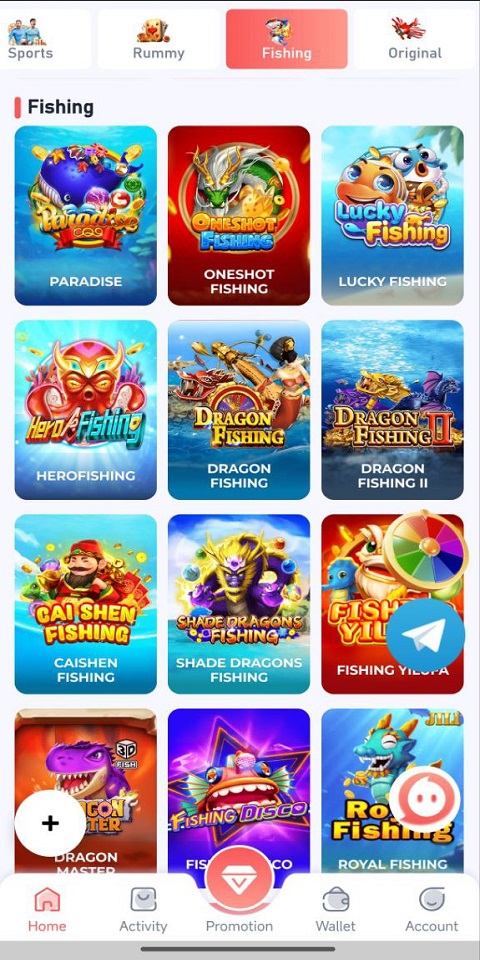
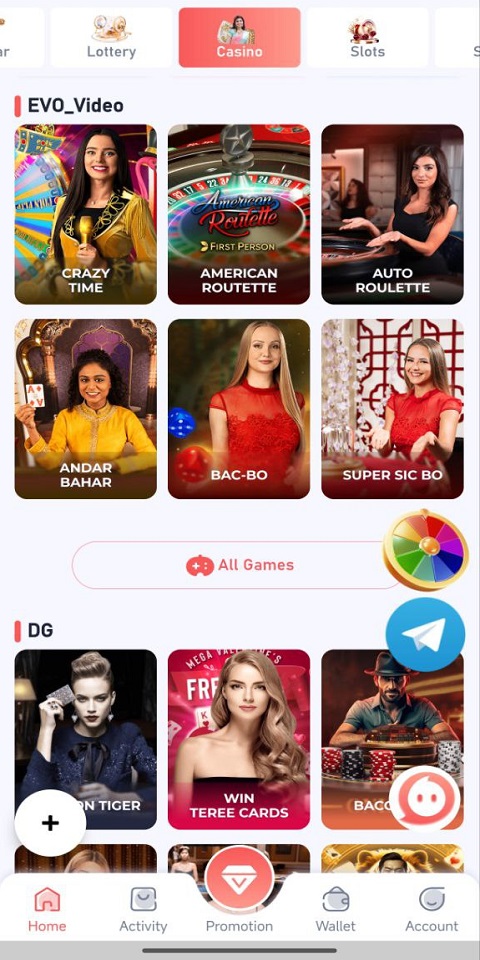
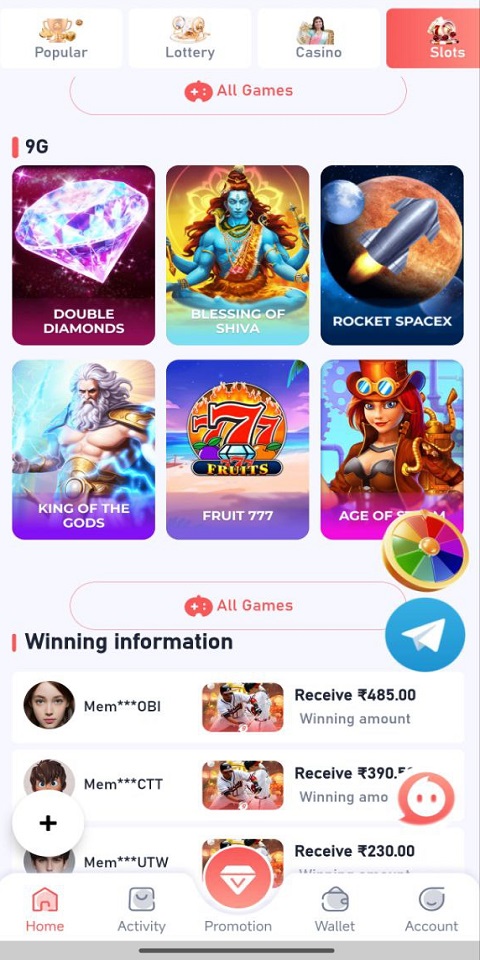

GGBet Games Link places a unified gaming portal on your Android device, giving quick access to popular and trending titles from a single, easy-to-navigate hub. GGBet Games Link opens games directly and presents useful metadata so casual players and competitive gamers can discover new challenges, check level structure and launch sessions without juggling multiple apps. The app focuses on speed and clarity: clear thumbnails, fast load hints, and a recommendation layer that helps you spend less time searching and more time playing.
Key Features
The core of the app is a smart organization system that groups titles by genre, play mode and popularity while exposing level structure information where available. Instead of scrolling through separate stores, you see which games have single-player campaigns, short level-based stages, or titles that list multiplayer modes on their own pages. A responsive search and layered filters help you locate new releases, specific control schemes, or games that match a desired difficulty curve.
The interface highlights gameplay mechanics and control options for each listed title: touch controls, controller compatibility, and whether a title favors short sessions or extended progression. Where a game supports synchronized save data or cloud saves, the app indicates that status so you can resume progress on the same device without hunting for backups. Quick-launch shortcuts reduce wait times between selecting a title and arriving at the play screen.
Gameplay and Controls
GGBet Games Link does not change how a game plays, but it surfaces important information about gameplay mechanics and input. For each title you can review whether the experience is level-based, mission-driven, or an open-ended session, and find notes on typical control layouts and sensitivity settings. If a title supports external controllers or provides alternate button mapping, the app points you to the built-in configuration screens in that game so you can tailor controls before starting a session.
Progression and Replay Value
Progression details are presented clearly, including level progression, save checkpoints and common upgrade systems associated with a title. The app helps you identify games with branching levels, replayable stages or optional challenges that extend playtime. Recommendation cues and a personalized game feed adapt to your play patterns and suggest titles with similar progression systems to increase replay value without overwhelming your library.
Visual Style and Level Structure
The visual layout of the portal prioritizes readability and quick scanning: large cover art, short descriptions of level structure, and clear tags that denote campaign length or stage count. This makes it easier to pick a short level-based title when you have ten minutes, or a longer campaign when you want an extended session. Screens within the app are optimized for both list and grid views so you can choose the presentation that helps you navigate fastest.
Customization and User Experience
You can customize how GGBet Games Link displays recommendations and sort your library by recent play, genre, or difficulty. The app aims for an unobtrusive experience: compact mode reduces visual clutter for quick browsing, while a detailed view surfaces control and progression notes. Notifications are kept optional and focused on updates or new content that matches your saved preferences.
Accessibility and Offline Use
Accessibility considerations include scalable text sizes and high-contrast icons to improve readability on small screens, along with explicit labels that work better with Android accessibility tools. The portal also recognizes games that support offline play and marks them so you can filter for titles that run without a connection. When a game provides its own offline save capability, the app will surface that information to help you plan sessions without network access.
Challenge Systems and Library Management
The app highlights challenge modes and difficulty tiers that are part of each title rather than inventing new in-app ranking systems. Filters let you focus on titles with time trials, permadeath modes, or tiered achievements offered by the games themselves. Library management tools point out large installs and let you remove or archive entries to reclaim storage while keeping your progress information accessible when supported by the game.
Advantages and Limitations
GGBet Games Link speeds the path from discovery to play by centralizing metadata, launch actions and progress hints for each title. It is designed to help both newcomers and experienced players find appropriate challenges and understand control schemes before starting. Limitations are practical: availability of specific regional or niche titles depends on third-party store listings and platform licensing, and some advanced features such as cloud saves or leaderboard access depend on support within each individual game rather than the portal itself.
Updates and Version Notes
The app receives regular updates to improve indexing, refine recommendation logic and add support for new titles and control profiles as they appear on Android. Each release focuses on performance improvements, clearer level structure presentation and better detection of offline-compatible games so your library remains current and easy to navigate.