
iUnScramble

| Package ID: | |
|---|---|
| Latest Version: | v0.0.1 |
| Latest update: | Aug 07, 2026 04:56:03 |
| Developer: | Hitesh K. Patel |
| Requirements: | Android |
| Category: | Puzzle |
| Size: | 2.60 MB |
| Tags: | War Puzzle Competition |
Rating :4.4
iUnScramble turns scrambled letters into a focused word puzzle experience designed for short breaks or longer practice sessions. The app asks you to reorder jumbled tiles into valid words using simple touch controls, then records your progress so you can see measurable improvement over time. iUnScramble emphasizes clear feedback and bite-sized rounds that make it easy to practice vocabulary and cognitive speed without a steep learning curve, whether you carve out five minutes between tasks or sit down for a longer, deliberate session.
Key Features
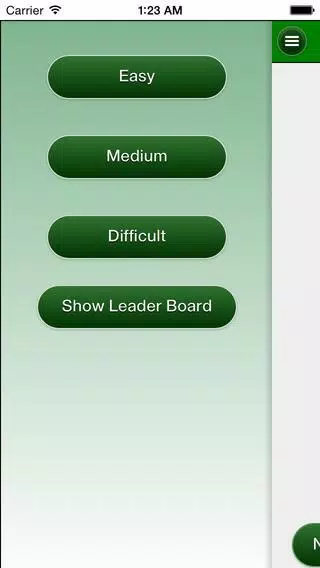
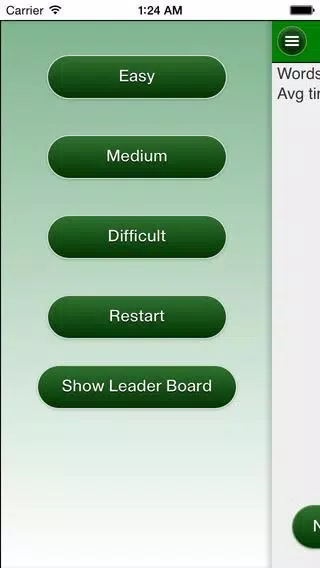
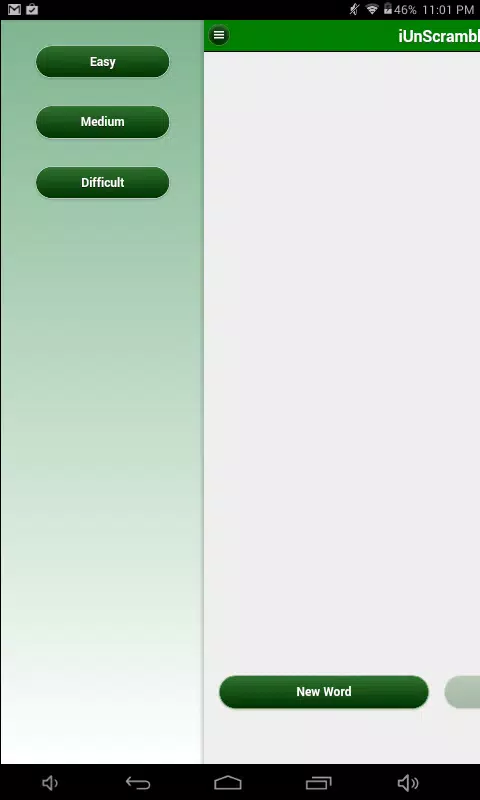
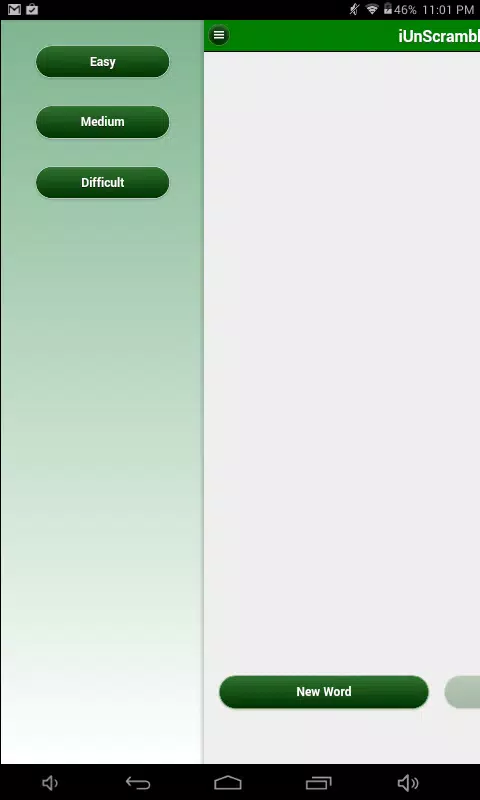
The game presents three difficulty tracks — Easy, Medium and Difficult — with carefully curated word lists behind each tier. Easy contains common everyday words for quick wins and confidence building, Medium expands to several thousand entries to broaden vocabulary, and Difficult draws on a much larger pool to introduce uncommon or nuanced terms. Curated lists favor meaningful vocabulary over random letter noise, so most scrambles reward pattern recognition and word knowledge rather than guesswork. The app offers optional tools such as hints and a shuffle button that appear discreetly on screen to support learning without interrupting flow.
Gameplay and Controls
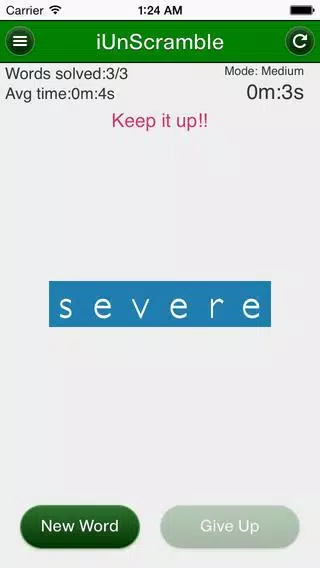
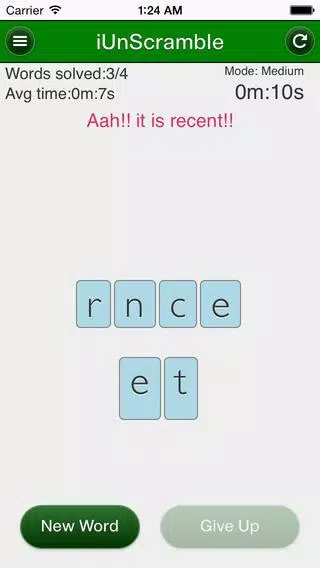
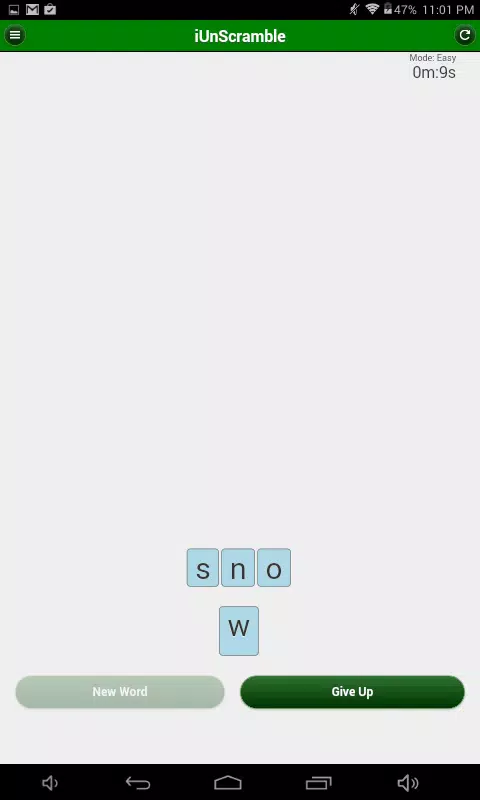
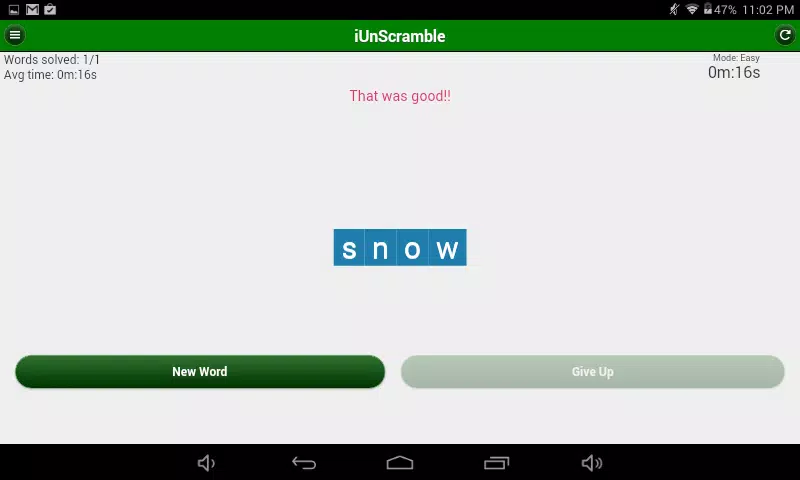
Gameplay centers on selecting and arranging letter tiles to form the correct word. Controls are optimized for touch: tap to place a tile in sequence, drag to reorder tiles, or tap already placed tiles to return them to the pool. Immediate visual confirmation marks correct answers and subtle cues indicate incorrect attempts so players can adjust strategy. Hints reveal single letters or suggest positions when you prefer guided practice, while a gentle shuffle mixes the tiles to change perspective. These mechanics keep interaction direct and low-friction, so learning comes from doing rather than from navigating menus.
Progression and Level Structure
Progression uses an adaptive level design that nudges difficulty upwards as you demonstrate mastery. Rounds remain short, but groups of rounds combine into longer sets when you want sustained practice. Performance metrics such as accuracy, average solve time, and streaks are tracked and summarized across sessions so improvements are visible. Checkpoint-like milestones mark advancement through tiers, and the app lets you revisit earlier rounds for review, reinforcing retention rather than only pushing forward. This structure supports gradual vocabulary expansion without abrupt spikes in challenge.
Visual Style and Customization
The visual presentation favors legibility and calm contrast: large, readable type, uncluttered tile layout, and neutral color accents that highlight interactive elements without distraction. Basic customization options allow adjustment of text size and enable a high-contrast mode for clearer visibility. Sound and vibration feedback can be muted independently to suit quiet environments, and the minimalist interface scales to different screen sizes so the experience stays consistent across phones and tablets. These settings keep the gameplay accessible and comfortable for a variety of players.
Replay Value and Practice Modes
Replayability comes from randomized scrambles within curated lists and a gradual difficulty curve that rewards repeated practice. Daily micro-sessions are compact for habit building, while optional longer sessions let you pursue timed rounds or set personal targets for accuracy and speed. Because harder tiers draw from a large vocabulary pool, returning players will keep encountering new arrangements that require fresh strategies. The balance between familiar words and occasional challenging entries helps sustain engagement and makes regular practice feel productive rather than repetitive.
Accessibility and Offline Use
The interface includes features to support diverse needs: adjustable text, high-contrast visuals, and clear on-screen controls suitable for one-handed play. Hints and pacing options can be tuned for learners who prefer more guidance or for players seeking a stricter challenge. The app is designed to work offline for most functions so you can practice without a constant connection; local progress tracking and session summaries remain available whether online or off, making iUnScramble a convenient option for travel and low-connectivity situations.
Who It's For and Practical Notes
iUnScramble is aimed at players who enjoy single-player word puzzles, people working to build or maintain vocabulary, and anyone who wants short mental workouts between daily tasks. The focus is deliberately narrow — centered on unscrambling rather than crossword clues or multiplayer competition — which keeps the learning target clear. Beginners should start on Easy or Adaptive modes before attempting the Difficult tier, and the unobtrusive hinting and review options make steady improvement straightforward. Overall, this editor-friendly overview highlights how the app combines simple mechanics, thoughtful progression, and accessible presentation to support regular vocabulary practice.