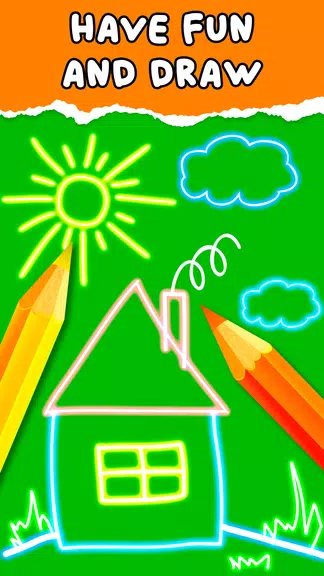
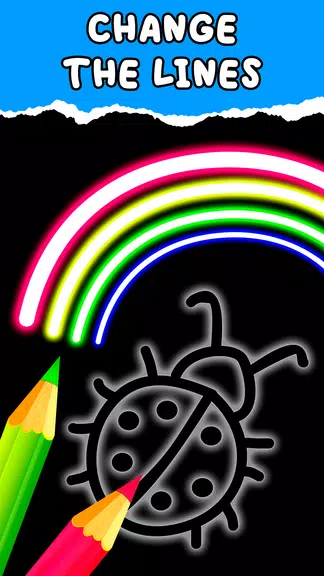
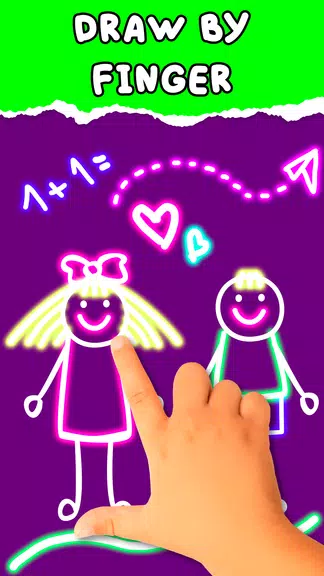
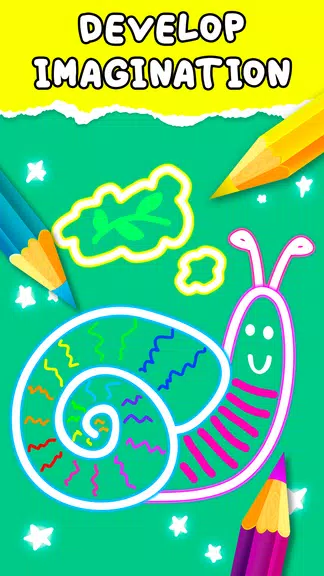
Kids Doodle is a simple, colorful drawing app that lets children and adults draw on a blank canvas or edit photos with playful neon effects. Designed for quick, casual creativity, it offers bright, random colors and glow-style brushes so users can paint space scenes, doodle over pictures, or create neon artwork without a steep learning curve. Parents will appreciate an approachable interface for kids aged around 2–8, while adults can use it for relaxed sketching or fun edits. If you want a lightweight, kid-friendly painting tool to spark imaginative play or make vibrant drawings, Kids Doodle is worth trying.
Key Features
⭐ Draw on a new canvas or paint directly on photos with Kids Doodle.
⭐ Seventeen magic brushes including neon, glow paint, crayons, rainbow and sketch styles.
⭐ Bright, random color selection and special effects like stars, hearts and glow strokes.
⭐ Simple editing controls: undo, redo and an eraser for quick corrections.
⭐ Save creations locally and share your doodles with friends and family.
⭐ Black-background neon mode for striking, high-contrast paintings.
Advantages
✅ Very easy to use, with an interface designed for young children and beginners.
✅ Encourages creative play and relaxed drawing sessions for kids and adults.
✅ Offers a playful set of brushes and neon effects that make artwork look vibrant.
✅ Free to try and ideal for quick sketches, photo doodles and bright, fun projects.
Disadvantages
❎ Focused on simple doodling rather than advanced image editing or professional artwork.
❎ Limited toolset compared with full-featured drawing apps, so power users may find it basic.
❎ Best suited to young children and casual users; older teens or artists seeking complex features may prefer other tools.