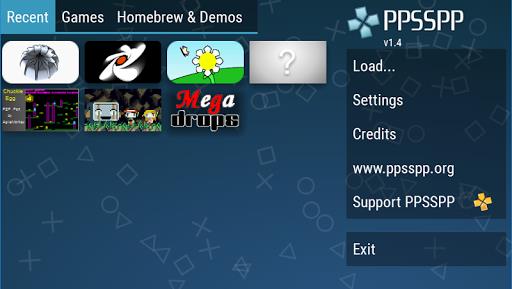
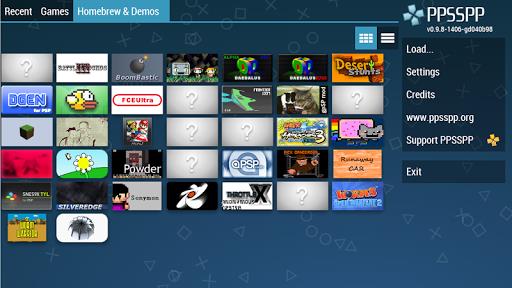
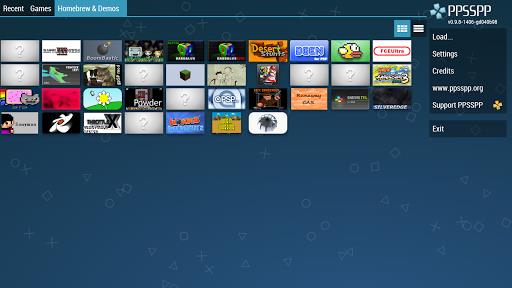
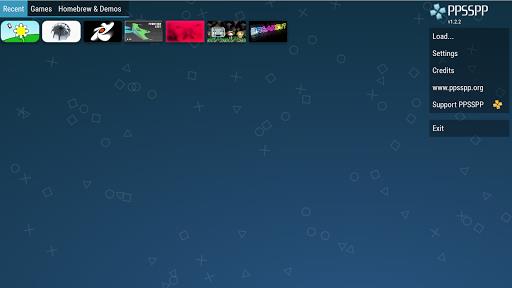
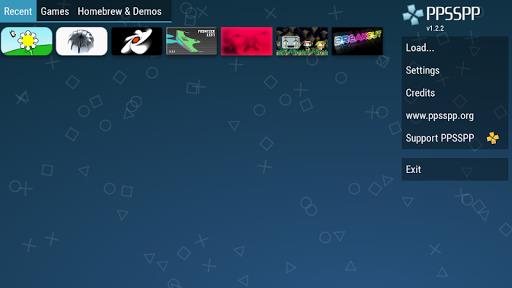

PPSSPP brings the PlayStation Portable library to Android devices, recreating classic PSP gameplay with modern enhancements and flexible controls. PPSSPP runs many PSP titles in high definition on phones and tablets while providing extra options to refine rendering, input, and audio. This free edition lets you test compatibility and performance; a paid Gold build is offered separately to support ongoing development and to unlock optional features for supporters.
Gameplay and controls
The core experience focuses on faithful emulation of PSP mechanics, so levels, enemy behavior, puzzles, and progression systems behave like the original releases while benefiting from contemporary conveniences. Control options include on-screen touch layouts that can be adjusted for size and position, as well as support for a wide range of external controllers so you can use familiar button mappings. Input customization covers analog sensitivity, button assignment, and the ability to choose between portrait and landscape layouts, making it straightforward to adapt the interface for platformers, action RPGs, racing games, or shooters originally designed for the PSP.
Visual style and rendering
Visual improvements let older titles appear clearer on modern displays. PPSSPP offers higher internal rendering resolutions, texture scaling, post-processing options, and filtering modes that reduce jagged edges and improve texture clarity. You can tweak brightness, aspect ratio, and screen alignment so each game fills the display cleanly, and optional frame-smoothing features help achieve consistent animation on capable hardware. These settings give you control over how faithfully a game looks versus how much performance headroom is reserved for smooth framerate.
Progression, level structure, and replay value
Because PPSSPP preserves original game logic and save systems, progression follows the same structure as the PSP releases: story chapters, level sequences, mission objectives, and unlockable items carry over exactly as intended by developers. In addition to native save points, the emulator supports faster experimentation and replayability through adjustable save and load options, allowing you to retry difficult sections, test alternate strategies, or explore hidden areas without losing the canonical progression. This makes revisiting favorites or completing side content more approachable on short play sessions.
Customization, challenge systems, and accessibility
Customization extends beyond controls and visuals to include performance-related tuning that affects in-game difficulty indirectly: frame limiting, skip settings, and audio latency adjustments can reduce stutter and timing issues that might otherwise make precise challenges harder to complete. Accessibility is considered with adjustable input layouts and scalable UI elements so players with different needs can configure comfortable setups. The emulator seeks to provide consistent behavior with the original titles while offering tools to reduce technical barriers that could block progress.
User experience and offline play
The app is designed for offline use: no commercial games are bundled, and you must supply your own legally obtained PSP game dumps (.ISO or .CSO) or free homebrew releases, placing them in the /PSP/GAME folder on local storage or USB media. Offline operation ensures you can play on planes, trains, or in areas without connectivity. The interface focuses on quick loading of game folders, resume options, and straightforward selection of save slots so sessions start and stop cleanly without lengthy menus.
Compatibility and performance
Compatibility covers a large portion of the PSP library, but actual results vary by title and device hardware. Lower-end phones and older tablets may experience slowdown or graphical glitches with demanding games, while newer devices tend to run many titles at near-native speed with enhanced visuals. Use the built-in performance options to balance fidelity and framerate; if a title does not run smoothly, reducing rendering resolution or disabling advanced filters can improve playability. PPSSPP also includes diagnostic information and simple toggles so you can experiment with settings that best match your device.
What to expect with this edition
This free version of PPSSPP provides the core emulator, visual and control customization, and the ability to load your own games or homebrew. No copyrighted PSP games are included; you must supply legally obtained ISOs or CSOs. If you find the emulator useful, the optional Gold version supports ongoing development and helps maintain compatibility updates. Whether you are replaying a favorite title, completing a missed sidequest, or exploring independent homebrew releases, PPSSPP aims to make classic PSP experiences accessible, configurable, and enjoyable on modern Android hardware.