
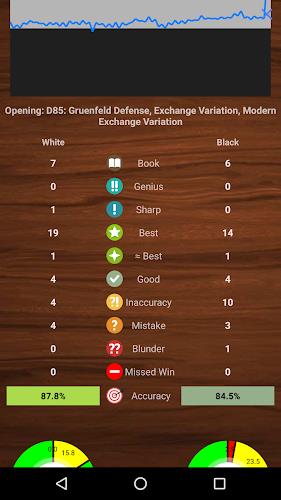
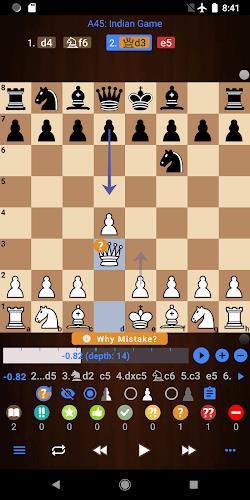
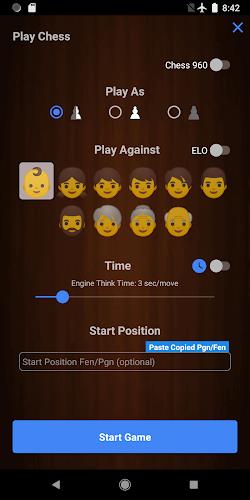
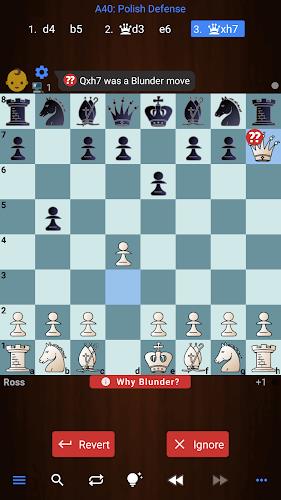
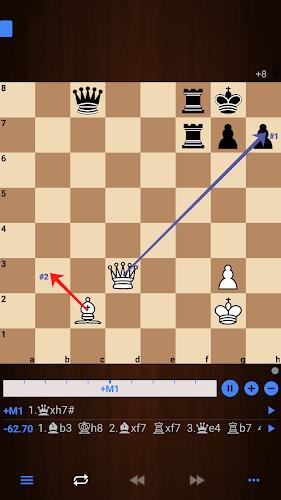
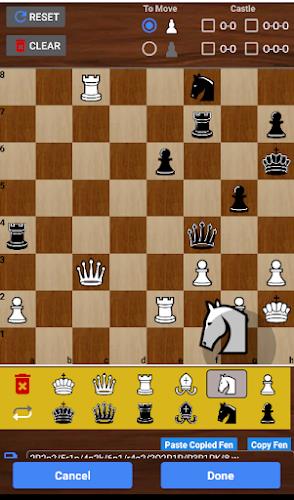
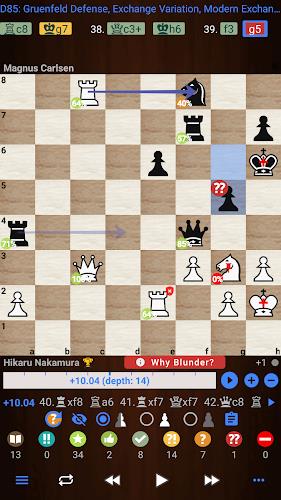
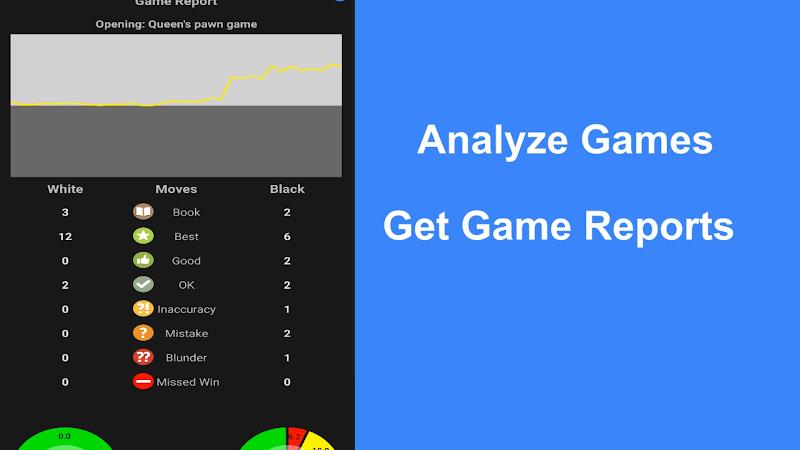
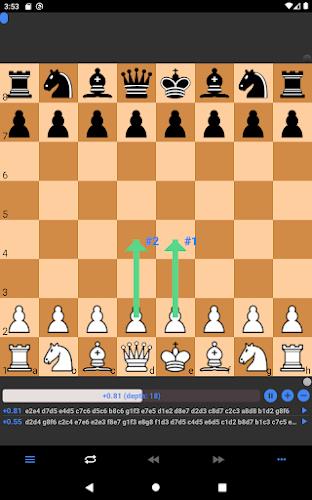
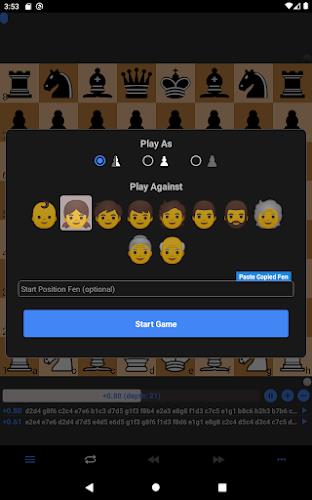
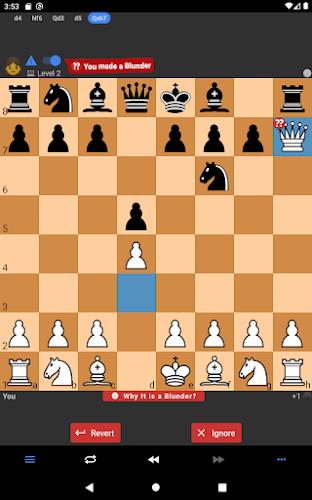
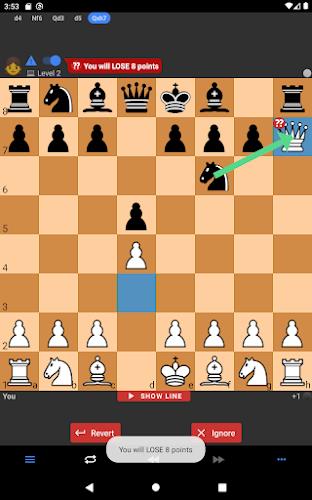
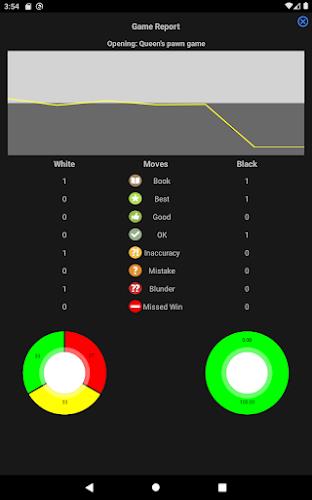
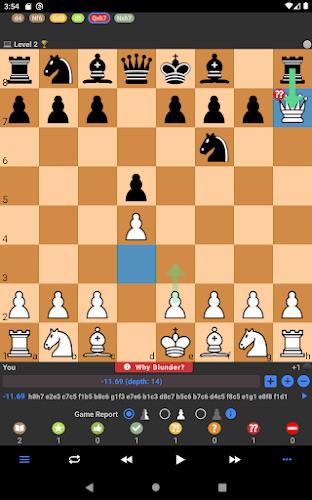
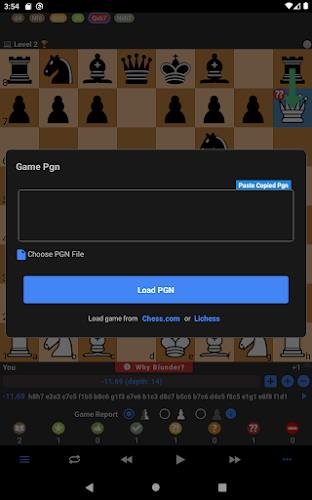
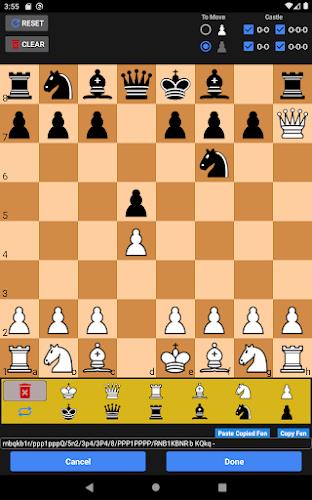
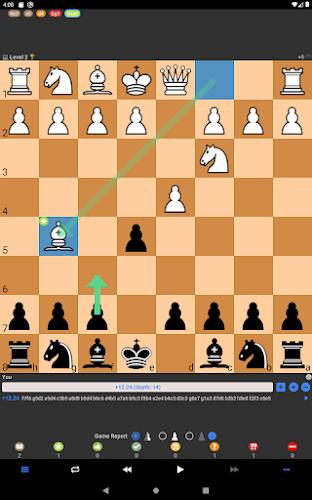
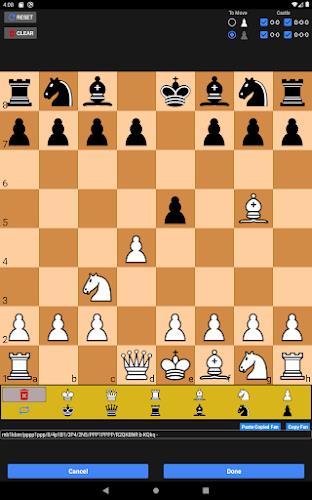
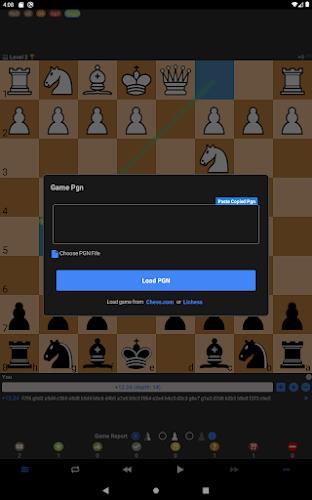

Chessis: Chess Analysis is a focused chess study and analysis app that helps players of all levels review games, learn from mistakes and track improvement with clear, engine-backed reports. Chessis: Chess Analysis analyzes whole games and single positions using strong engines, highlights blunders and missed wins, suggests best moves and provides concise, human-readable explanations so you understand why a move was weak rather than just seeing a number. The app supports loading PGN files, editing positions with a built-in board editor, importing game files from other tools and playing against configurable engines for practice and verification.
Core analysis and reports
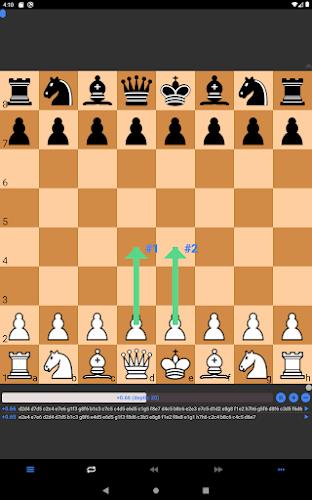
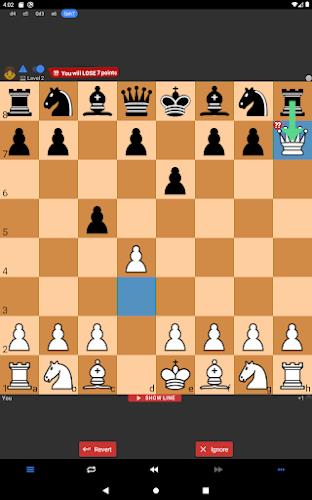
The app runs full-game analysis with configurable engine depth and per-move think time, and it can also analyze single positions for targeted study. Analysis output includes engine lines, move scores, and annotated comments that point out tactical oversights and longer-term strategic errors. Blunders, mistakes and missed wins are automatically detected and marked in the move list, and the report groups similar mistakes to help you focus on recurring problems rather than isolated slips. For users who want to dive deeper, multiple engine lines and side-by-side variations make it easy to explore alternative continuations and learn why a different plan would have been stronger.
Controls and study workflow
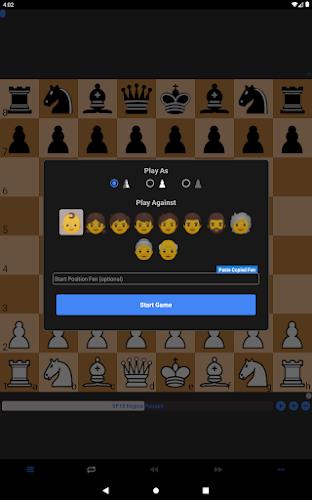
Interaction is designed for touch-first devices: tap or drag pieces to make moves, step through the move list with simple forward and back controls, and jump to any move by tapping its entry in the PGN viewer. The board editor uses the same controls so you can set up positions quickly and run targeted analyses. When playing against a computer opponent, you can set engine strength, limit think time per move, or run an engine at full strength to test ideas. Move annotations remain attached to positions so you can review a full annotated game or export it for sharing or later reference.
Progression, tracking and practice
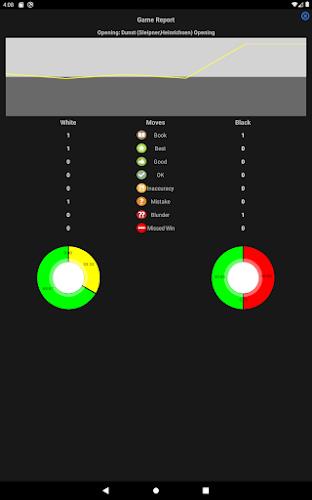
Rather than generic leveling, progression in Chessis: Chess Analysis is driven by measurable performance metrics: accuracy ratings, frequency and type of blunders, and improvement across analyzed games. The app stores analyzed games so you can compare recent performance to older games and spot long-term trends. Use these reports to set personal study goals—focusing on endgame technique, opening accuracy or tactical alertness—and measure progress over time. Saved annotated PGNs become a personal study library, which increases replay value as you revisit and reanalyze positions after targeted practice.
Customization and visual style
Visual options let you tailor the board to your preferences: adjust board colors, choose from multiple piece sets, enable coordinate labels or hide them for a cleaner look, and turn on arrows or threat highlights to visualize tactical ideas. The app also offers contrast-friendly palettes for better visibility and supports larger fonts for move lists, which helps with readability on smaller screens. These choices make study comfortable and help users focus on the position rather than struggling with the interface.
Database, import/export and offline use
Chessis: Chess Analysis includes a local games database with FEN search so you can find positions quickly and build thematic studies from your own collection. Import PGN files or open exported games from other tools and export annotated PGNs when you want to share analyses or continue study on a desktop. Because engines can run locally, basic analysis and practice remain available offline; for deeper, longer analyses you can adjust engine depth and time to balance battery and performance on mobile devices.
Technical options and Pro features
Advanced users can add external engines, tune engine hash and thread settings, and enable features like NNUE where supported. A Pro upgrade unlocks extended capabilities such as unlimited engine lines, deeper analysis options, no ads and unlimited analyses for users who rely on the app for intensive study. Be aware that the most demanding deep analyses take time on mobile hardware and may drain battery faster; the app provides settings to limit depth or per-move time so you can manage resource use.
Accessibility and user experience
The app aims for approachable study: clear typography in the move list, straightforward touch controls, and contextual explanations instead of raw engine output make it suitable for club players and those studying independently. Adjustable analysis speed and simplified reports let beginners focus on common tactical themes while advanced users can expose full engine detail. Chessis: Chess Analysis is designed to help you learn from every game, preserve your study material and refine your play at your own pace.