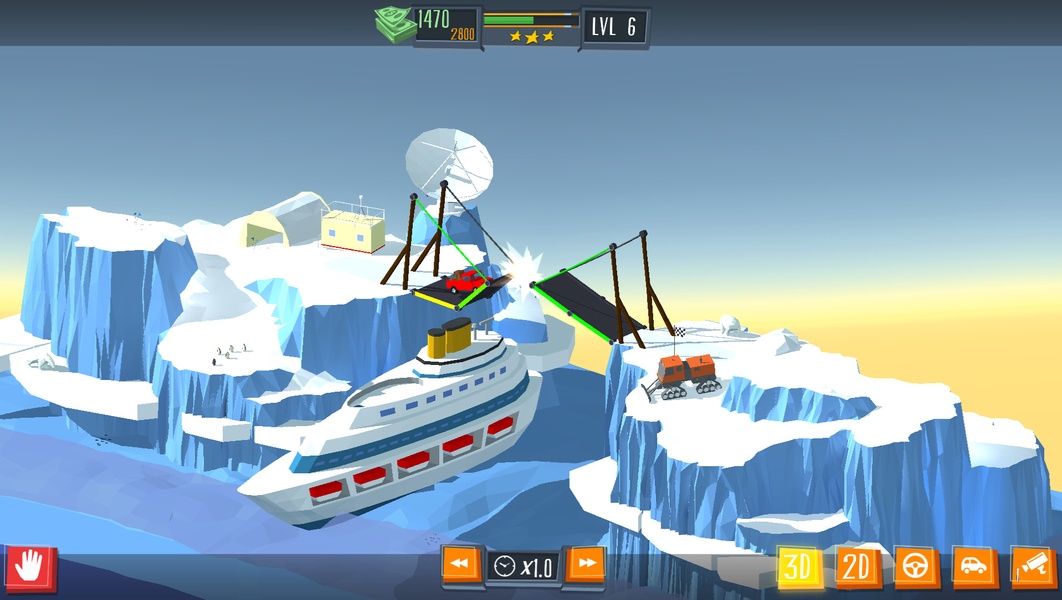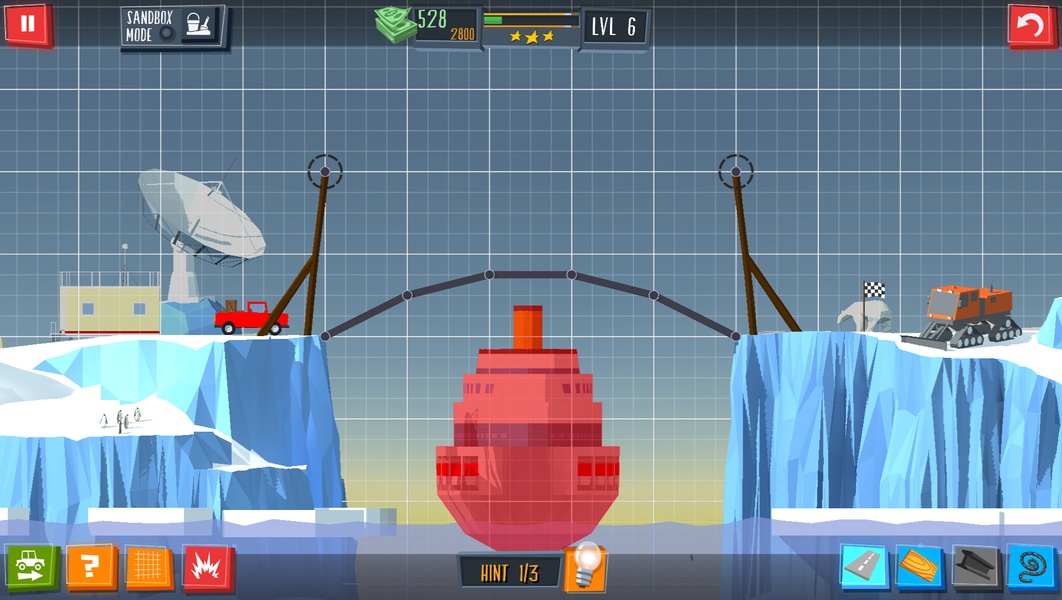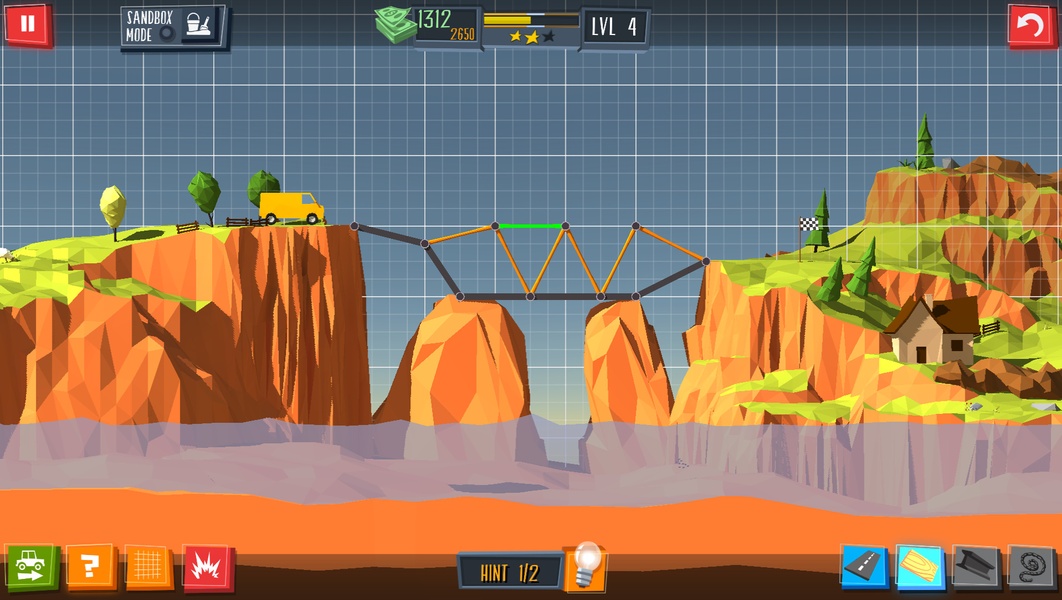
Build a Bridge! is a physics-based puzzle game that challenges players to design and construct bridges that can safely carry vehicles of varying sizes across gaps and obstacles. In Build a Bridge! you experiment with pillars, wood and asphalt as primary materials, then unlock stronger options like steel cables and rebar as you progress; the game balances structural thinking with budget limits so every crossing is both an engineering and an economic puzzle. This introduction outlines how the game plays, what to expect from its levels and progression, and practical details about controls, accessibility and replay value.
Gameplay mechanics
The core gameplay in Build a Bridge! revolves around choosing placement and connection points for components so that they form a structure capable of supporting weight and dynamic loads. You place vertical supports, horizontal decking and connecting elements to route traffic over gaps and water, then run a test by sending vehicles across. Each vehicle exerts a different load profile, so small cars behave differently from larger trucks and require attention to distribution and support. The physics simulation responds to tension, compression and bending, so bridges can sag, snap or buckle depending on design choices. Players must also manage a staged budget: materials cost money, and the three-star rating incentivizes solutions that are both safe and economical rather than simply overbuilding.
Controls and camera
Controls are designed for touch devices: tap to select a component, drag to position it, and pinch to zoom while panning the scene with simple drag gestures. Build a Bridge! provides multiple camera modes, including a side-on 2D view for precise structural layout and a closer first-person camera to inspect joints and watch vehicles cross from ground level. During testing, the camera can follow vehicles or stay locked to a fixed viewpoint so you can observe stress points and failure modes. Basic undo/redo actions and an intuitive cost readout help you iterate quickly without losing progress.
Progression and unlocks
Levels in Build a Bridge! are arranged to introduce mechanics gradually: early stages teach basic support placement and load distribution, while later stages introduce longer spans, uneven terrain and stricter budgets. There are more than 30 distinct stages with escalating difficulty that demand new approaches as you unlock materials such as steel cables and rebar that behave differently under tension and compression. Progression is tied to performance: completing a level with higher star ratings often makes it easier to afford advanced components in later challenges, encouraging replay to optimize both structure and cost.
Visual style and feedback
The game favors clear, readable graphics so that structural relationships and failure points are easy to interpret. Visual stress indicators highlight elements under heavy load and subtle animation cues show when joints begin to fail. Sound design complements the visuals with informative audio feedback—creaks, impacts and engine sounds—so players can sense trouble even before a collapse becomes obvious. The overall presentation keeps the focus on engineering decisions rather than flashy effects, which helps new players learn the fundamentals more quickly.
Challenge systems and replay value
Replayability comes from multiple viable solutions to each puzzle and the three-star objective system that rewards cost-efficient builds. Even after you complete a level, you can return to shave construction costs, experiment with alternative layouts, or use newly unlocked materials to approach the same problem differently. Some stages are intentionally tight on budget to force creative designs, which makes them satisfying to revisit once more powerful components are available. Because the game supports several camera angles, replays also let you appreciate a successful crossing from different perspectives.
User experience and accessibility
Build a Bridge! is intended for short sessions or longer problem-solving runs: levels are typically self-contained and can be completed in a few minutes, while tougher puzzles reward longer planning. The interface provides clear on-screen objectives and budget indicators so you always know the constraints for a given stage. Camera sensitivity and control responsiveness can be adjusted to suit different devices and player preferences, and an introductory sequence walks new players through the basics of placing supports and running tests.
Offline play and device support
The single-player design of Build a Bridge! means you can play offline without requiring a persistent internet connection, making it convenient for travel or places with limited data. The game is optimized for phones and tablets and adapts its UI to different screen sizes so controls remain accessible on smaller displays. Because the focus is on local puzzle solving rather than online features, progress is stored on-device and levels can be replayed at any time.
Limitations and tips
Some trade-offs are worth noting: early levels use basic materials that limit aesthetic variety and design options, and the overall level count—just over thirty—may feel modest to players seeking extended campaigns. Achieving all three stars can be challenging on certain stages because of tight budget restrictions, but this also creates moments of creative satisfaction. To improve outcomes, consider distributing loads with more supports rather than adding heavy decking, test designs with the smallest vehicles first, and revisit earlier levels after unlocking stronger components to explore new, more efficient solutions.