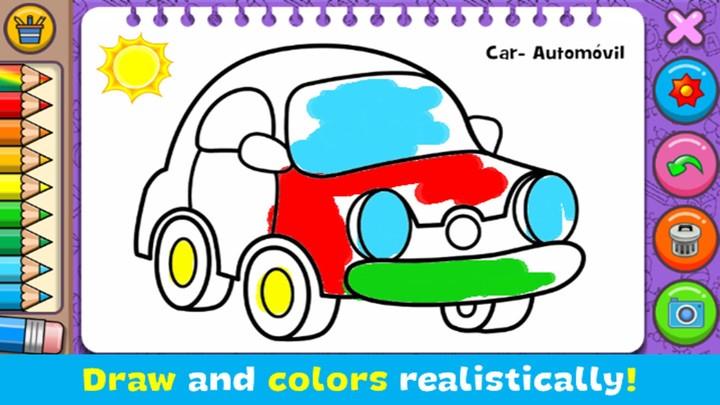
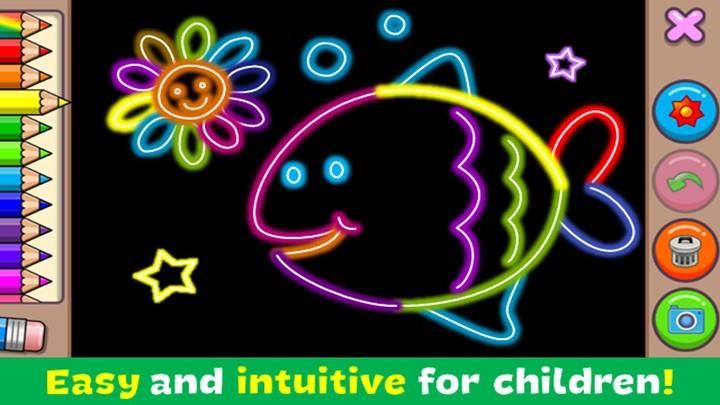
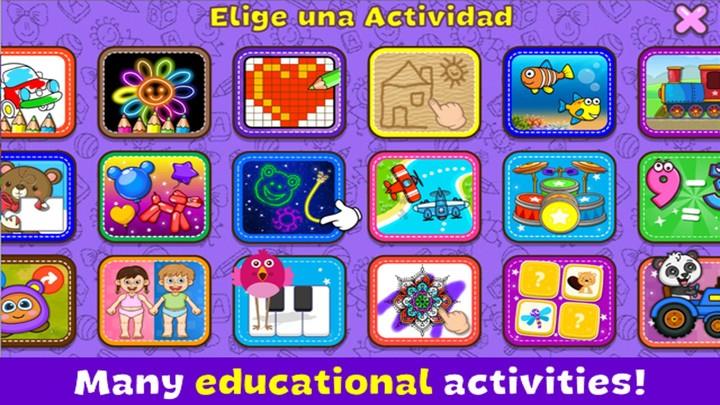


Coloring & Learn is a playful, educational coloring app that blends realistic drawing tools with more than 250 illustrated pages and a variety of kid-friendly minigames. Coloring & Learn invites children to color preset sheets, experiment in a Free Mode canvas, or try the Glow Coloring neon effect to create bright, eye-catching doodles; the interface is designed for short sessions, family interaction, and learning through quiet, creative play.
Key features and content
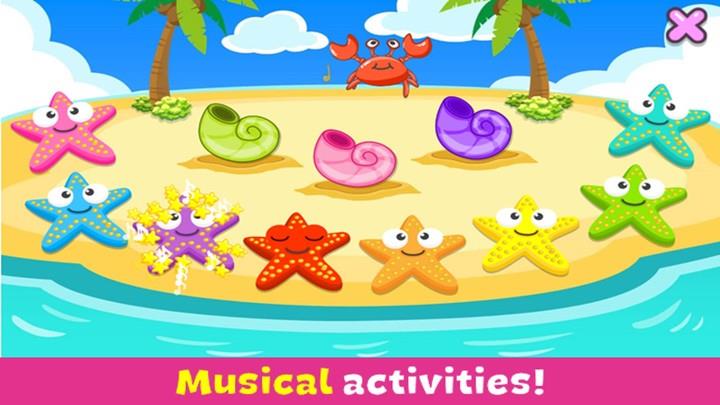
The app includes over 250 themed coloring pages covering animals, vehicles, alphabet letters, numbers, geometric shapes and seasonal scenes. Multiple creative modes give children choices: Free Mode for unrestricted drawing with a blank canvas and simple guides, and Glow Coloring for neon-style strokes and luminous fills. Each page supports stickers and layers so little artists can decorate and personalize artworks. A built-in gallery saves projects for later editing and sharing within the household, while a variety of minigames — including simple drumming, balloon popping, magic-line tracing, aviator scenes, sea-themed activities and pixel-art puzzles — break up coloring with short interactive moments.
Gameplay and controls
Controls are optimized for touchscreens: responsive pencil and brush strokes, an eraser, a multi-level undo, and a color picker let kids control line width and color intensity without complexity. Tap-to-fill tools speed up coloring of enclosed areas and a selection of preset palettes helps younger users choose color sets easily. The app supports different pencil strokes so children can practice fine motor control with thin, medium or bold marks; on tablets the larger canvas gives more room to experiment. All interactions are designed to be forgiving and intuitive so children can focus on creativity rather than learning the interface.
Progression, customization and replay value
Rather than traditional levels, progression in the app is content-driven: players move through themed collections and revisit pages to try new palettes, stickers and effects. Completed artworks build a private gallery that families can browse and edit, and the variety of short minigames provides quick rewards and new ways to use stickers or colors. Customization options include multiple brush sizes, an undo/clear workflow, sticker packs that can be applied to any page, and save-and-edit options that encourage revisiting and refining drawings. These features give long-term replay value because the same page can be colored many different ways and minigames present gentle challenges that improve dexterity and pattern recognition.
Visual style and accessibility
The visual style mixes realistic drawing tools with bright, child-friendly artwork and a neon Glow mode for dynamic projects. High-contrast icons, large touch targets and a clean layout make navigation straightforward for preschoolers and older children alike. Adjustable stroke sizes and simple undo/erase controls serve as built-in accessibility options, while calm color palettes and upbeat neon effects offer variety without overwhelming sensory input. Because the app runs fully offline on phones and tablets, it is well suited to environments where connectivity is limited or adults prefer device-only play.
Family use and safety
Coloring & Learn was built with family-friendly use in mind: no online multiplayer, no in-app social feeds, and all content is accessible locally so parents can control screen time and review drawings. The app supports cooperative play between parents and children by making it easy to hand a device back and forth, load saved projects and guide younger users through tracing and letter recognition. Educational elements woven into pages reinforce alphabet, numbers, counting and simple vocabulary during play without requiring formal lessons.
Benefits and limitations
The app encourages concentration, creative expression and fine motor skill development through drawing, connect-the-dots activities and short interactive minigames. It offers an approachable experience for preschoolers, a private gallery for family keepsakes, and enough variety to keep kids engaged over multiple sessions. On the other hand, the feature set is intentionally simple and does not include advanced digital-art tools aimed at professional illustrators, nor does it offer competitive online systems. The focus is on casual, educational play and local, offline use rather than complex editing suites or social features.