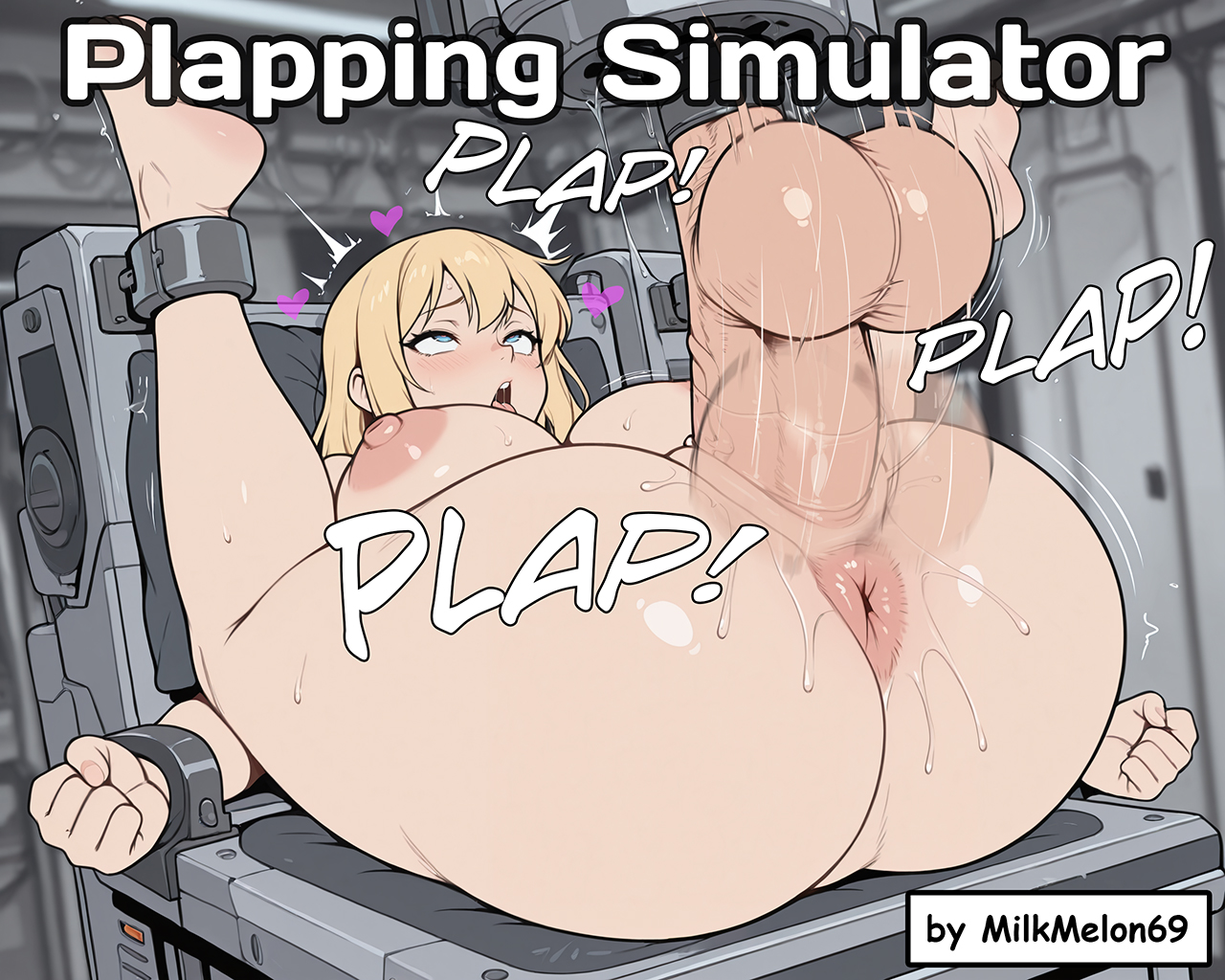
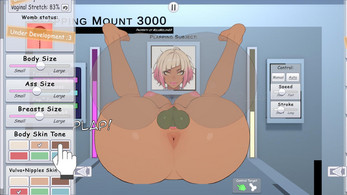
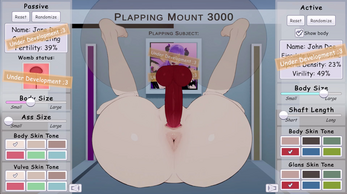
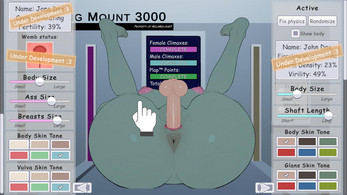

Plapping Simulator is an experimental, adult-oriented physics sandbox that places a single interactive mechanic at the center of short, repeatable play sessions. This indie project focuses on motion-driven interactions and quick feedback loops so you can test timing, momentum, and visual responses without a steep learning curve. The description below outlines controls, progression expectations, visual options, session structure, accessibility considerations, known issues, and the developer's roadmap so you can decide whether Plapping Simulator fits your playstyle and device.
Key features
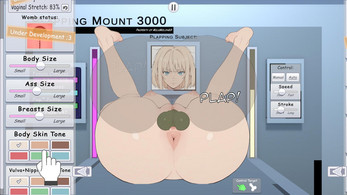
The core design of Plapping Simulator is intentionally minimal: a physics-first loop that reacts to player motion and input timing rather than complex menus or layered systems. Controls are simple and consistent across platforms, with point-and-drag or cursor inputs on desktop and equivalent tap-and-drag on touch devices. Basic appearance overlays, a small set of toggles for feedback, and a legacy control option let you adjust how the simulation reads without changing the underlying mechanics. Sessions are designed to be brief and focused, encouraging iterative experimentation and discovery.
Gameplay and controls
Gameplay centers on a single repeatable mechanic that emphasizes how momentum, position, and timing interact in a closed simulation. On keyboard and mouse, movement is achieved by clicking and dragging and the special action is triggered with a double click; on touch devices, move by dragging and trigger the special action with a double tap. The interaction responds to subtle differences in speed and angle, so mastering small adjustments becomes the primary challenge. Controls map consistently between desktop and touch inputs, and a legacy pointer scheme is available for players who prefer the original behavior.
Progression and replay value
This early build does not present a deep progression ladder; instead, replay value emerges from experimentation and player-driven goals. Expect to refine timing, discover emergent behaviors in the physics model, and document interesting results as your primary rewards. The developer's roadmap lists planned additions such as optional unlockable visual options and new sandbox scenarios that expand the range of interactions while preserving the central mechanic. For now, progress is measured by personal mastery and creative problem-solving rather than level ranks or monetized unlocks.
Visual style and customization
The visual approach favors clarity and function over ornamentation: minimalist scenes with adjustable overlays, contrast settings, and simple cosmetic toggles help the interaction read clearly on a variety of displays. Customization is intentionally limited in this stage to avoid distracting from the physics-based play, but the available options let you tailor on-screen feedback to your device and lighting conditions. Visual overlays can highlight motion vectors, active timing windows, or collision feedback to aid learning and experimentation.
Level structure and challenge systems
Levels are implemented as short sandbox scenes that present unique starting arrangements and constraints rather than linear stages or scripted encounters. Challenge arises from how each scene responds to your inputs: timing windows, reactive obstacles, and subtle physics quirks create emergent difficulty that rewards patience and repeated trials. This structure supports casual tests for quick play as well as focused practice sessions where players refine strategies for particular setups. Planned improvements may add optional scenarios with clearer objectives while retaining the open-ended sandbox spirit.
Accessibility, user experience, and offline play
The design emphasizes low friction and cross-platform compatibility so the experience is accessible across desktop and touch devices. Controls map simply between modalities and a legacy toggle accommodates different play preferences. The app runs locally and does not require an internet connection for core play, making it suitable for offline experimentation. Current usability efforts focus on reducing accidental inputs, making pause/reset functions more discoverable, and providing clear visual cues for timing and momentum.
Known issues and development
This is an early-stage build and occasional unpredictable physics behavior can occur under specific conditions. Simple workarounds such as pausing, repositioning objects while idle, or switching the legacy pointer scheme often resolve transient glitches. The developer actively collects detailed bug reports and maintains a public roadmap for planned fixes and feature additions. Release notes for recent updates document control mappings, small usability tweaks, and clarifications on how to trigger the special action and use the pause menu.
Support and community
If you are testing the project and want to provide feedback or report issues, the developer welcomes detailed descriptions and reproducible steps to help prioritize fixes. The community around Plapping Simulator helps shape future updates through shared examples, suggestions for customization, and reports of emergent behaviors. While the title remains compact by design, future updates aim to expand customization, refine the physics model, and add optional content while keeping the sandbox, experimental nature intact.