
Games
Simulation
Sandbox Ragdoll Playground
Sandbox Ragdoll Playground
| Package ID: | |
|---|---|
| Latest Version: | v1.5 |
| Latest update: | Jun 25, 2026 12:09:04 |
| Developer: | MBRK COPRP |
| Requirements: | Android |
| Category: | Simulation |
| Size: | 0.00 MB |
| Tags: | Level War Drive |
Rating :4.2
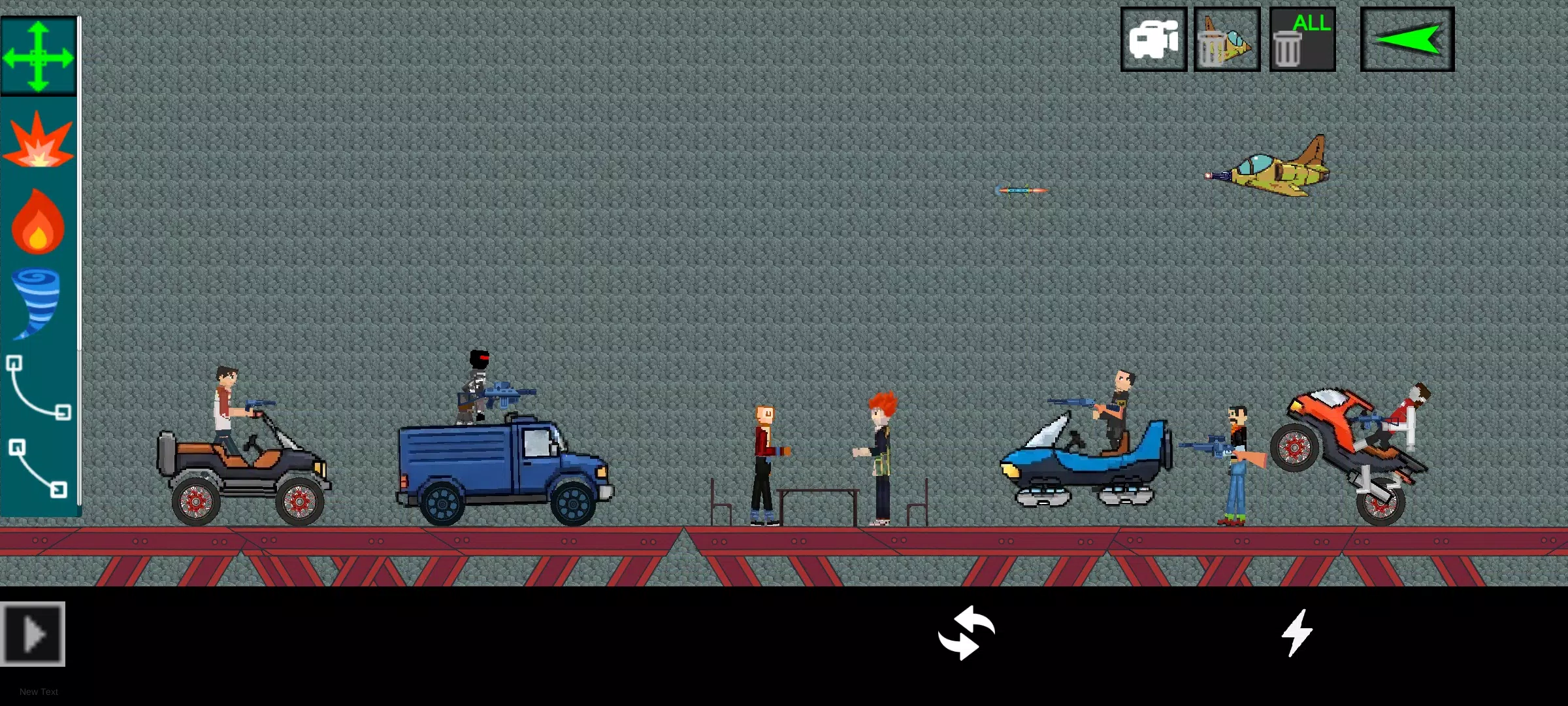
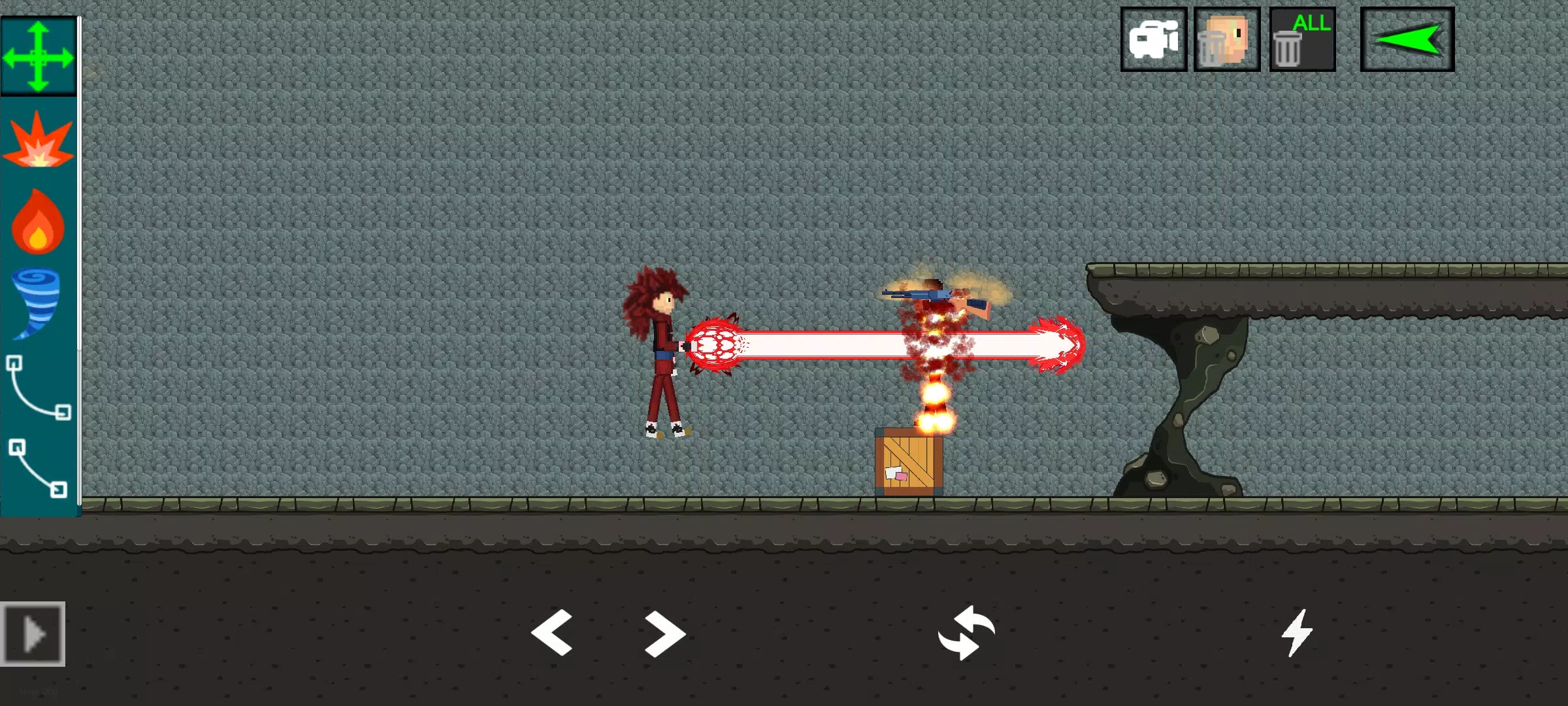
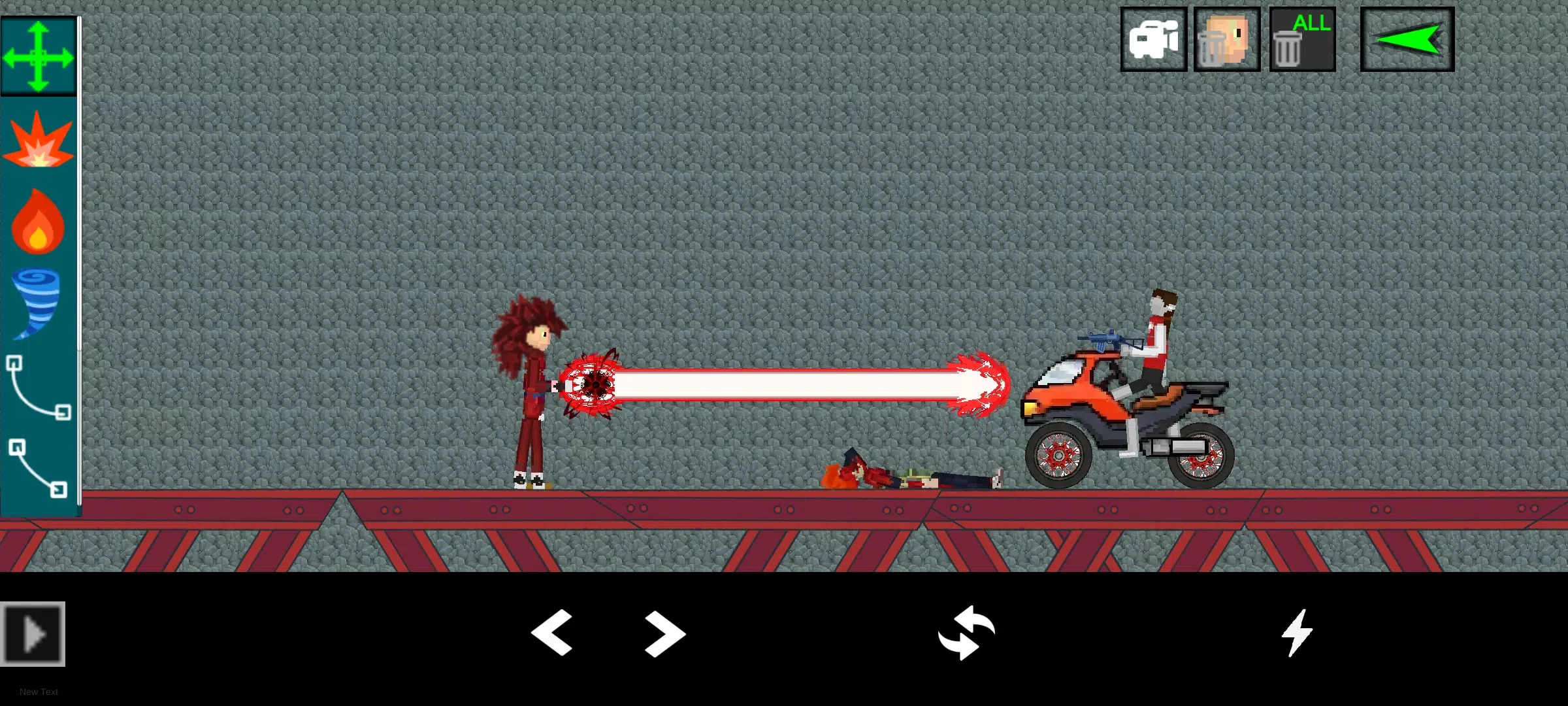
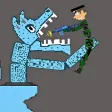
Sandbox Ragdoll Playground is a physics-driven sandbox app that puts creative control in your hands: draw and rig ragdoll characters, place props and vehicles, then interact with them using simple touch gestures to produce dynamic, sometimes chaotic scenes. The first minutes are approachable for casual players who want to experiment, while the same tools allow more deliberate users to construct repeatable setups for testing collisions, mechanical interactions, or visual gags. The emphasis is on physical simulation rather than a structured campaign, so the experience centers on player-driven goals and emergent outcomes.
Gameplay mechanics
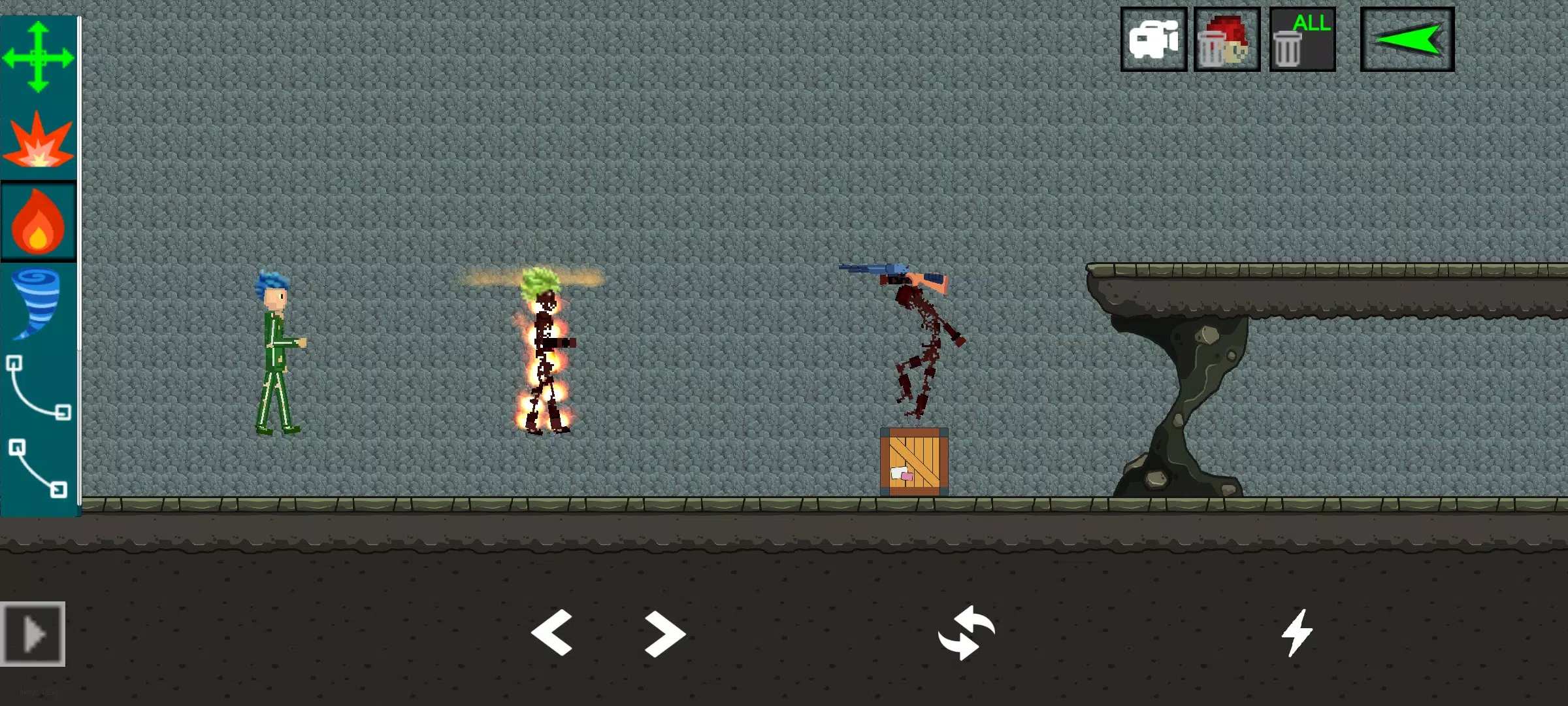
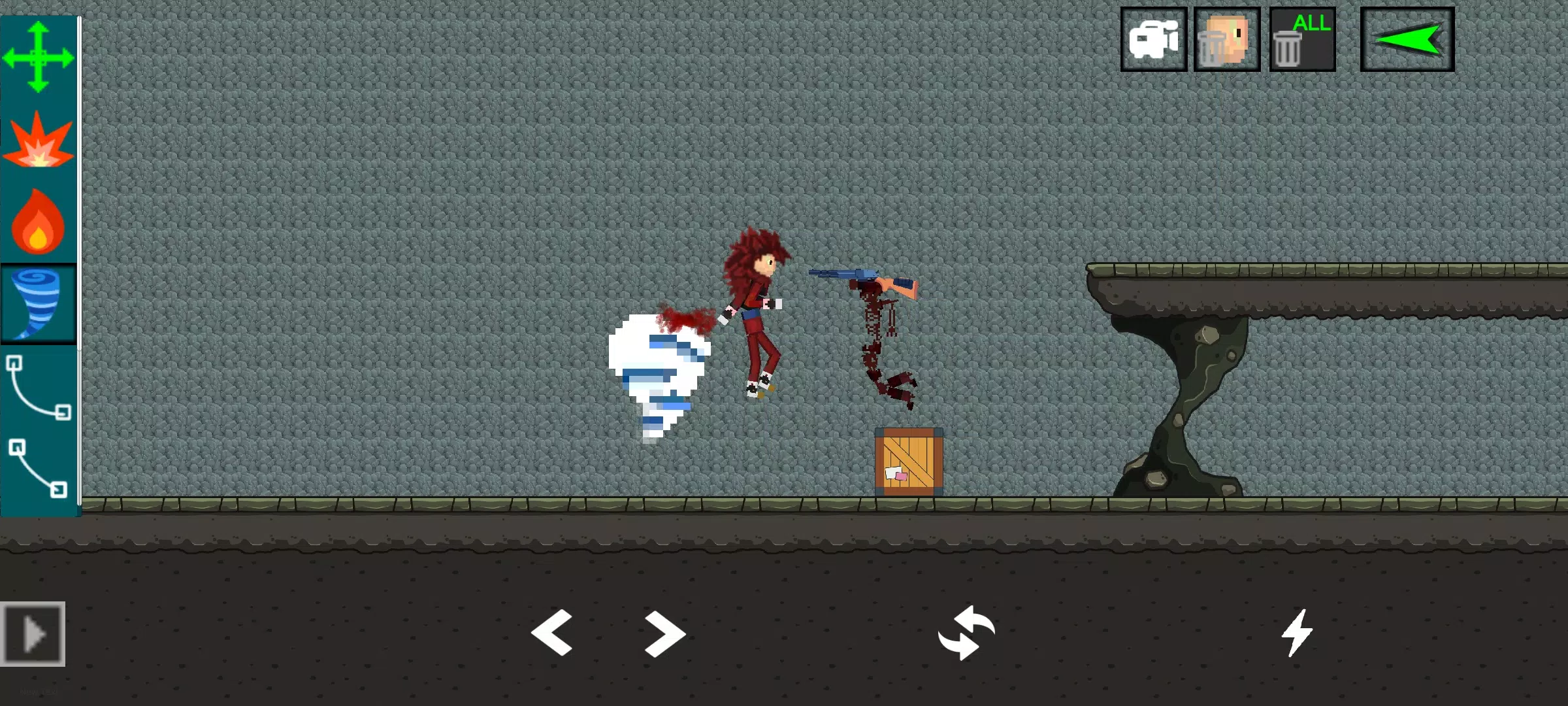
The core gameplay combines a drawing-and-rigging workflow with a tactile physics sandbox. Players sketch limb outlines or place prebuilt joints, adjust mass and joint limits, then apply forces directly by dragging or by attaching weapons and props. Collisions, impacts and joint constraints react according to the physics solver, so small changes in configuration can produce very different results. The environment encourages experimentation: stacking objects, introducing moving hazards, or simply observing unpredictable chain reactions can all be treated as valid play. There are no levels to beat; success is defined by what you create, discover, or manage to reproduce.
Controls and customization
In Sandbox Ragdoll Playground control is intentionally tactile and accessible. Touch-based gestures let you draw limbs, pinch to scale, drag to move parts, and tap to open contextual menus for attaching items or changing physical properties like friction and elasticity. For players who prefer precision, sliders and numeric inputs allow fine-tuning of joint stiffness, mass distribution and collision response. Customization extends to props, weapons and environmental pieces that you can arrange to change the way scenes unfold, and a simple UI makes it straightforward to save and reload configurations for further tweaking.
Progression, replay value and challenge systems
Rather than a traditional level progression, the app rewards curiosity and repetition: players build a personal library of setups, iterate on designs to improve reliability, and challenge themselves by setting objectives such as timed interactions or specific outcome goals. Replay value comes from the open-ended nature of the physics and the wide range of possible interactions between objects and characters. Optional challenge modes let you test stability under constraints—limited props, variable gravity settings or damage thresholds—which provide a light structure for players who want specific goals without imposing a linear campaign.
Visual style and level structure
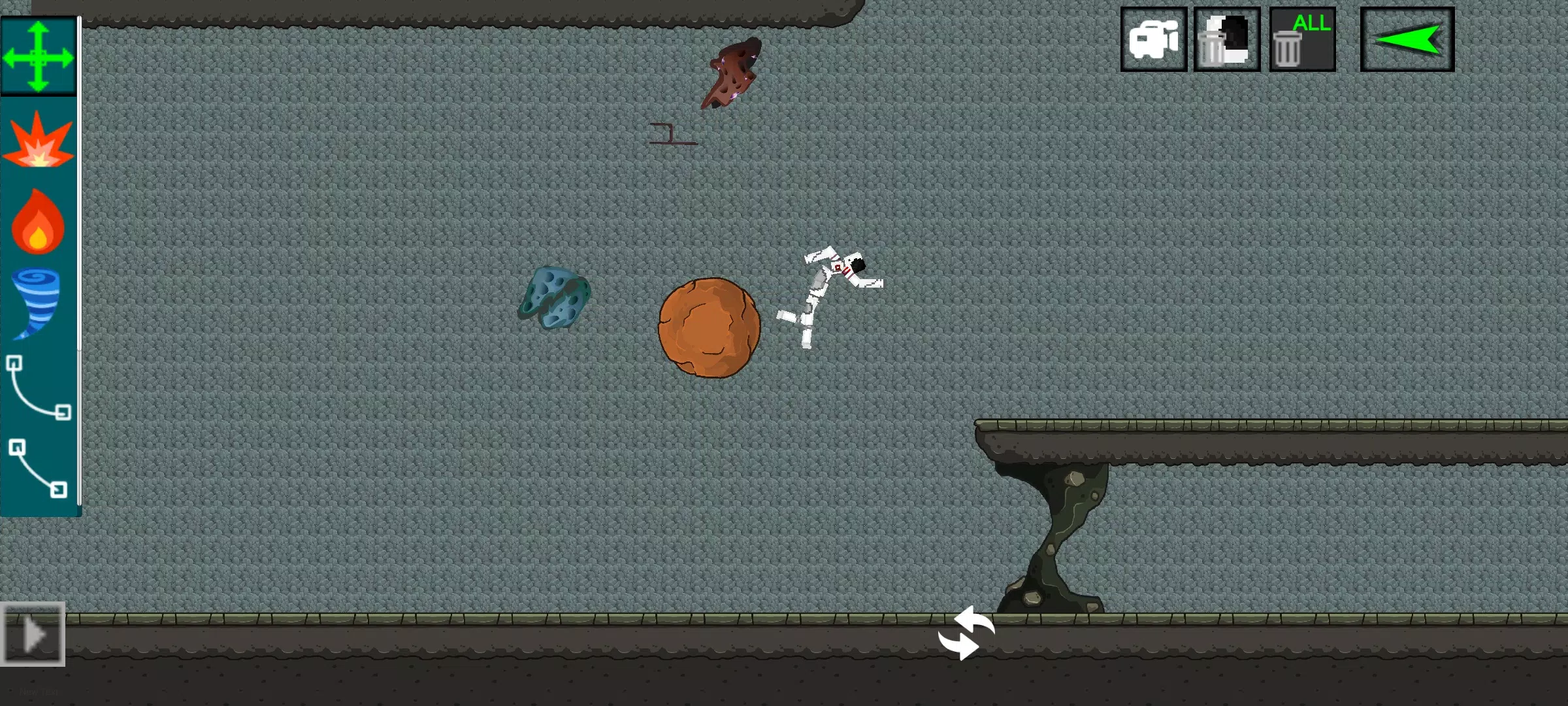
The visual approach balances readability with expressive motion: ragdolls and props are rendered clearly so collision points and joint behavior are easy to follow, while subtle shading and motion cues enhance the sense of weight and momentum. Level structure is flexible, offering open blank stages for freeform play as well as a handful of starter environments that illustrate different physics scenarios. These environments are designed to be reference points rather than goals, helping players learn how changes to configuration or placement affect outcomes.
Accessibility and user experience
The interface prioritizes low friction: contextual help and on-screen hints guide new users through drawing, rigging and basic interactions, while adjustable control sensitivity and optional grid snapping assist players who need greater precision. Settings panels allow players to tune visual contrast and audio feedback so the experience can be adapted for different preferences and needs. The overall UX focuses on making experimentation satisfying and removing barriers to trying new setups.
Offline play and technical notes
The sandbox is built to be enjoyed in short sessions or long experimentation periods and does not require persistent online connectivity for core features, so you can create and test scenes offline. Performance scales based on device capability: physics accuracy and object count are balanced to maintain stable simulation on a wide range of hardware, with options to reduce simulation detail if needed. Regular autosave of scenes prevents accidental loss of work and makes it easy to pick up where you left off.
Tips for players
Sandbox Ragdoll Playground encourages methodical play: start with simple rigs, observe how single forces affect motion, then add complexity. Use the save-and-replay workflow to iterate toward repeatable behaviors, and experiment with environmental variables such as gravity or friction to discover new interactions. Whether you’re testing mechanical concepts, staging comedic sequences, or simply enjoying emergent physics, the sandbox supports a wide range of creative approaches while keeping controls approachable and outcomes interesting.