
Games
Simulation
Block Building Craft 3d
Block Building Craft 3d
| Package ID: | |
|---|---|
| Latest Version: | v1.0 |
| Latest update: | Jun 06, 2026 09:06:03 |
| Developer: | DK_Devs |
| Requirements: | Android |
| Category: | Simulation |
| Size: | 40.50 MB |
| Tags: | Drive Competition Sandbox |
Rating :4.2
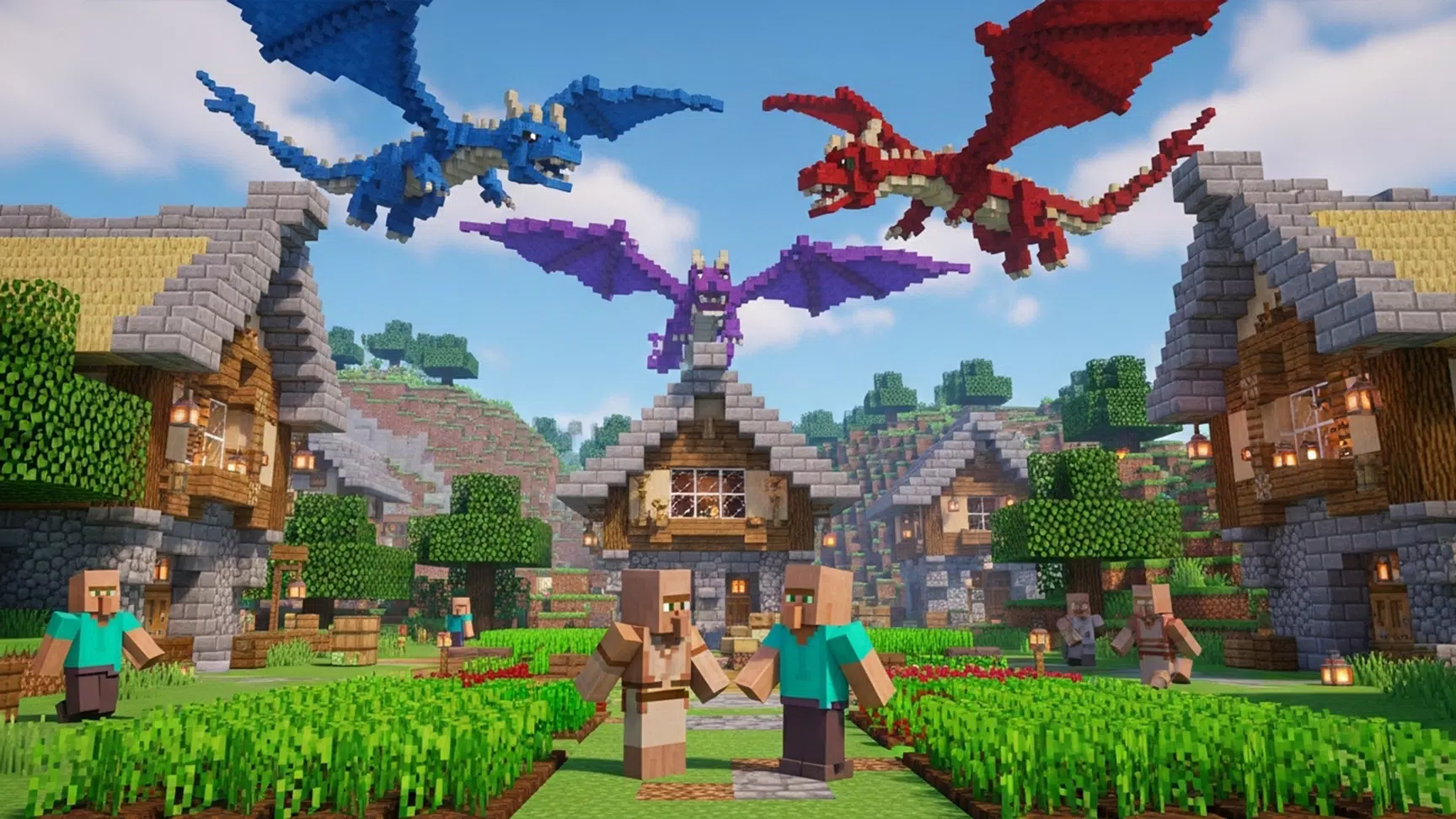
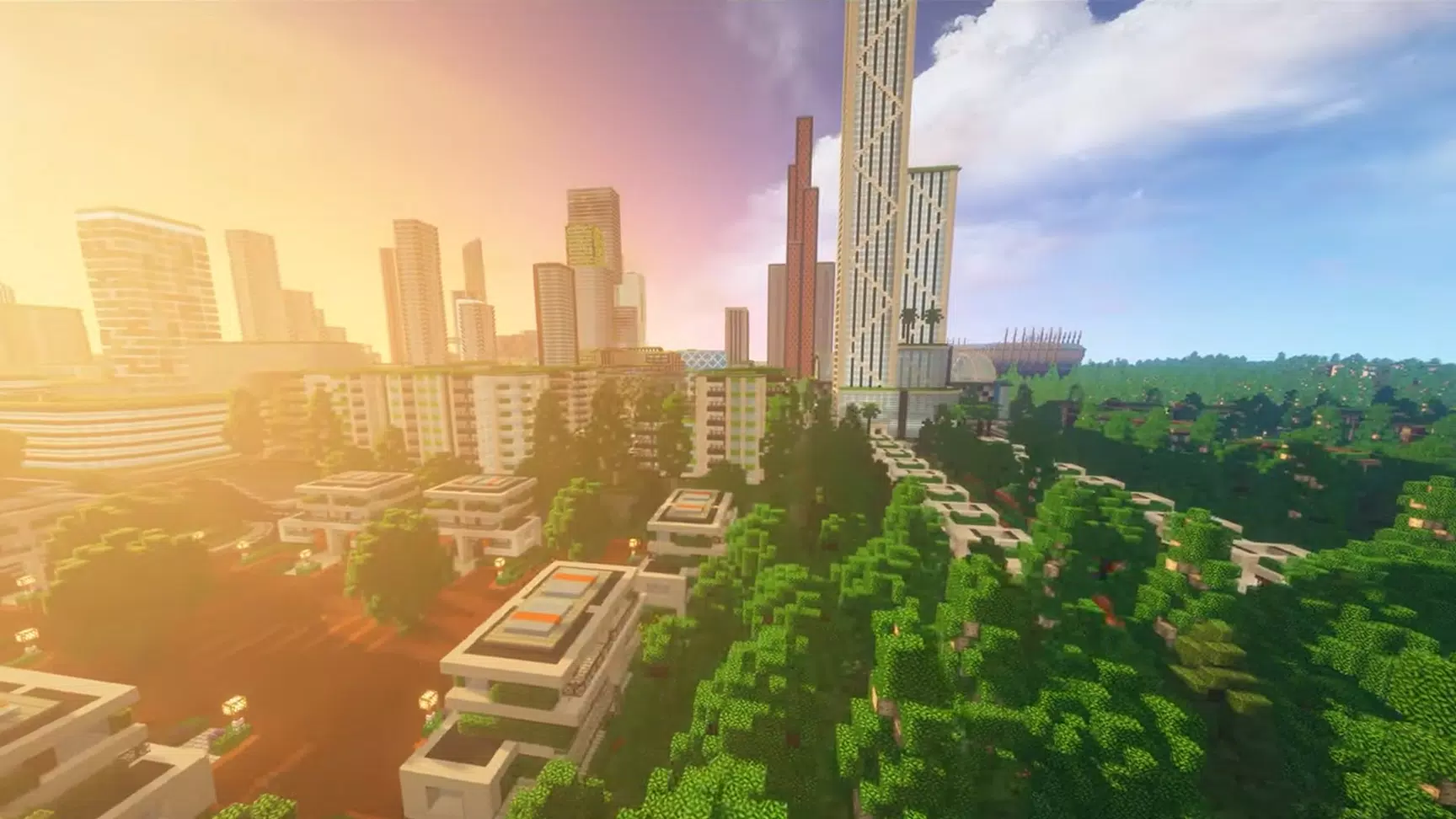
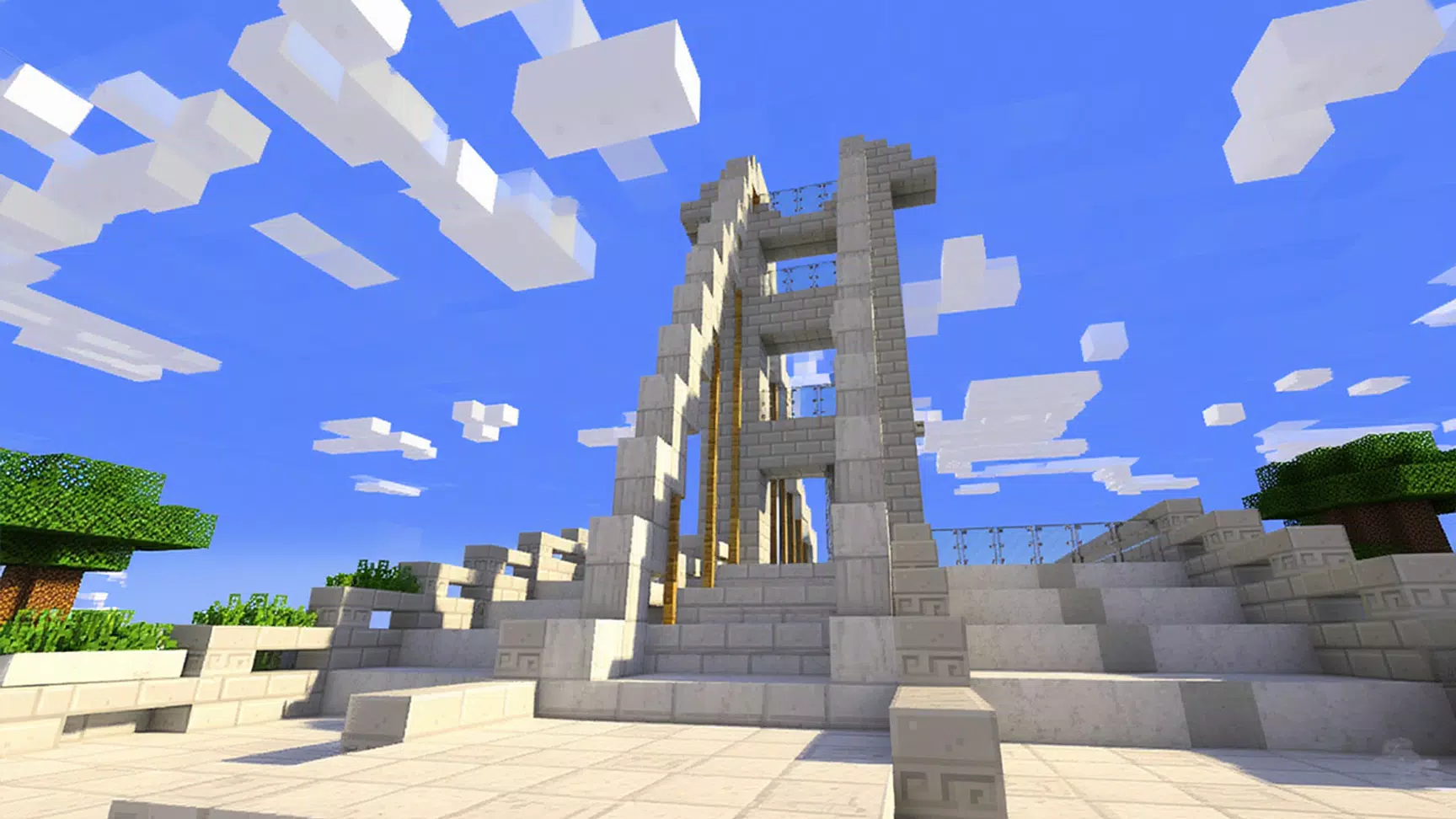
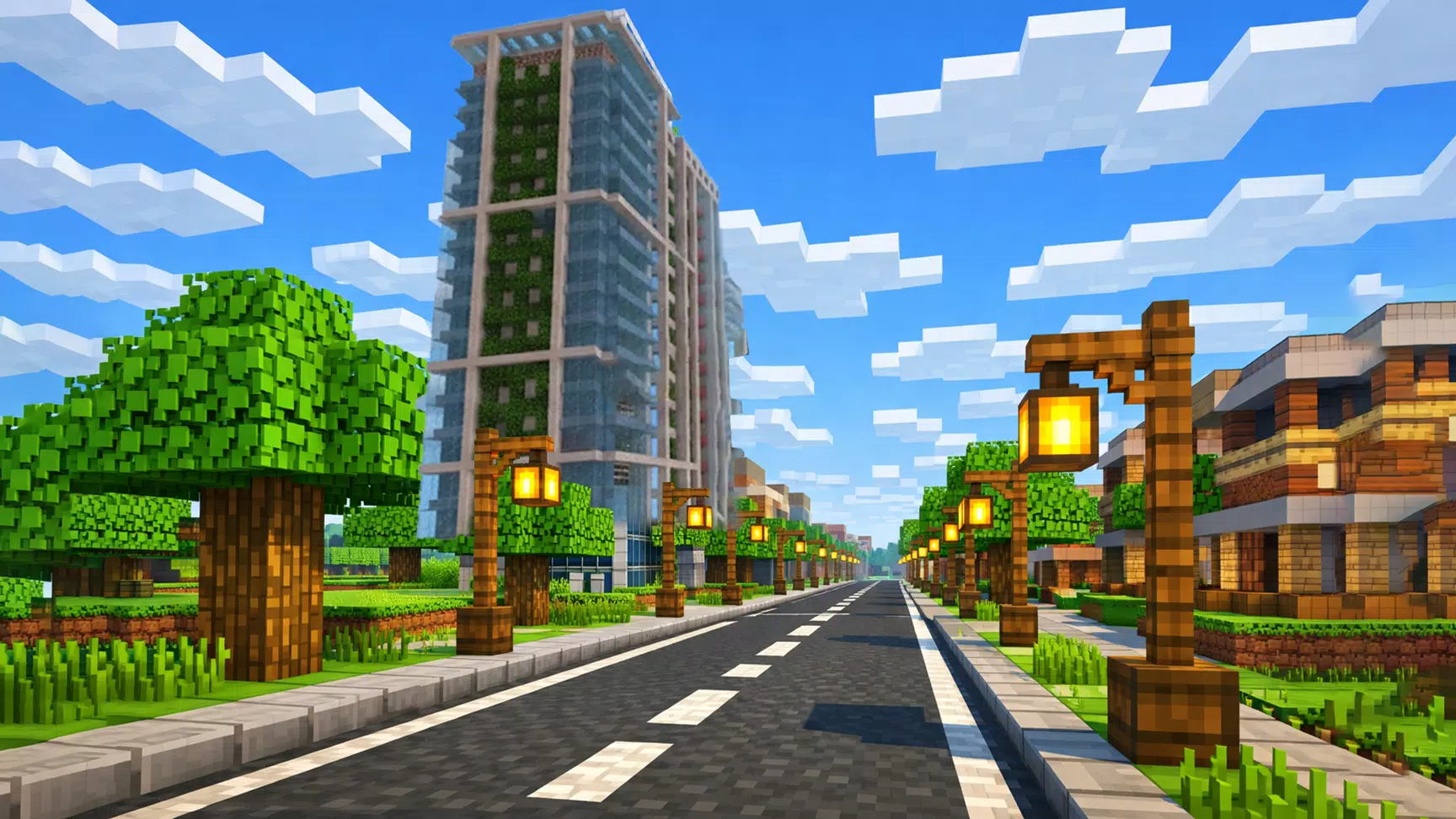
Block Building Craft 3d places you in a bright, open-ended 3D sandbox where building, crafting and exploration are the core activities. Block Building Craft 3d starts simply: collect materials, place and remove blocks, and shape environments from small cottages to sprawling cities using intuitive touch controls. The experience is friendly to new players while leaving room for long-term creative goals, so whether you want a single relaxing session or an ongoing construction project, Block Building Craft 3d adapts to your pace.
Gameplay Mechanics
The game centers on straightforward block placement and resource gathering. You move through a broad world, harvest common building materials and unlock new block types as you experiment. Construction uses a grid-based placement system with optional snap-to-grid accuracy for clean architecture, and free-form mode for organic shapes. Simple crafting recipes allow you to convert raw resources into specialty blocks and decorative pieces, encouraging players to plan layouts and test combinations. There are also optional in-game objectives that suggest building challenges—like constructing a bridge or redesigning a façade—to guide players who prefer light goals alongside open-ended play.
Controls and User Interface
Controls are optimized for touch devices: drag to pan the camera, pinch to zoom, and two-finger rotate to inspect builds from every angle. Building controls use a pop-up palette for quick access to block types, color selections and placement modes, while a single-tap remove tool lets you correct mistakes easily. The interface includes an undo history, a quick-rotate block preview, and adjustable sensitivity settings so you can tailor controls to your device and comfort level. Tutorials and on-screen hints introduce new tools gradually rather than overwhelming new players.
Progression and Customization
Progression in Block Building Craft 3d is player-driven: as you gather materials and complete optional objectives, new block varieties and decorative items become available. Rather than levels, progression is expressed through an expanding toolbox that enables more complex structures and refined aesthetics. A simple blueprint system lets you save frequent builds as templates for later use, and a paint palette provides color customization for most blocks. These options make it easy to iterate on designs and personalize your world without complex menus.
Visual Style and Performance
The game uses colorful, low-poly 3D block graphics that prioritize clarity and performance. Visuals are designed to be relaxing and readable on a wide range of devices, with adjustable quality settings to improve frame rate on older phones or increase detail on modern hardware. Lighting and shading are subtle so structures remain the focal point, and a clear, saturated palette helps differentiate materials and decorative elements even during long creative sessions.
Level Structure and World Design
Worlds in Block Building Craft 3d are open and non-linear, organized into distinct regions and terrain types that offer different resource mixes and aesthetic backdrops. You can travel freely between areas to gather resources or test building concepts in new surroundings. The lack of preset stages encourages experimentation, while optional localized challenges provide short-term goals that can be completed in a single session.
Replay Value and Challenge Systems
Replayability comes from the sandbox tools themselves: as your toolbox expands, previously impractical ideas become achievable, keeping long-term play engaging. Challenge systems are light and optional, consisting of timed design prompts, self-imposed constraints and community-inspired build themes that you can attempt offline. Because the core loop emphasizes creativity over strict objectives, the game rewards patience, iteration and experimentation rather than speedrunning or leaderboard competition.
Accessibility and Offline Play
Block Building Craft 3d includes accessibility options such as adjustable text size, colorblind-friendly palettes, and simplified controls for one-handed play. The game is fully playable offline, so you can build and save projects without an internet connection; saved builds are stored locally for later editing. Performance settings, control remapping and simple visual cues help the game remain approachable for a wide range of players and devices.
User Experience and Tips
The user experience focuses on making construction satisfying and low-friction: quick-save before major changes, use templates for repetitive elements, and switch between grid and free-form placement to combine precision with creativity. New players should start with small projects to learn placement and camera controls, while more experienced builders can experiment with layered structures and resource-efficient designs. Regular updates add new decorative items and block types to keep creative options fresh without changing the single-player sandbox core.