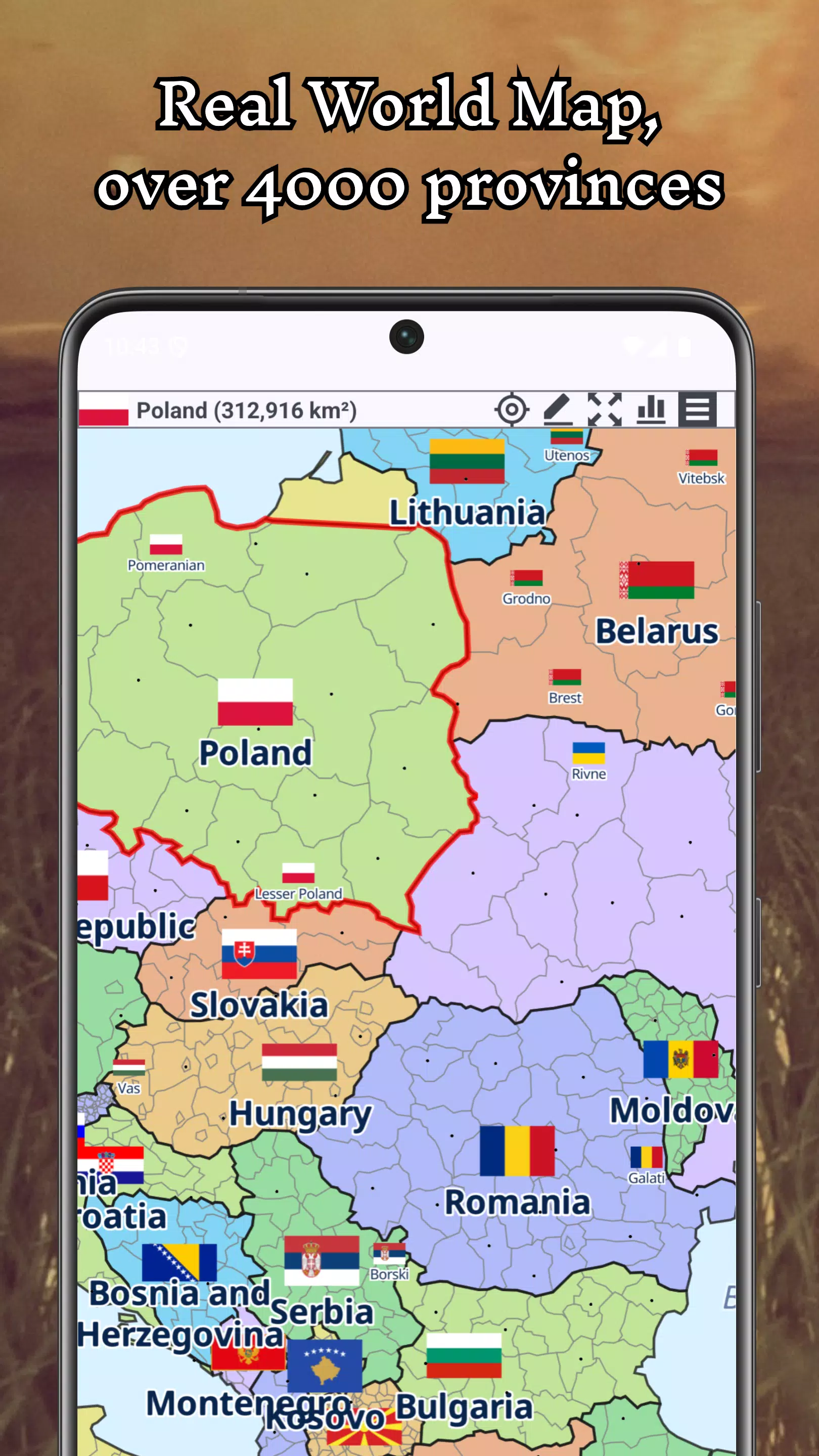
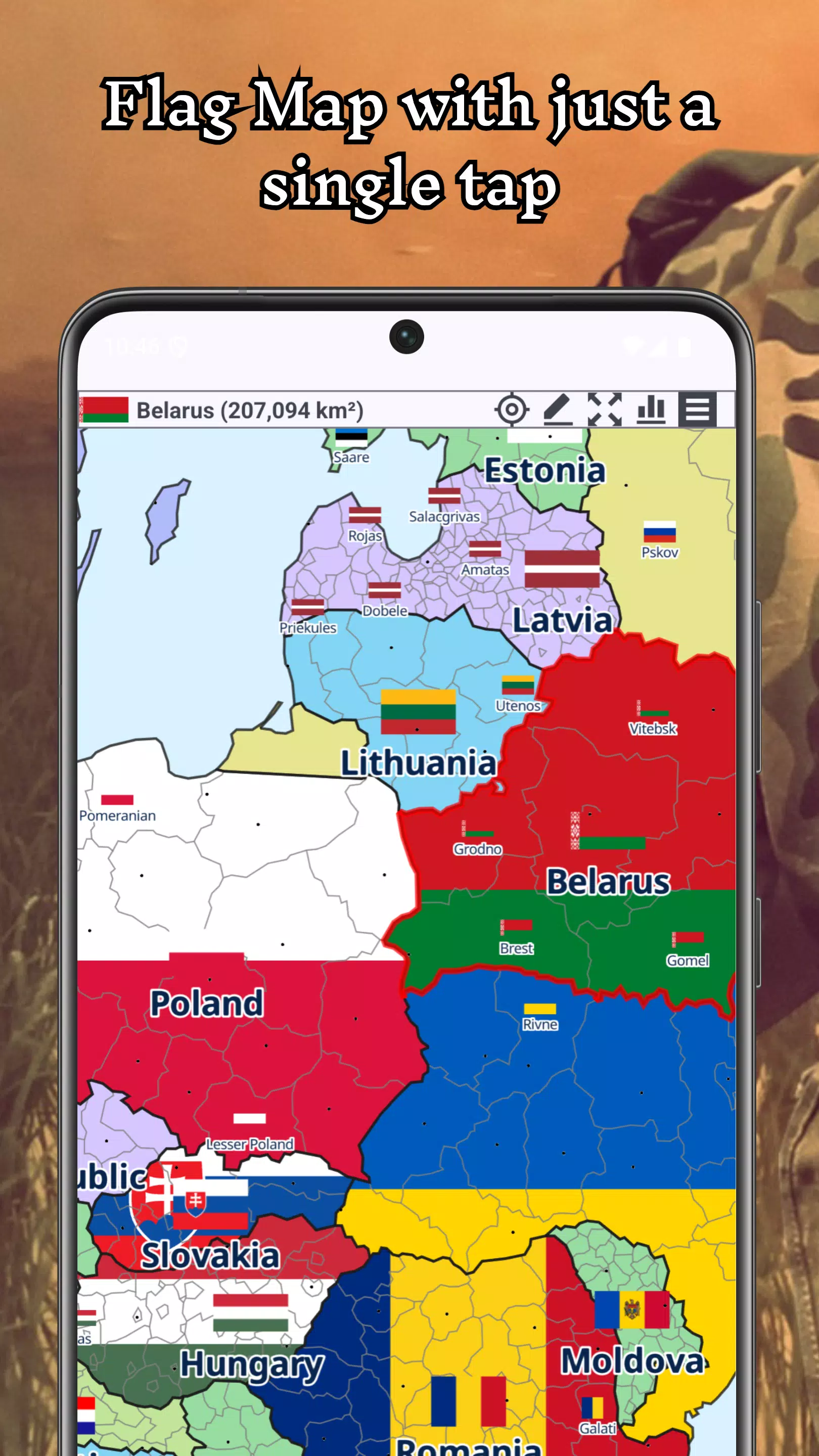
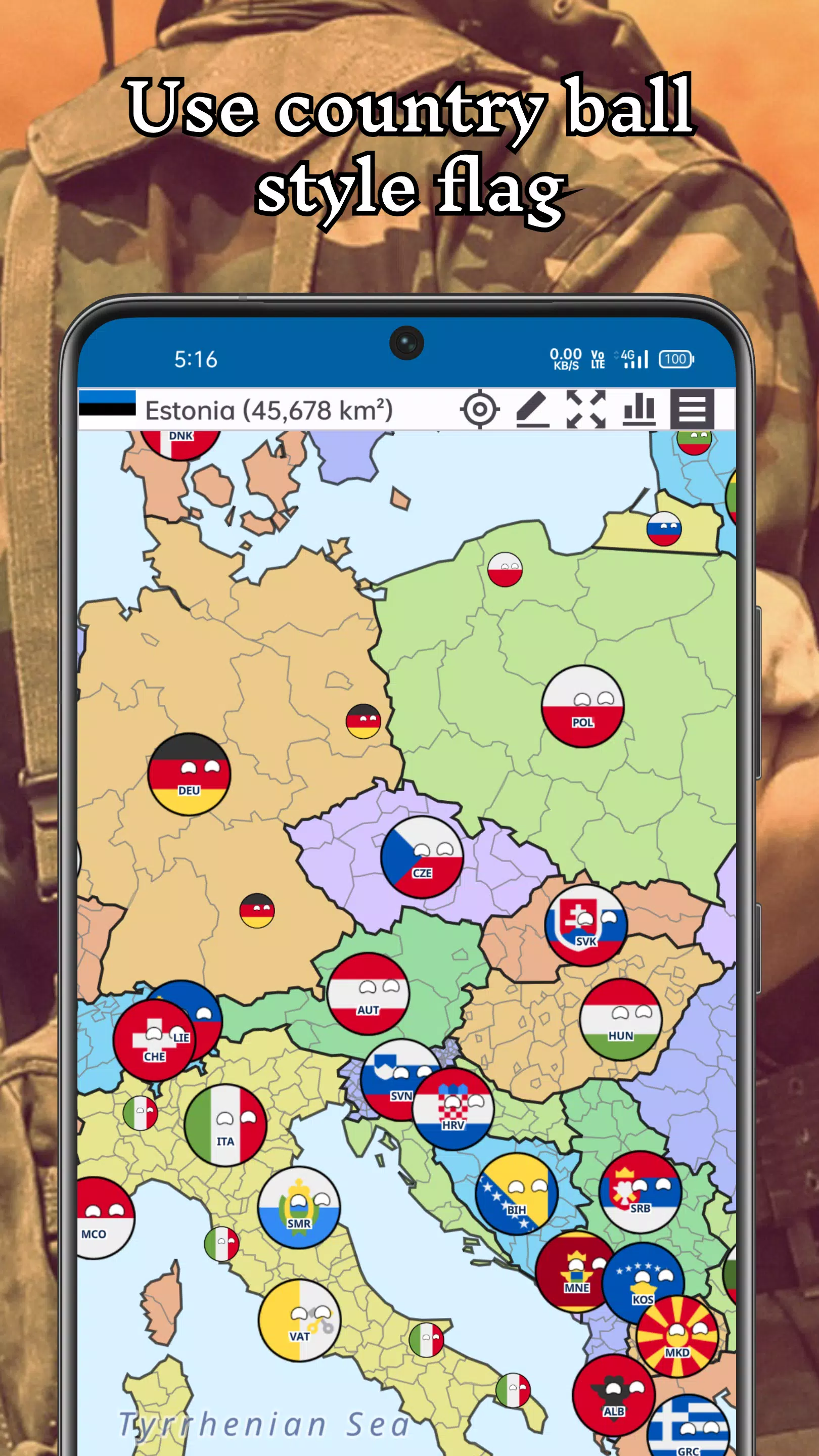
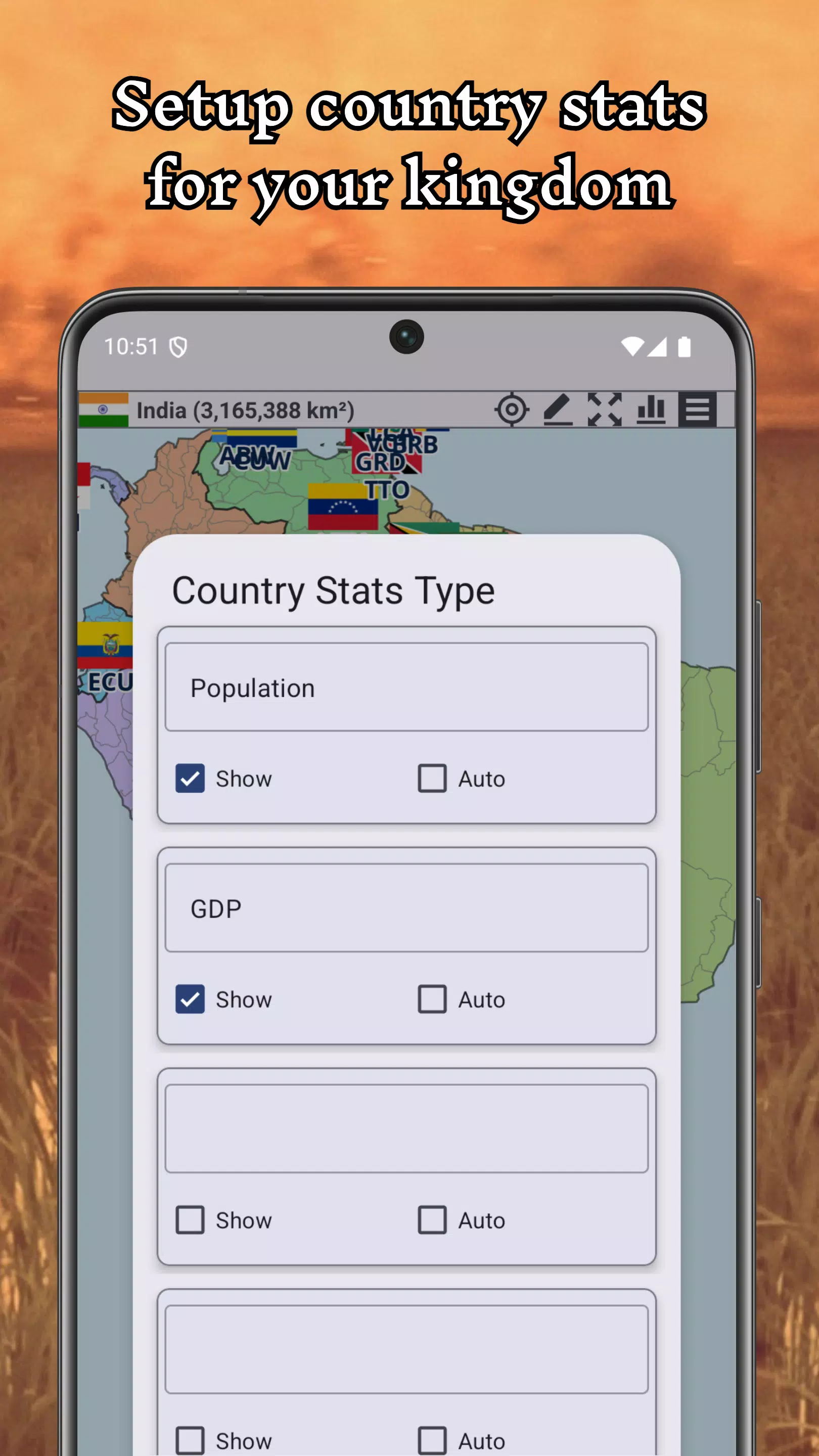

A+ World Map Editor Sandbox is a creative sandbox app that puts a detailed, editable Earth map at your fingertips, letting you redraw borders, rename nations, and explore alternate-historical or fictional worlds entirely offline. In A+ World Map Editor Sandbox you start from a high-quality baseline map and use intuitive tools to reshape regions, assign capitals and flags, and inspect results in either a flat map or a rotatable globe view. The interface balances precision with accessibility so both hobbyists and more serious alternate-history authors can work on projects without an internet connection.
Key features
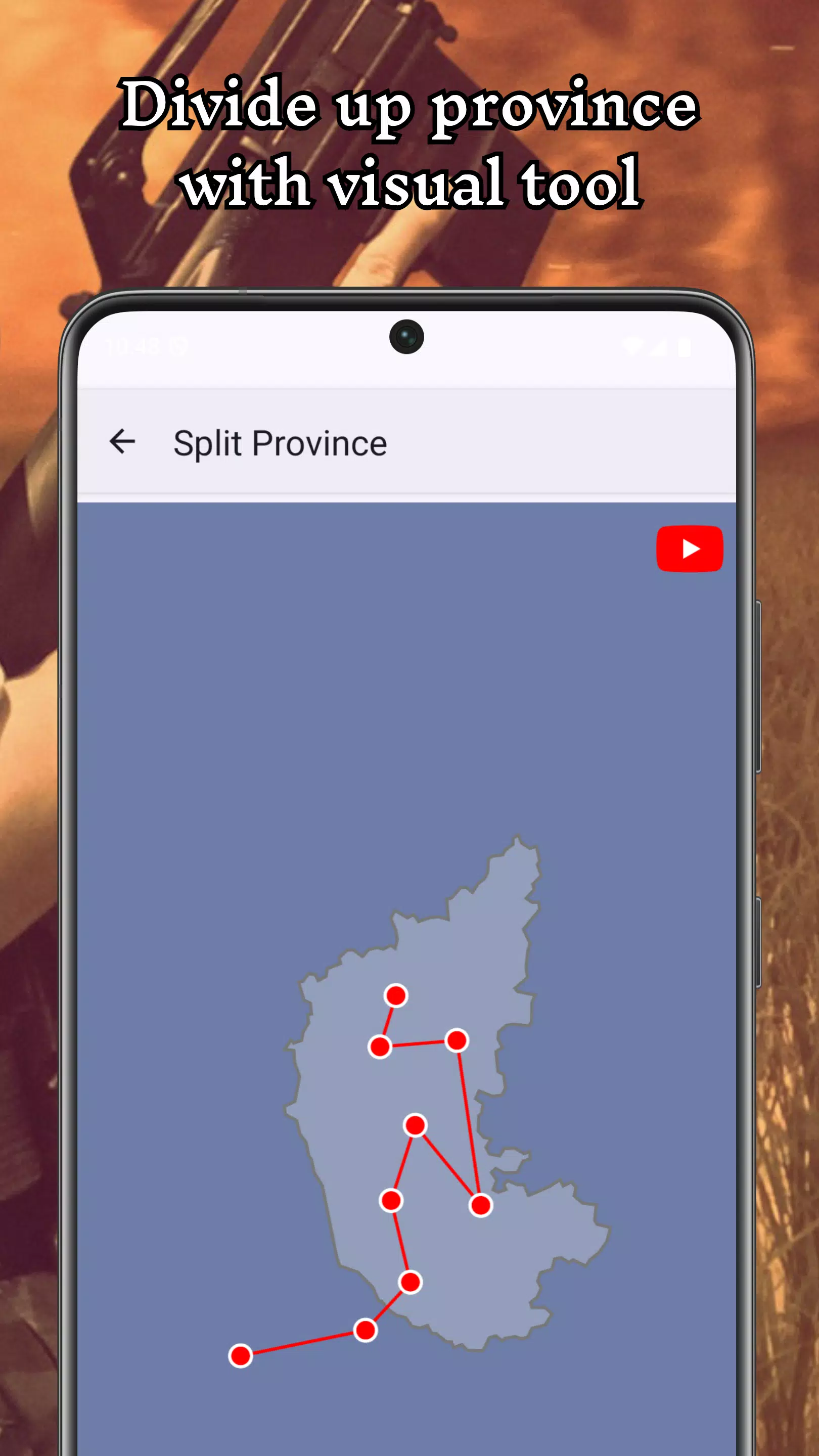
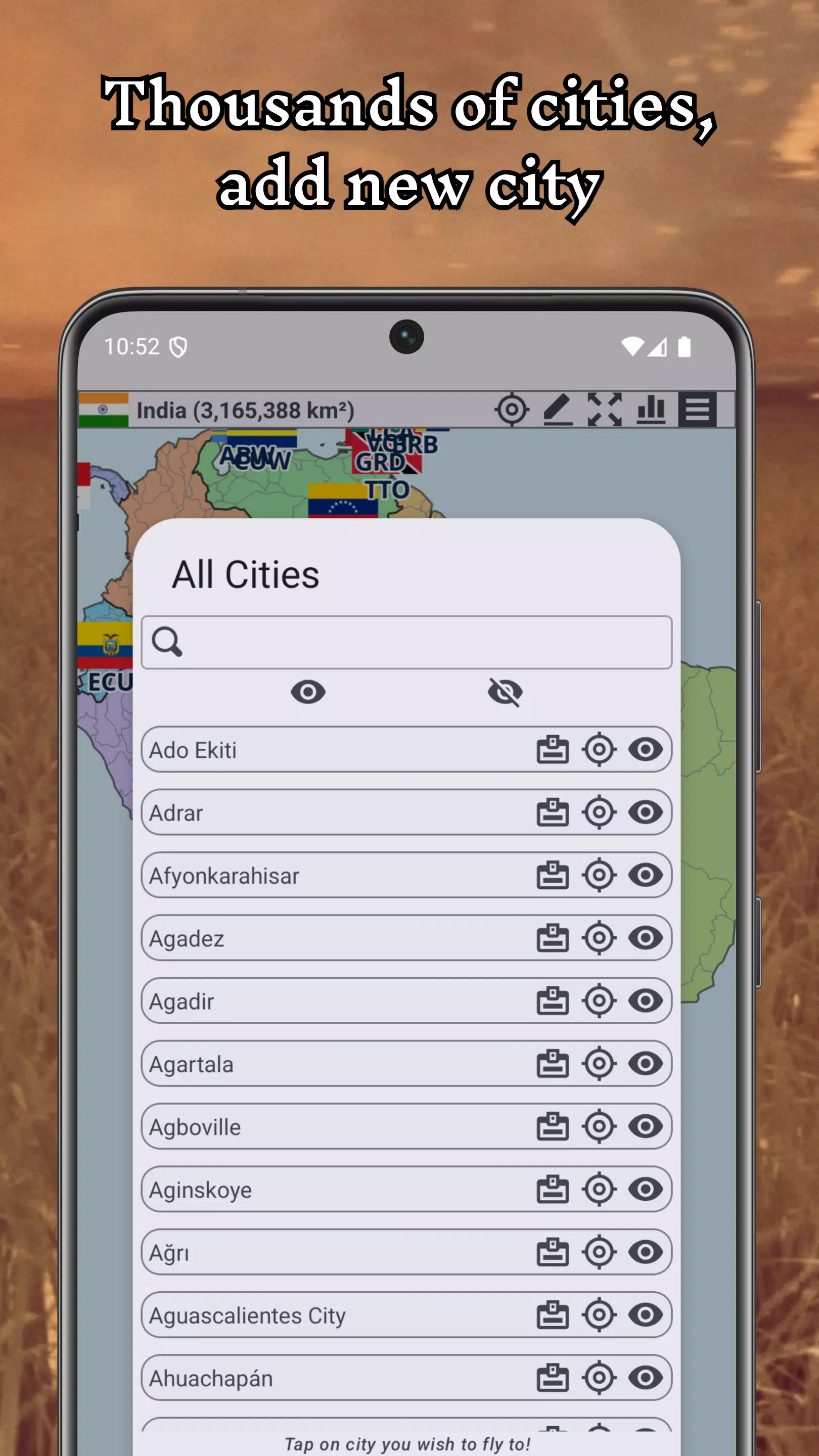
The editor provides a full set of map-making tools that let you trace new boundaries, merge or split territories, and adjust administrative levels ranging from provinces to nations. You can rename places, set custom capitals, and apply new symbols or flags to any polity. A+ World Map Editor Sandbox supports undo/redo for careful editing, project files you can save locally, and export options for images of your map at different zoom levels. Smooth zoom and pan controls make navigation easy whether you are detailing a single province or shaping an entire continent.
Gameplay and controls
Gameplay is intentionally open-ended: there are no scripted missions, so the challenge is in the design choices you make and the scenarios you create. Controls are touch-optimized for phones and tablets, with pinch-to-zoom, two-finger rotate for globe mode, and contextual toolbars for drawing, erasing, and selecting regions. An optional grid snapping mode helps with precise border work, and adjustable brush sizes let you perform broad strokes or fine edits. Tooltips and a progressive help overlay guide new users through core actions until they feel comfortable working on larger designs.
Progression and projects
Progression in this app is user-driven: you build complexity through projects that grow over time. Save multiple projects to experiment with different historical outcomes or fantasy settings, and use versioning within a project to track alternative timelines. There are no level gates or microtransactions to unlock tools; all editing capabilities are available from the start so your learning curve is focused on mastering techniques rather than acquiring features. Larger campaigns can span dozens of sessions, supported by autosave and manual backups so long-term world-building is practical.
Visual style and customization
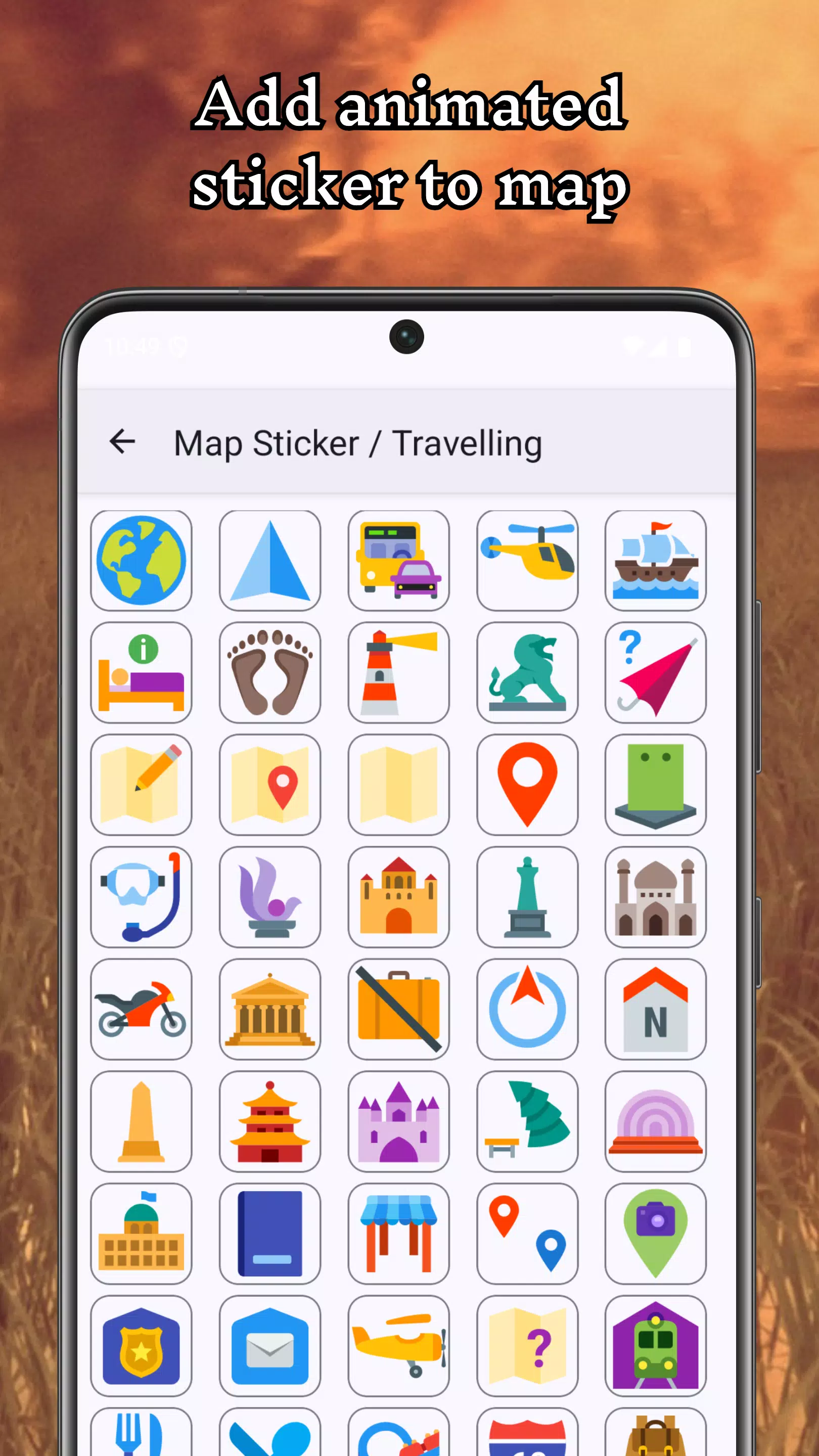
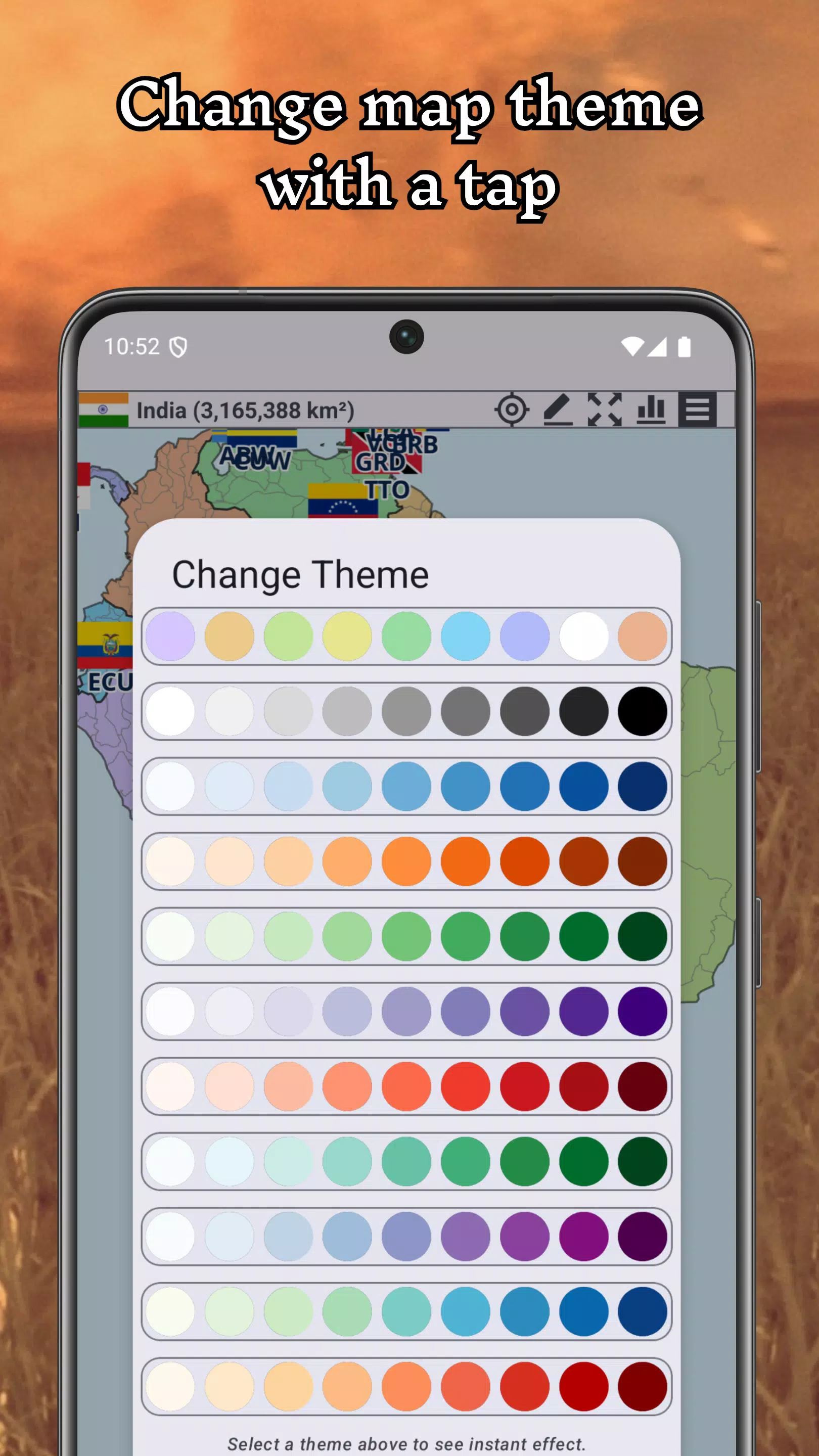
The visual presentation emphasizes clarity and flexibility: a realistic basemap is paired with simple, readable overlays so names and borders remain legible even at small scales. Customization options include color palettes, flag images, and icon styles for cities and capitals. You can import an image to use as a custom flag or background texture, and adjust opacity or label density to create political, cultural, or thematic map styles. Whether you prefer an atlas look or a stylized fantasy aesthetic, the available settings let you tailor the appearance to your project.
Level structure and challenge systems
Although this is a sandbox rather than a level-based title, you can create structured scenarios by defining objectives for yourself: reunify a region, prevent a civil war, or engineer a federation. The app supports markers and notes that let you annotate strategic goals, supply chains, or historical events. For players seeking challenge, larger maps and fine-grained political subdivisions create complexity that requires planning and iterative refinement, turning map editing into a deep strategic exercise.
Replay value and user experience
Replay value comes from experimentation and storytelling: try different political decisions, test alternate geographies, or rehearse counterfactual histories. The interface is designed for long editing sessions with minimal friction: tools are grouped logically, autosave minimizes lost work, and the file browser keeps projects organized. The app respects common accessibility expectations by offering high-contrast label modes and adjustable text sizes so maps remain usable for a wide range of players.
Offline play and accessibility
All features of A+ World Map Editor Sandbox are available offline, which is ideal for travel, field research, or creative sessions without network access. The app is optimized for reasonable performance on mid-range devices while still supporting detailed maps and large projects. Accessibility features include scalable UI elements and clear iconography; the project system avoids destructive operations by requiring confirmation for irreversible edits and offering an easy rollback to prior saves.
Getting started
New users should begin by loading the default Earth map and experimenting with simple edits: rename a small region, draw a new border, and rotate the globe to inspect the change in 3D. Use the save-and-branch approach to explore several hypotheses in parallel, and keep notes inside projects to record the reasoning behind major changes. A+ World Map Editor Sandbox is suited to educators, writers, and hobby cartographers who value creative control and offline reliability, and it provides a capable, flexible platform for building convincing alternate worlds without external services.