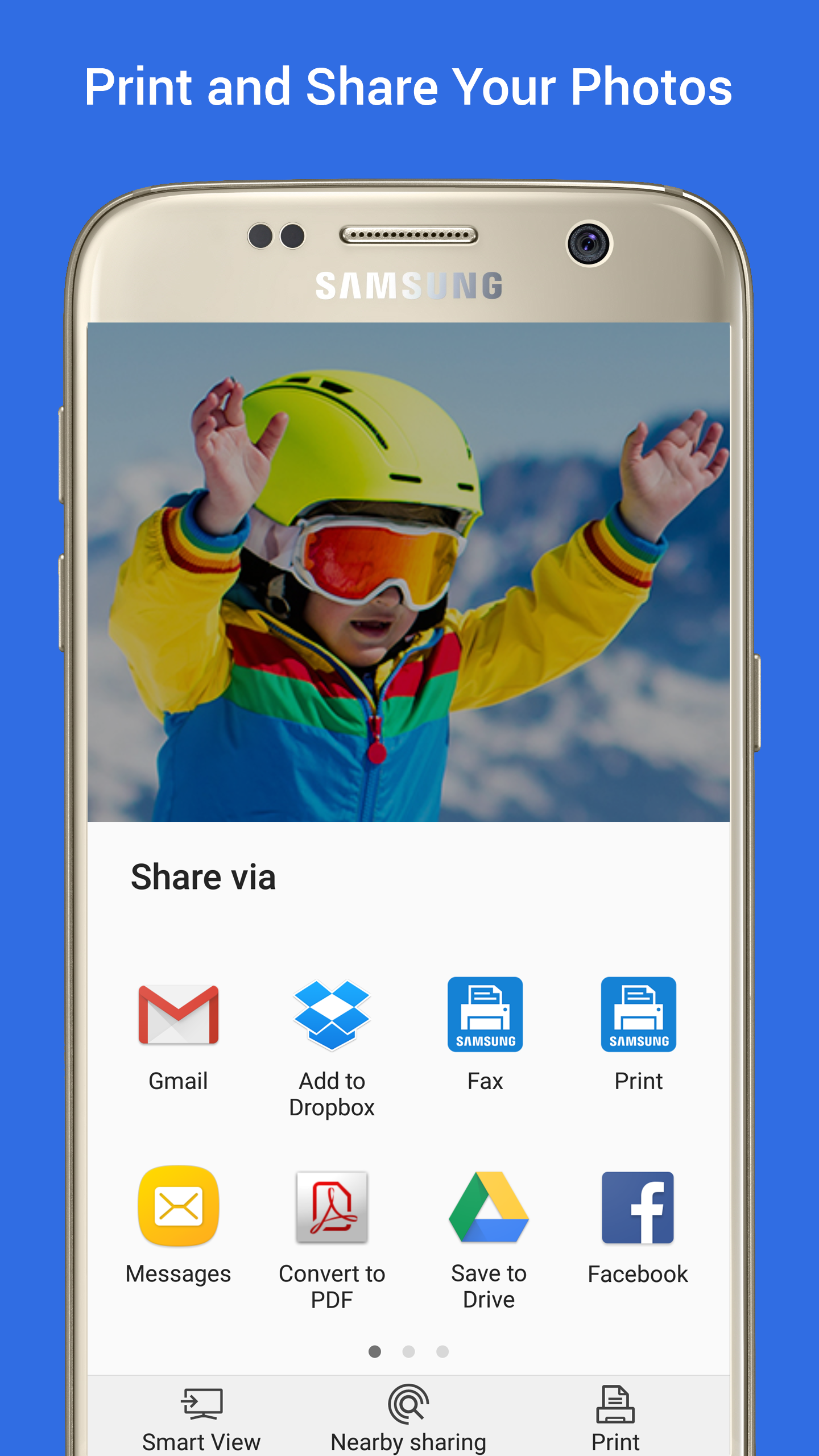
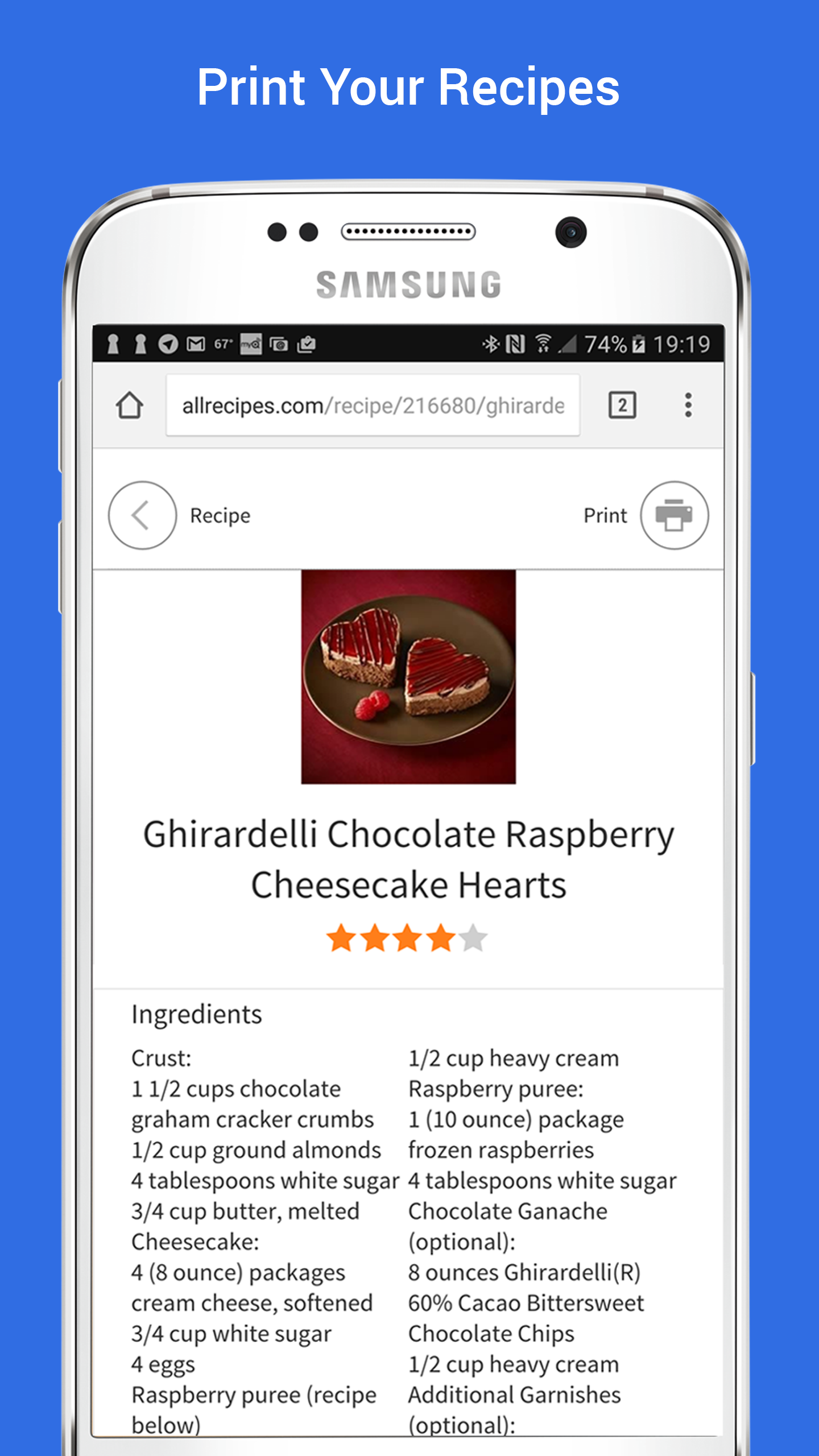
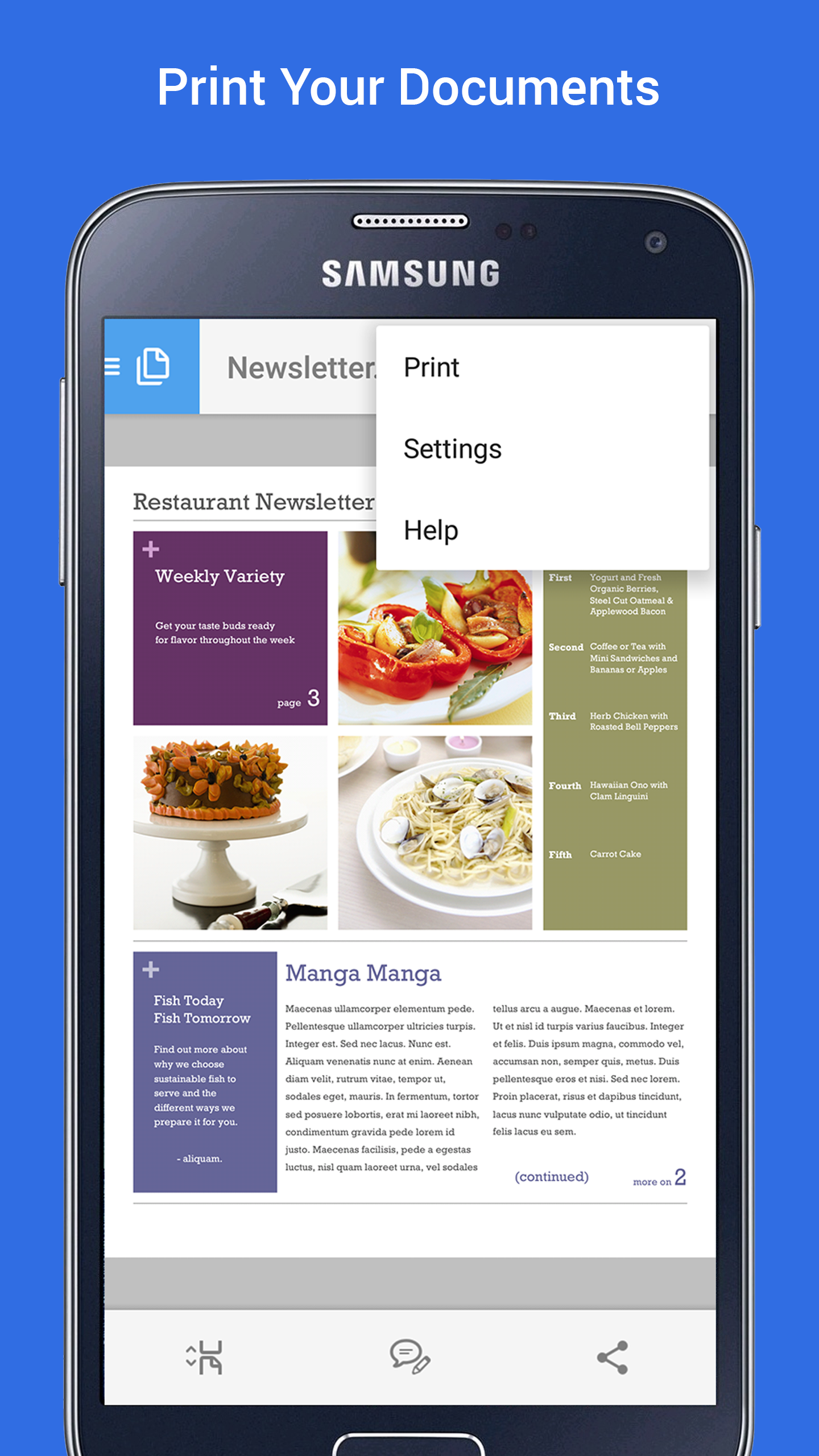
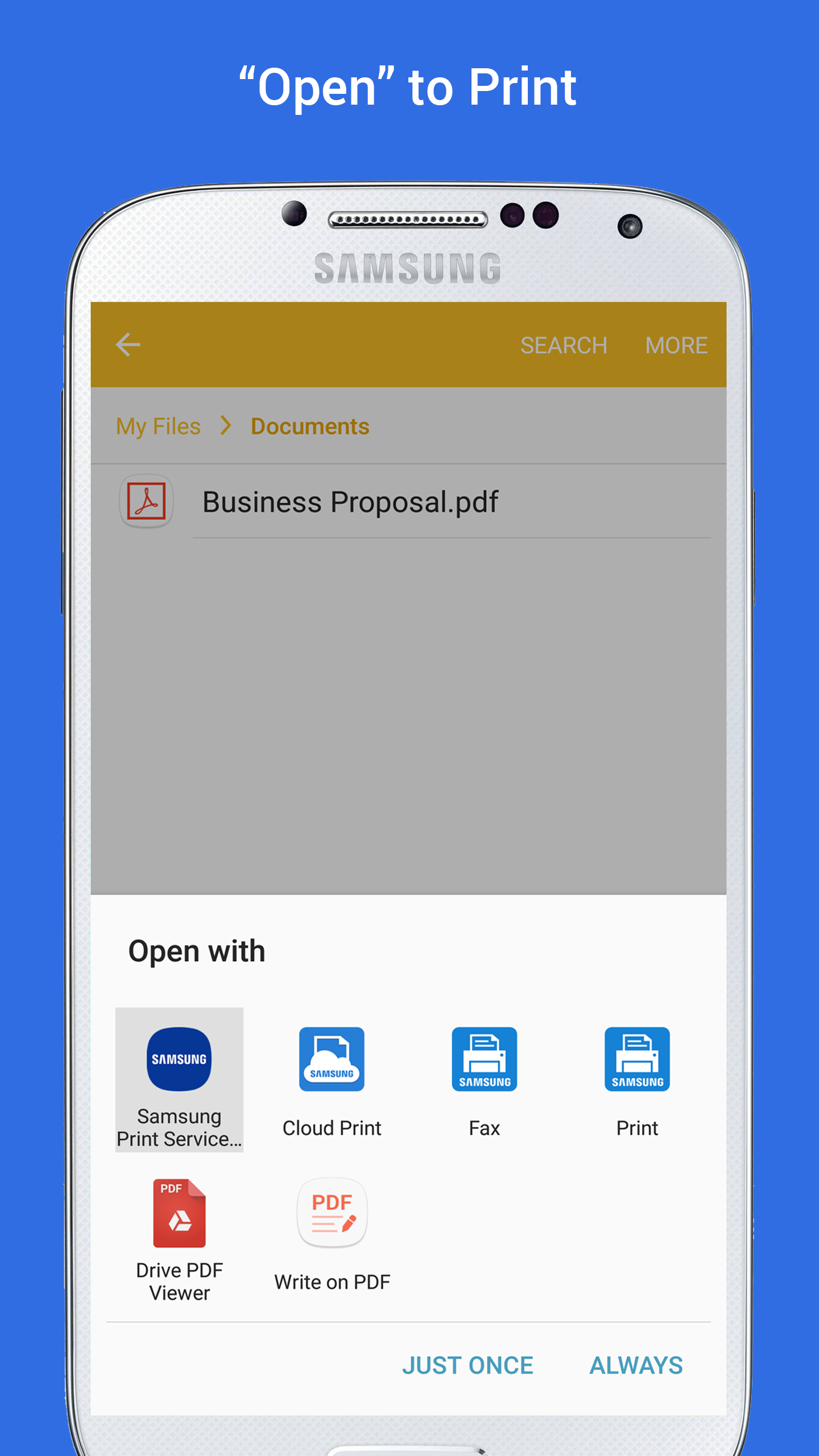
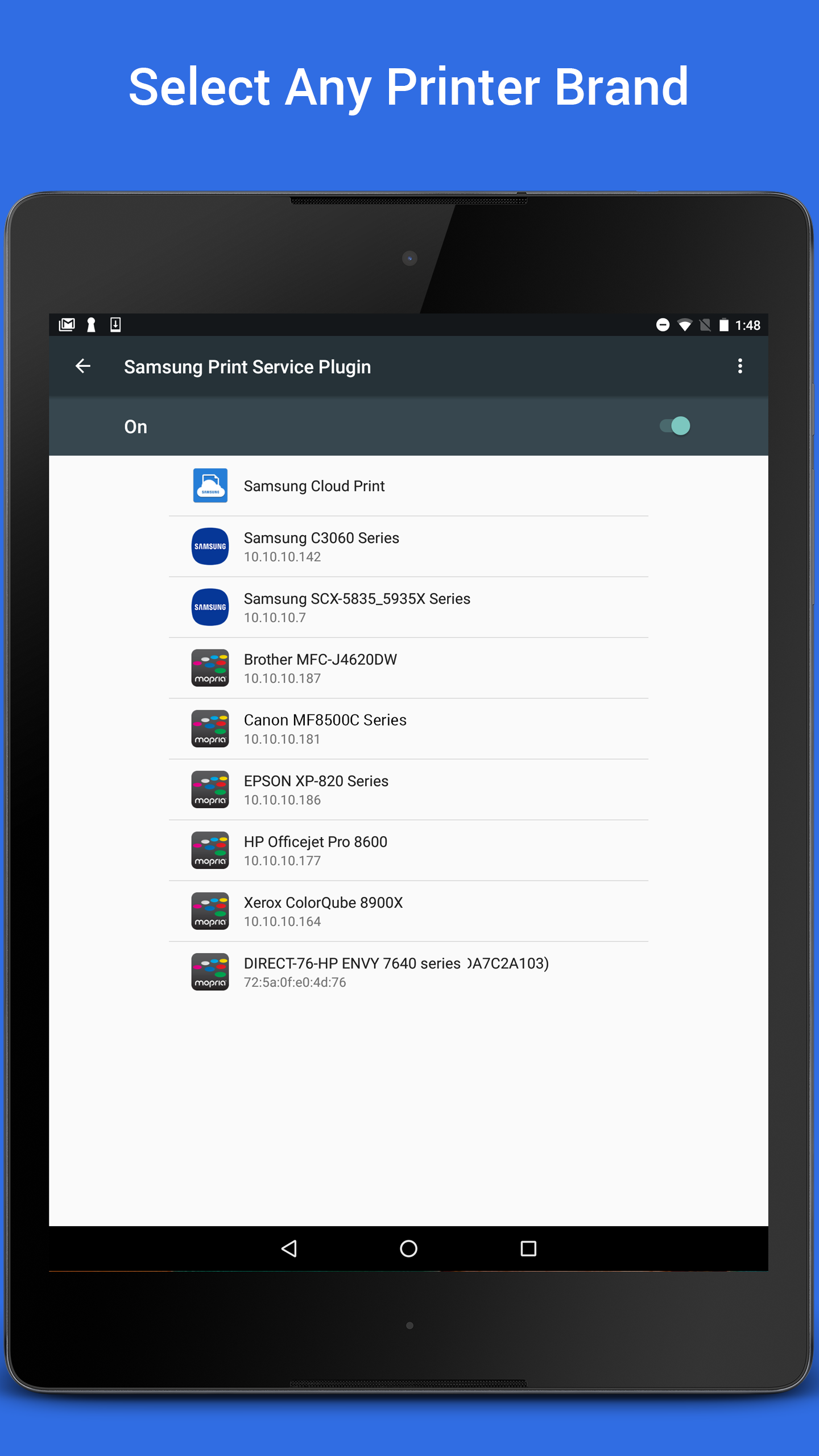

Samsung Print Service Plugin integrates with the Android print framework to enable printing from apps to supported printers, making it possible to print documents, images and web pages directly from your device when connected to a compatible printer or network.
Key features
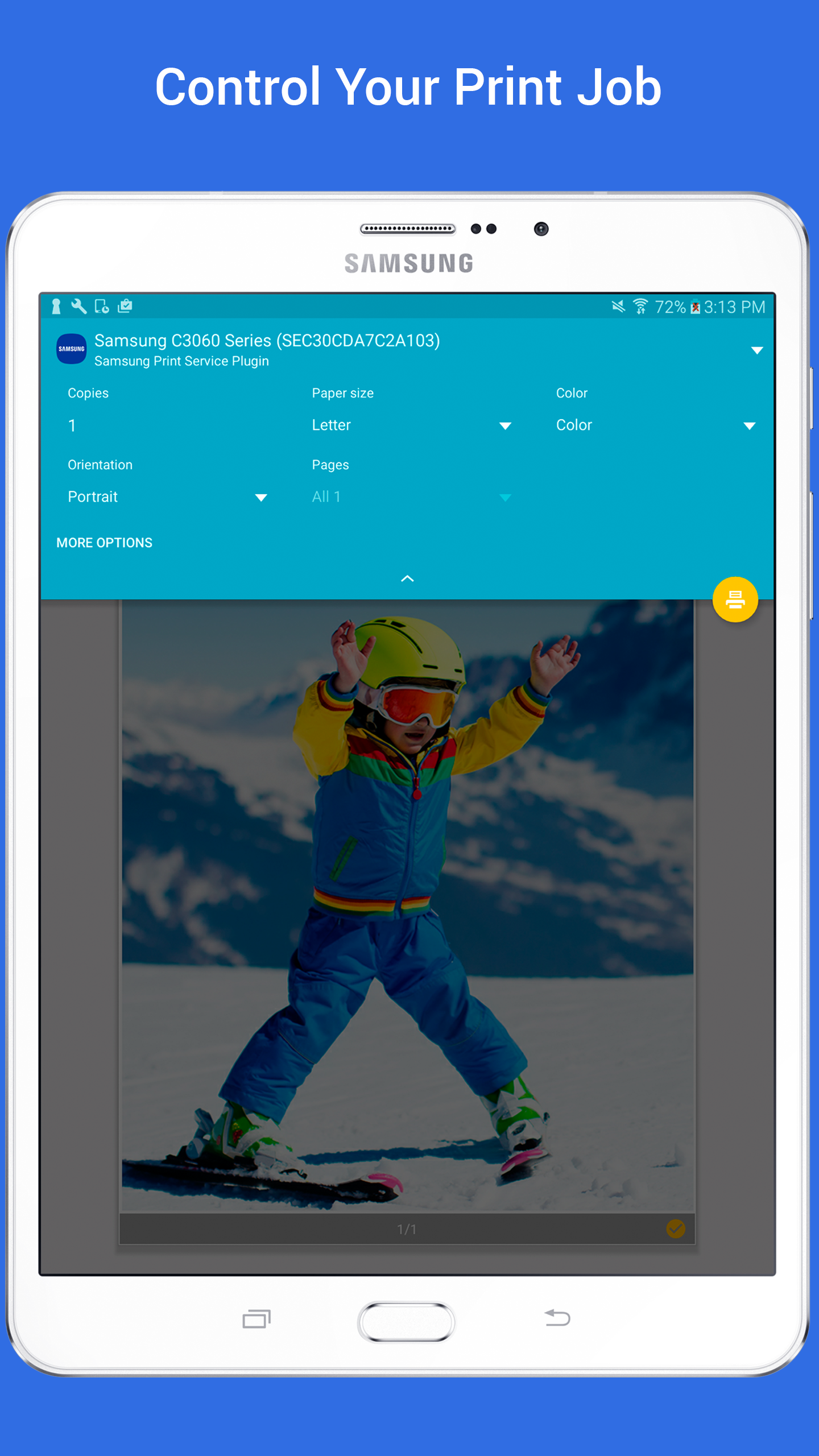
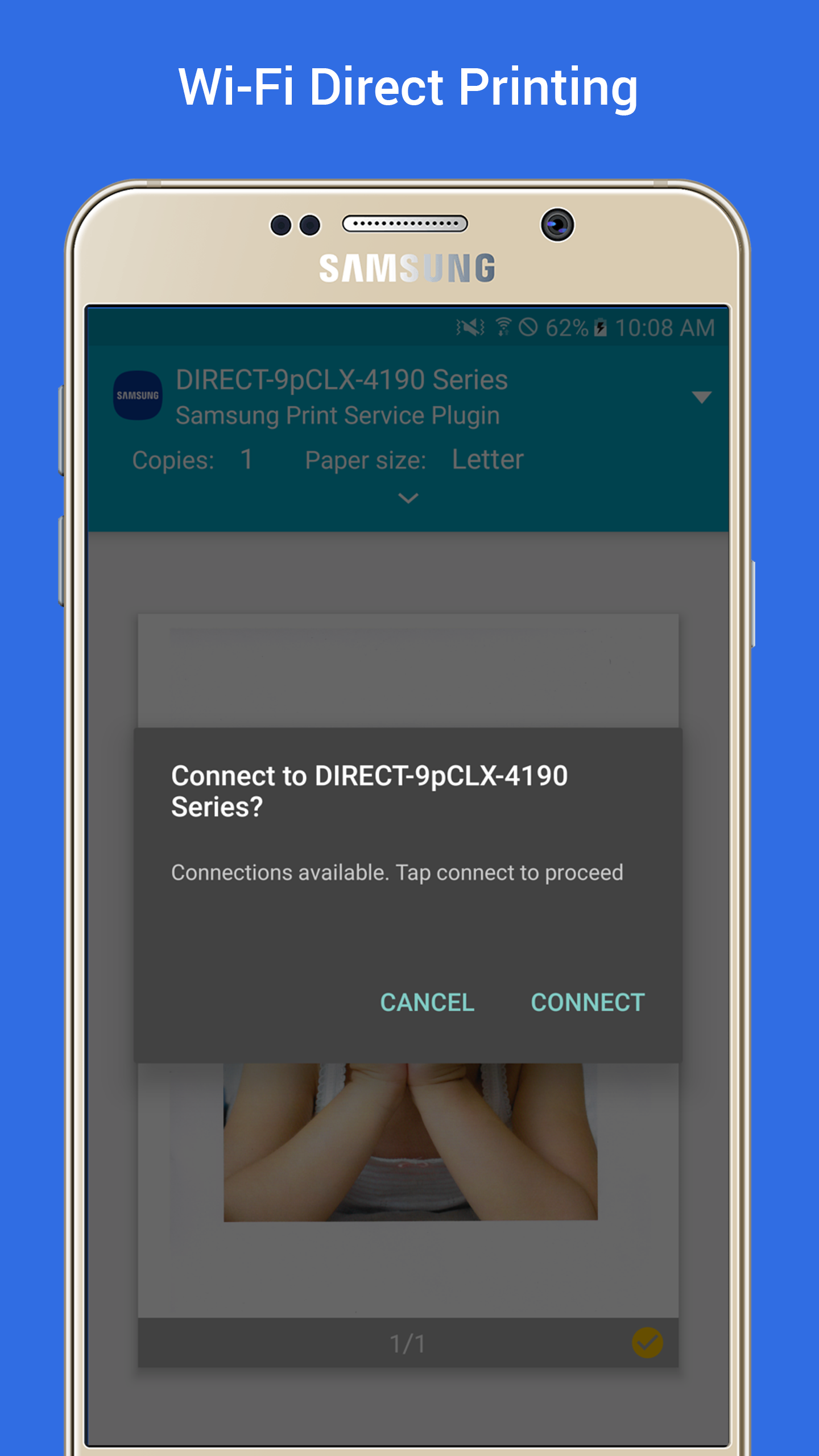
Samsung Print Service Plugin allows printing from apps via the standard Android print dialog, discovers printers on Wi‑Fi and local networks for easy setup, and supports common page sizes, orientation and image scaling as provided by the Android printing API.
Setup and requirements
To get started, install Samsung Print Service Plugin and enable it in Android print settings so apps can see available printers; a compatible Android device and access to the same network as your printer are required. Samsung Print Service Plugin provides a simple way to add printing capability to apps that use the Android print system without extra setup in each app.