
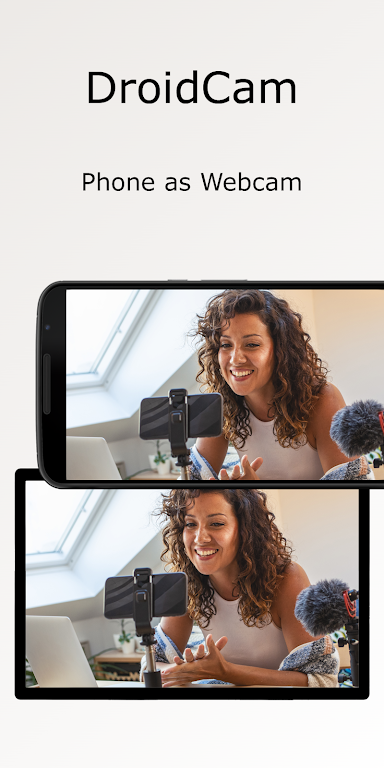
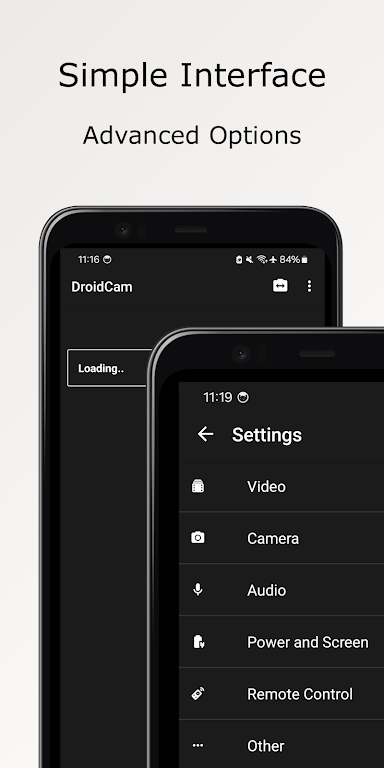

DroidCam Webcam & OBS Camera is a versatile application that turns your smartphone into a high-quality webcam for your PC. With this app, you can easily use your phone’s camera as a webcam for video conferencing, streaming, or recording. It supports both USB and Wi-Fi connections, making it flexible for various setups. Whether you're working from home, attending virtual meetings, or live streaming, DroidCam provides an affordable solution to improve your video quality without needing to purchase a separate webcam. Its easy-to-use interface makes it suitable for both beginners and advanced users alike.
Features of DroidCam Webcam & OBS Camera:
- High-Quality Video: DroidCam supports HD video streaming, delivering clear and sharp visuals for video calls and streaming applications.
- USB and Wi-Fi Connectivity: The app offers both USB and Wi-Fi options for connecting your phone to your PC, providing flexibility for various user preferences and setups.
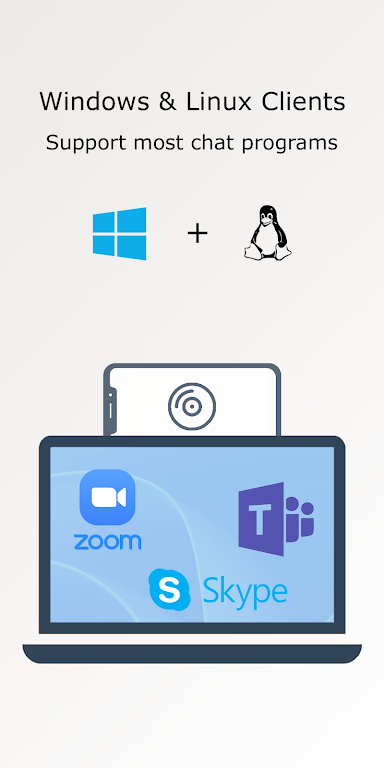
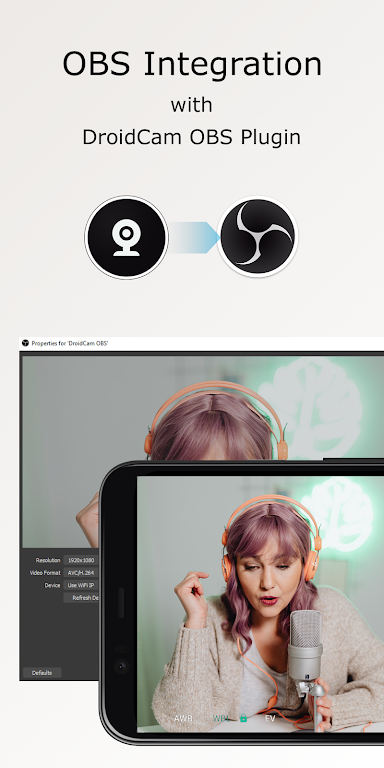
- Works with Popular Apps: DroidCam is compatible with popular applications such as OBS, Zoom, Skype, and Microsoft Teams, making it ideal for both personal and professional use.
- Wide Camera Compatibility: The app supports a range of devices, from Android phones to iPhones, providing a broad user base with the ability to use their smartphones as webcams.
- Adjustable Settings: Users can adjust the video resolution, brightness, and other settings, ensuring optimal video quality for different lighting conditions.
Playing Tips for DroidCam Webcam & OBS Camera:
- Ensure a Stable Connection: For the best performance, use a stable Wi-Fi connection or a direct USB connection to avoid lag or interruptions during video calls or streams.
- Test Camera Settings: Before using the app for an important call or stream, test the camera settings like resolution and brightness to ensure optimal video quality.
- Use a Tripod: To improve stability and avoid shaky video, mount your phone on a tripod or a stable surface while using it as a webcam.
- Close Unnecessary Apps: To ensure smooth performance, close other apps on your phone that may interfere with the camera feed or cause lag.
- Explore Advanced Features: For more professional setups, experiment with features like OBS integration to add filters, overlays, and effects to your video stream.
Conclusion:
DroidCam Webcam & OBS Camera offers a cost-effective and flexible solution for users who need to use their smartphone as a webcam. Whether for business video calls, casual chats, or high-quality streaming, the app provides high-definition video with adjustable settings to fit any situation. Its easy connectivity options and compatibility with popular applications make it an excellent choice for anyone looking to improve their webcam setup without additional hardware. DroidCam’s simple yet powerful features ensure users get the most out of their smartphone’s camera, making it a must-have tool for video communication and streaming.